
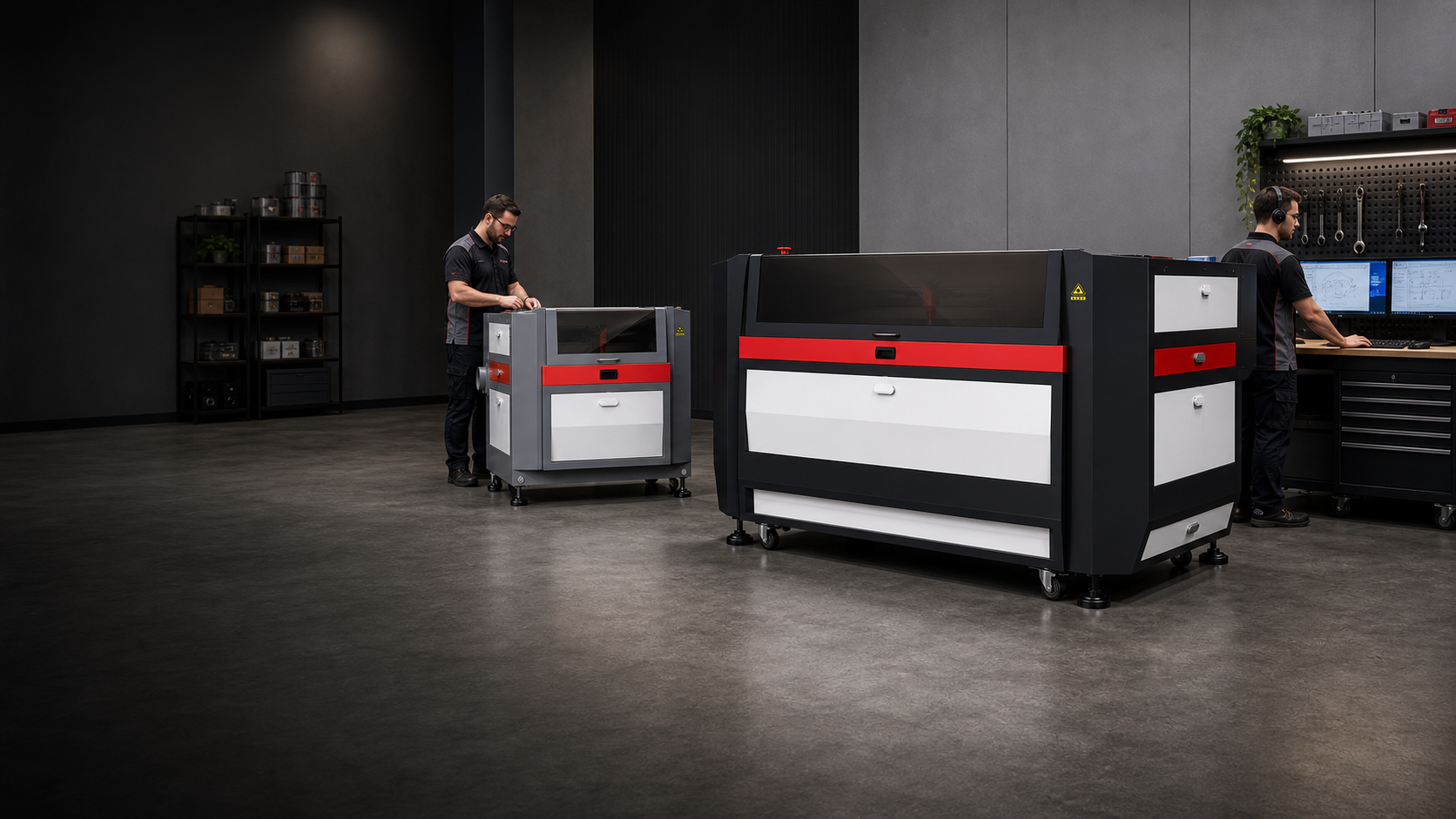
Applications Hub
Choosing the right laser depends primarily on the material being processed.
Each material has unique characteristics, and understanding them makes the difference in achieving the best result. Start with the category closest to your work — the cards below jump straight to that application.
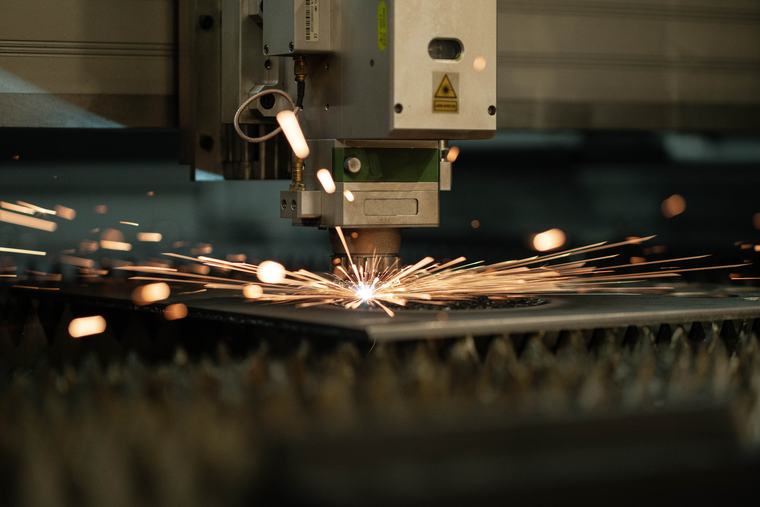


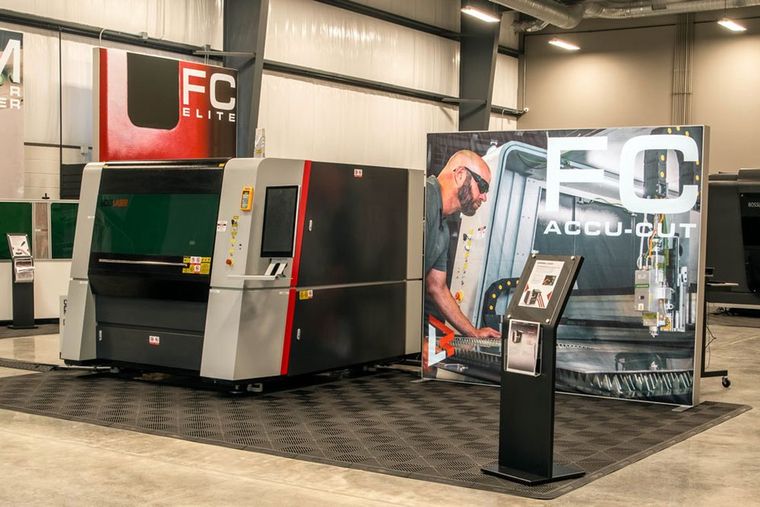
Find the right metal cutting path for your material, thickness, and production goals.
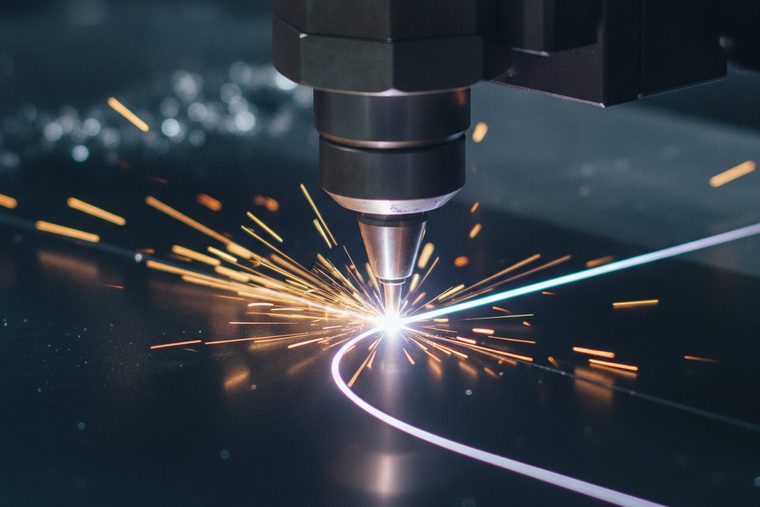
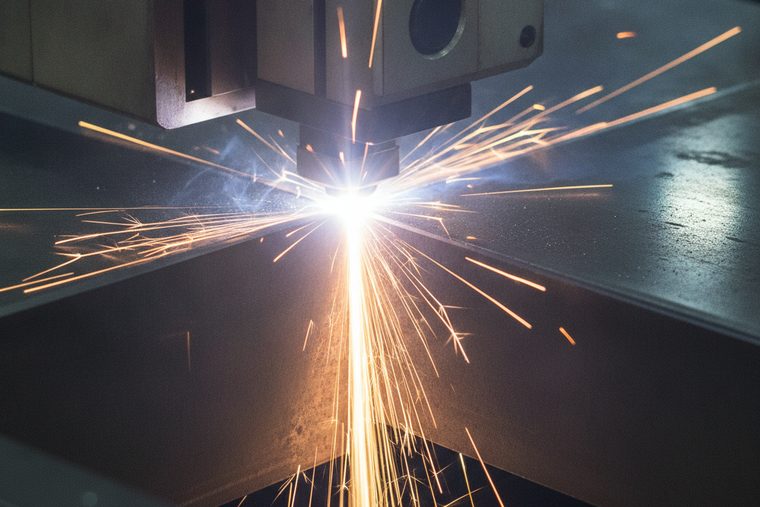
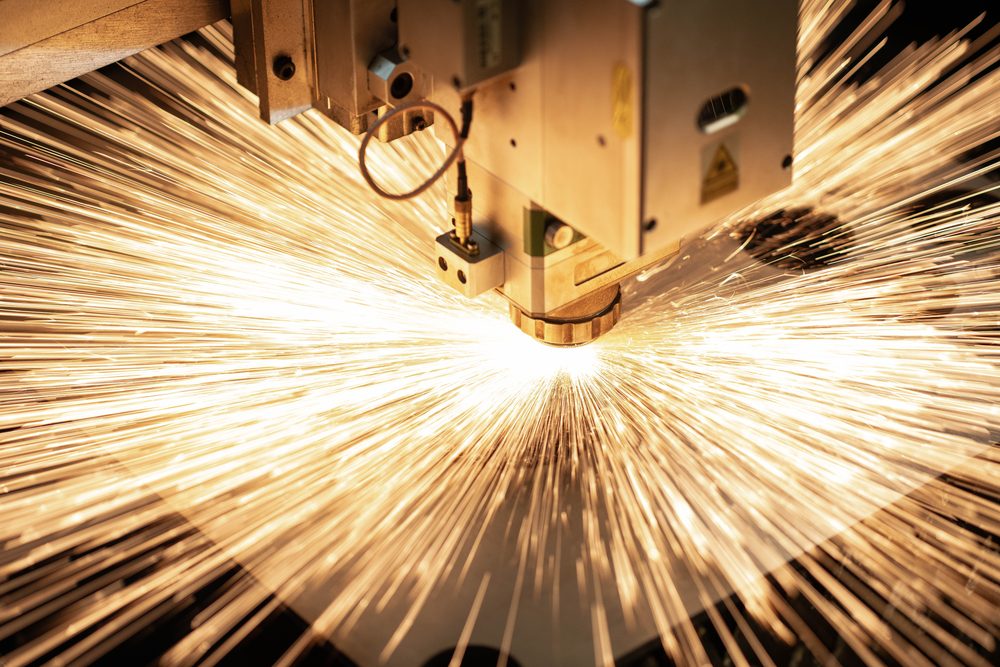
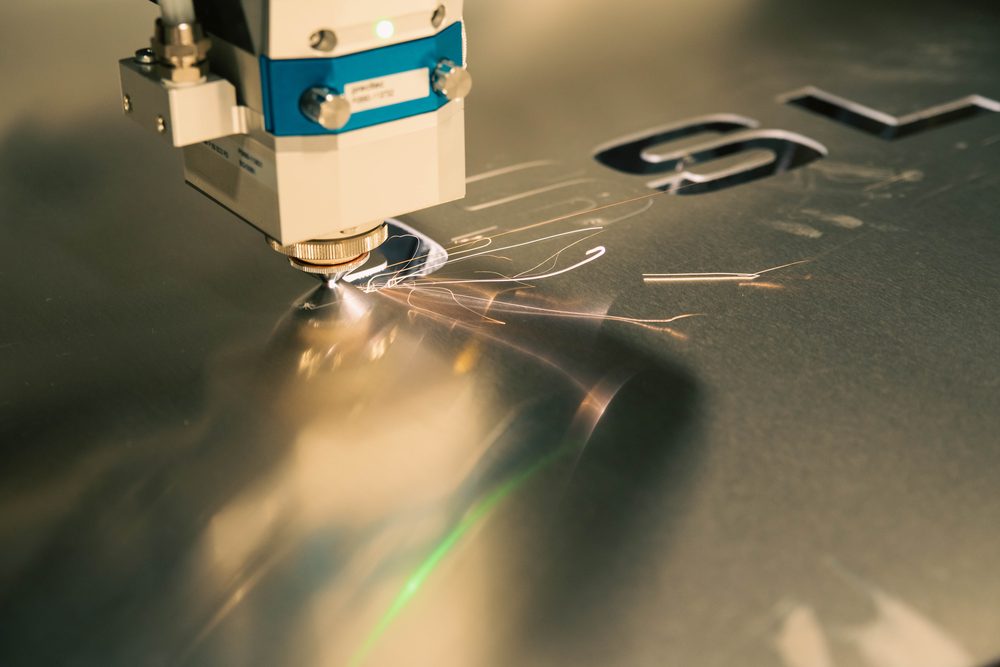
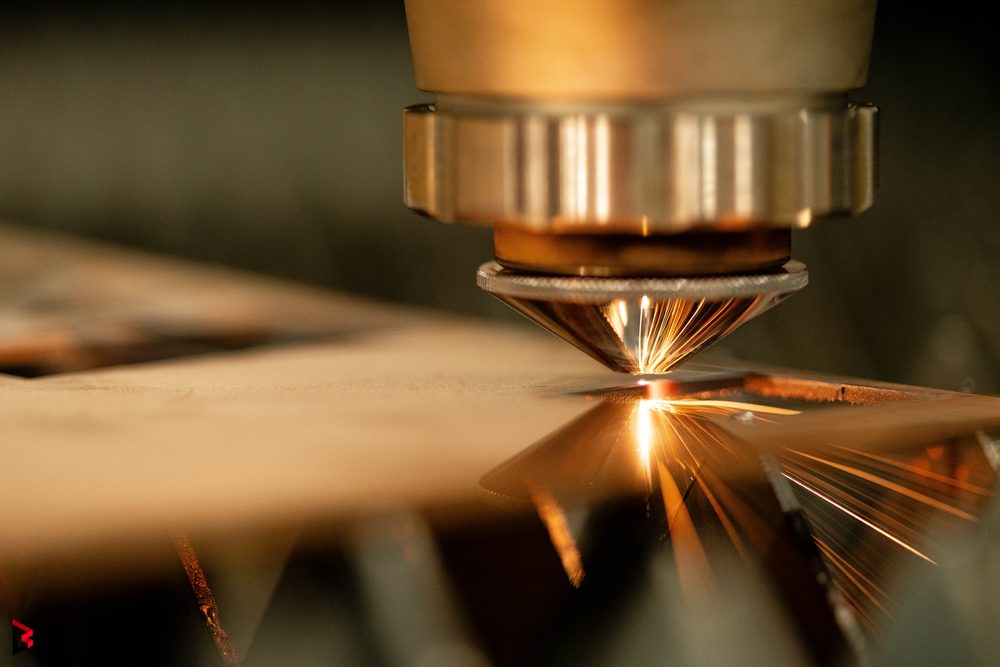
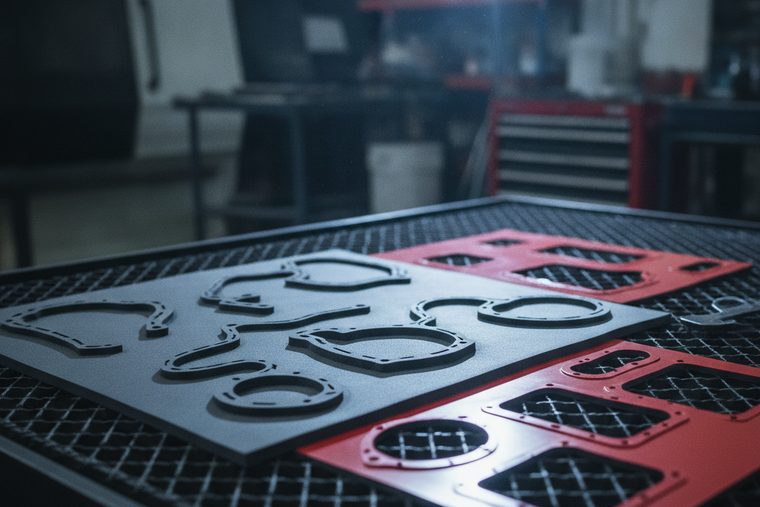
Fiber laser cutting is the primary choice for shops that need fast, repeatable metal fabrication. Match the laser, power, assist gas, and thickness range to your day-to-day production work.
Steel, stainless steel, aluminum, brass, copper, tube, and sheet metal.
Material type, thickness, assist gas, edge quality, and throughput.
Common Applications


Common Buyer Questions
Category 01 · FAQQCan a 20W or 40W diode laser cut metal?
No — and not at 5W or 10W either. Those machines cut thin non-metals and mark coated surfaces; on bare metal the honest ceiling is a mark in a coating you applied, not a cut. Cutting metal is a fiber job, with one exception: a 150W CO2 HP will cut thin sheet to about 18 ga stainless. Past that the entry point is 1.5 kW of fiber — close to forty times the power of a 40W desktop unit, not a few watts short of it. If you need metal cut, the question was never wattage on a hobby machine; it is sheet size and material thickness.
QHow do you laser cut tube or pipe?
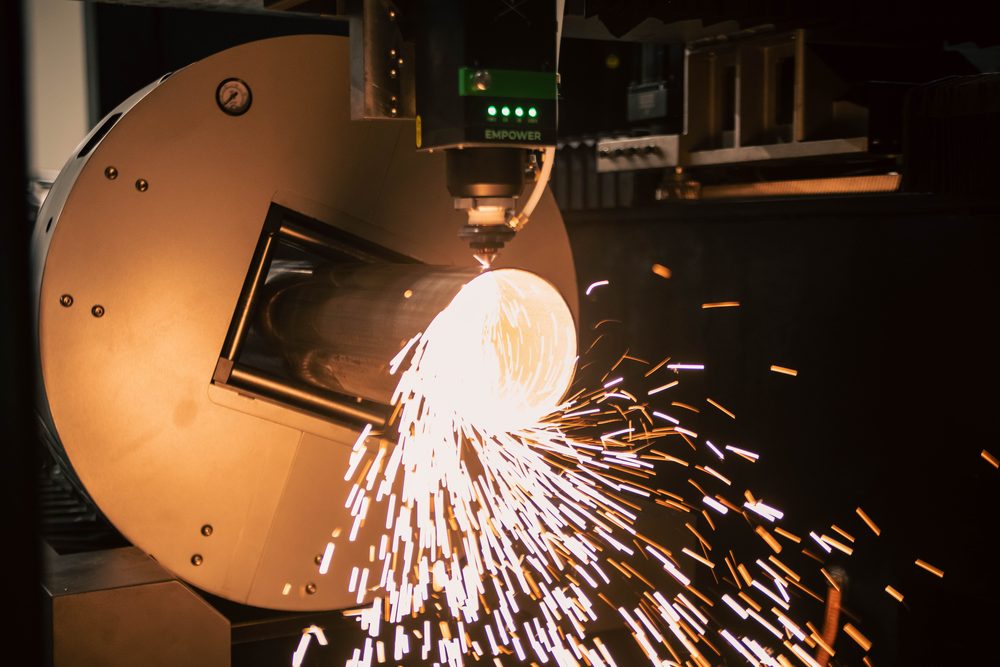
With a machine built for it. A flat-sheet fiber cutter cuts sheet; round and square stock needs a tube-capable platform — in our line the FC PipeCut and FC+ ElitePipeCUT. Engraving a cylinder is a different job again: a rotary turns the part under a fixed CO2 beam, and that is for marking drinkware, not cutting steel tube. Tube work is a quote conversation, where diameter, wall thickness and length decide the machine before wattage does.
QCan a laser cut aluminum?
Yes, with a fiber cutter, and it is harder than steel rather than easier. Aluminum is reflective and conductive, so at equal power the maximum thickness descends carbon steel, then stainless, then aluminum, then brass and copper. That ordering surprises people who assume a softer metal cuts more easily. Thickness by power, with its sourcing, is on the Metal Cutting page.
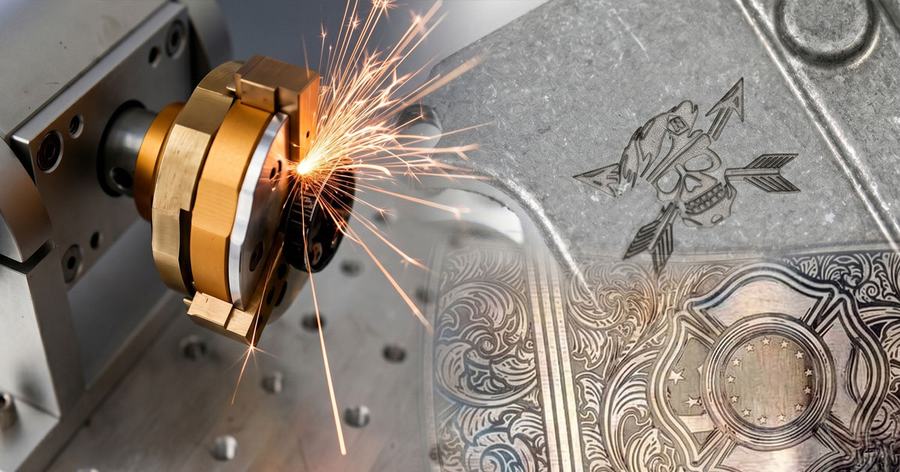
Match the marking method to your metal, contrast, and permanence requirements.
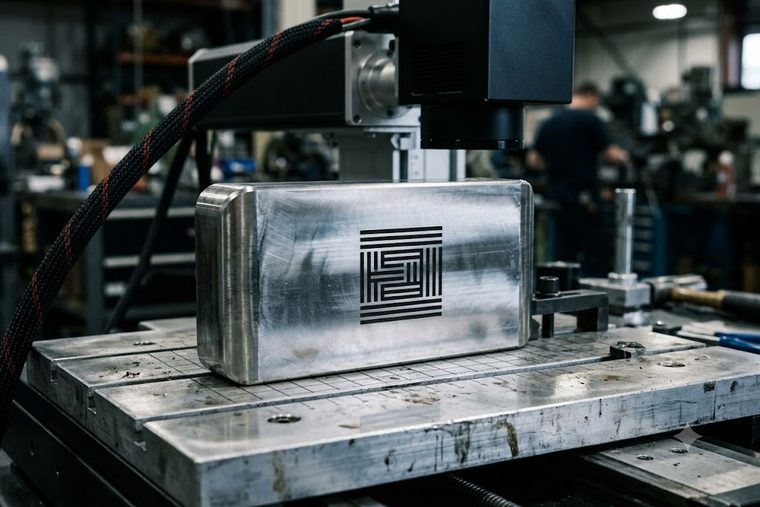
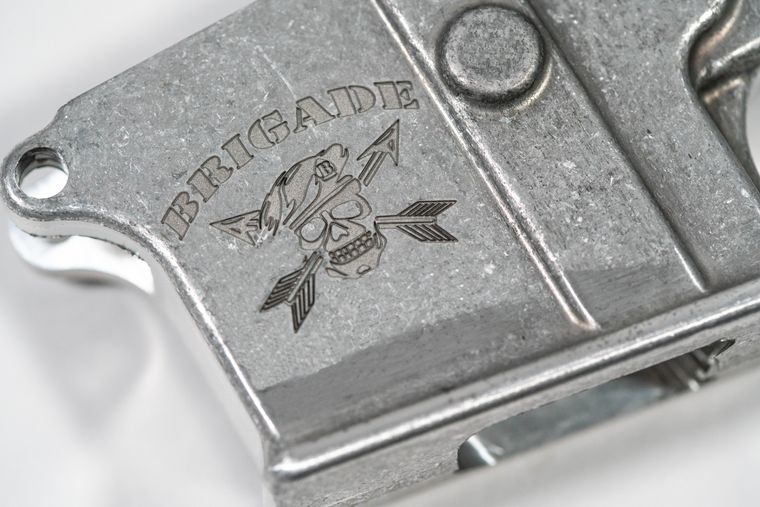
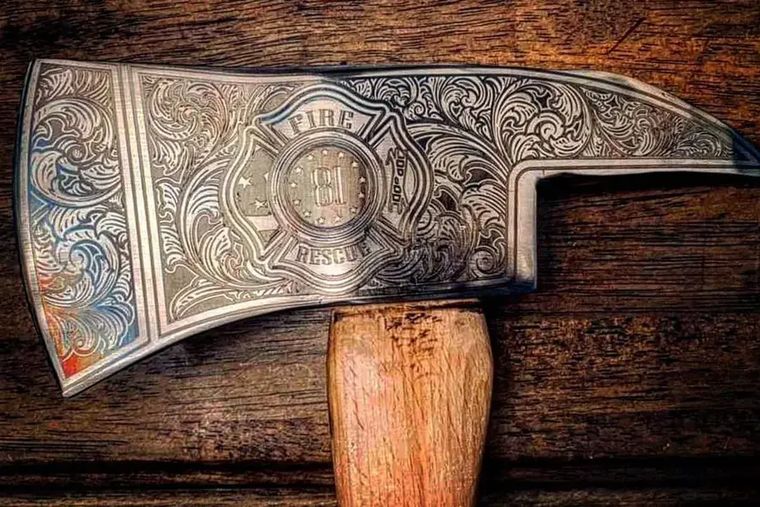
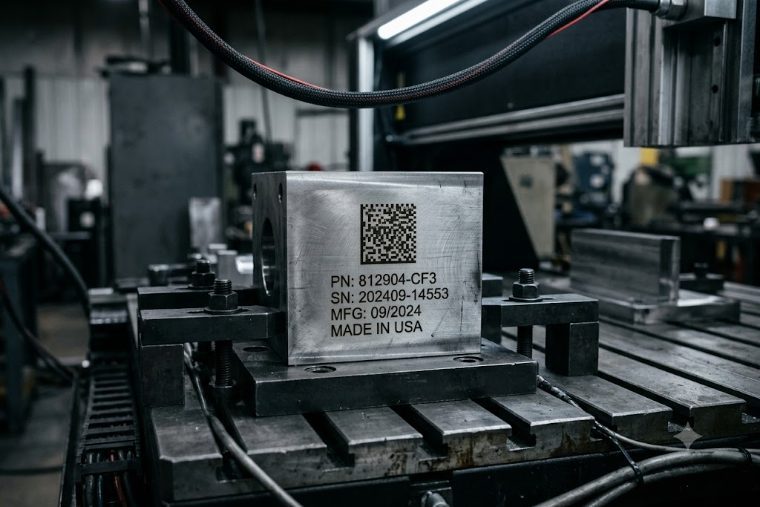
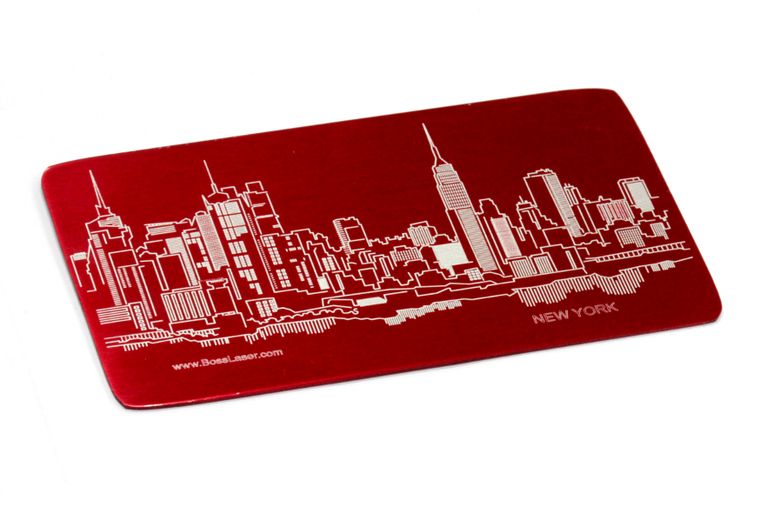
Fiber and UV markers create permanent marks without consumables. The right approach depends on the metal, the contrast you need, and whether the mark must survive wear or corrosion.
Steel, stainless, anodized aluminum, brass, titanium, and coated metals.
Marking method, contrast, depth, cycle time, and surface durability.

Common Applications
Common Buyer Questions
Category 02 · FAQQHow do I remove a laser engraving from metal?
Mostly you do not, and that is the point of it. Engraving removes or alters the metal itself, so there is nothing to wipe off — undoing it means machining or polishing the surface away, which changes the part. A surface anneal mark is the one partial exception: because it is a controlled oxide rather than removed material, light polishing can sometimes lift it. If a mark might ever need to come off, that is a decision to make before you choose the marking method, not after.
QCan a diode laser engrave metal?
No. Not at 5W, 10W or 20W. A diode marks coated and painted surfaces, and on bare metal the honest ceiling is a mark in a coating you applied, not in the metal itself. Permanent marking on bare steel or aluminum is a fiber job — the FM series, at the wavelength metal actually absorbs.
QCan a CO2 laser mark metal at all?
Only through something else. A CO2 laser is absorbed by non-metals, so it will not mark bare metal — but it engraves powder-coated metal and anodized aluminum well. On powder coat it removes the coating to expose the metal beneath; on anodized aluminum it bleaches the colour out of the anodic layer without removing the coating, so the mark comes up white and frosted rather than as bare metal. Either way it is working on the finish, not the substrate. That is also why marking spray works — the laser fuses that coating onto the metal rather than marking the metal itself. If the part must be marked in the metal itself, that is a fiber marker.
QHow do I mark aluminum that is not anodized?
With a fiber marker, and which one matters. Plain mill-finish aluminum takes a fiber mark directly, and a MOPA source gives finer control over contrast on it. Anodized aluminum is the easy case, and a CO2 can handle that one by bleaching the colour out of the anodized layer, which leaves a white mark and keeps the coating intact. The distinction matters because “aluminum” on a drawing covers both, and they are two different machines.
QCan you engrave brass or copper?
Yes, and they behave differently from steel. Both are highly reflective and conductive, which is why they sit at the bottom of the capability ladder. For marking rather than cutting, a fiber marker handles both. For cutting them, talk to us rather than reading a chart, and the reason is the machine as much as the metal: reflective stock can bounce the beam back into the source, and many fiber cutters under 2 kW are not rated to cut copper at all. Published thickness figures for brass and copper are also the thinnest-sourced numbers we hold, which is why we will not print one here.
Choose cast or extruded stock and settings for the edge and finish you want.
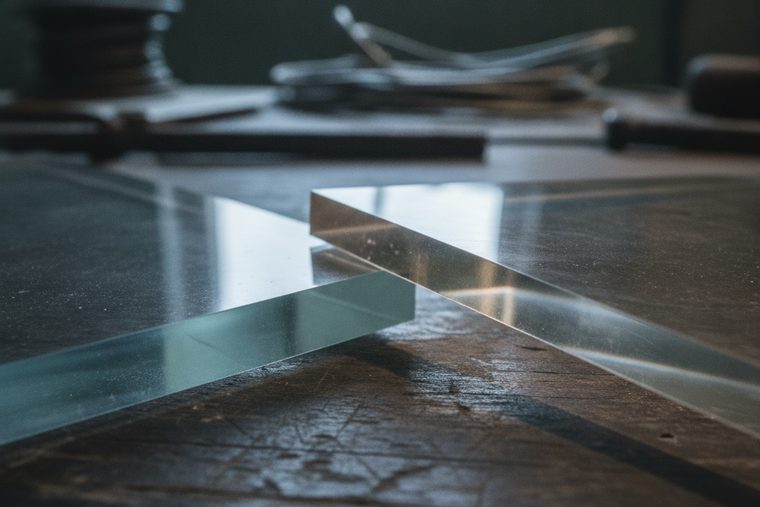
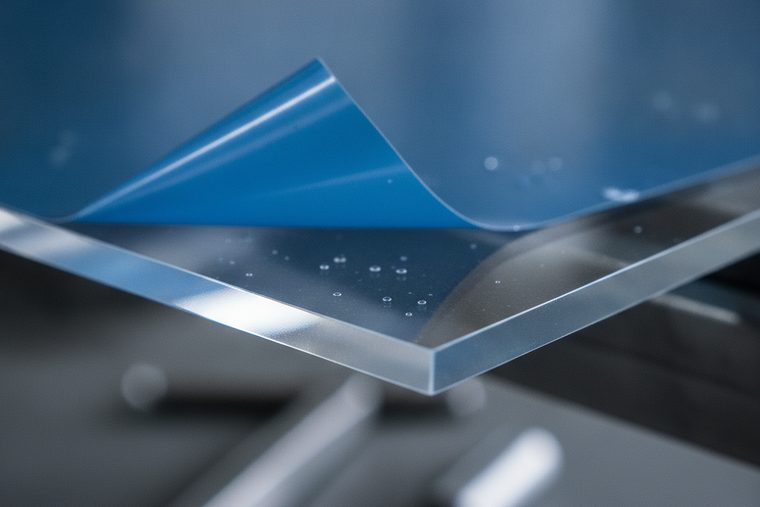
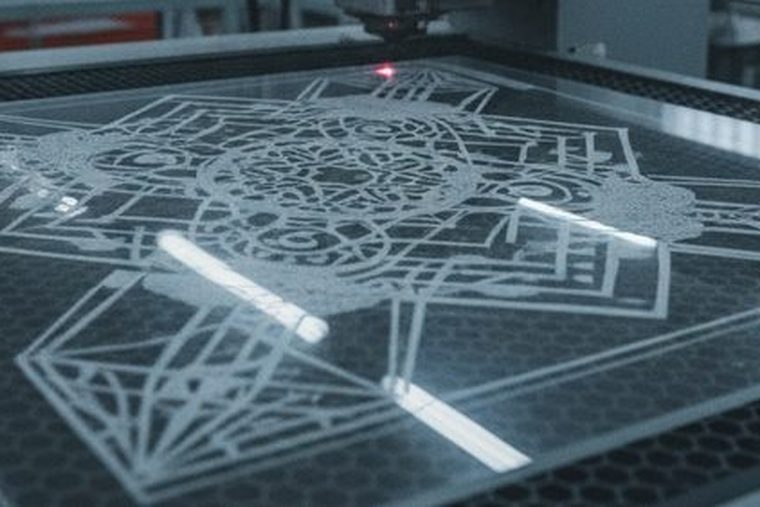
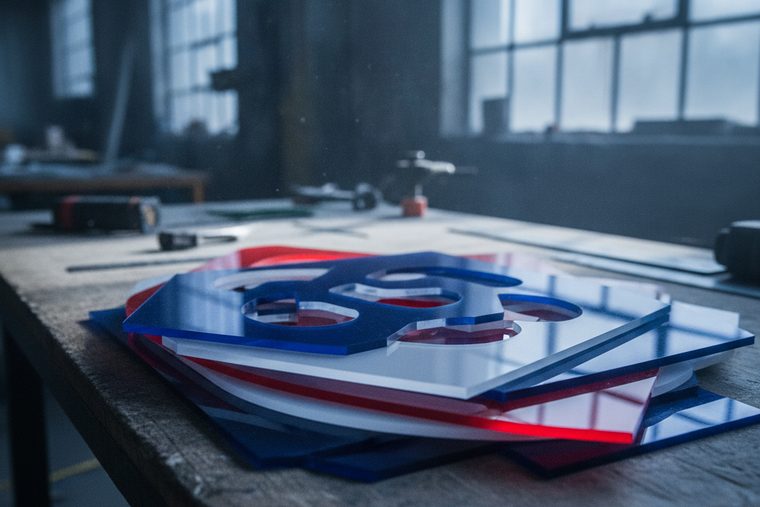
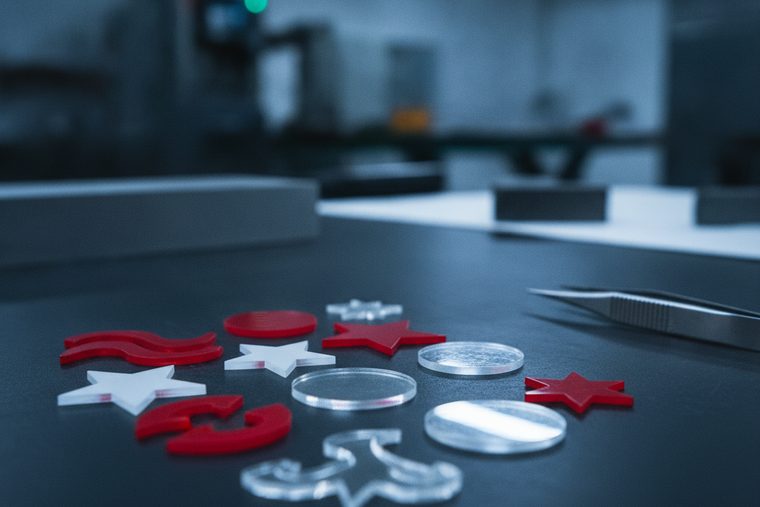
CO2 lasers cut acrylic with flame-polished edges and engrave with frosted contrast. Cast versus extruded stock and proper masking determine edge quality and finish.
Cast and extruded acrylic, Delrin, ABS, laminates, and engraving plastics.
Cast vs extruded, edge finish, masking, speed, and air assist.
Common Applications


Common Buyer Questions
Category 03 · FAQQCan you laser cut polycarbonate?
You can, but you should not, and it is worth knowing this is a quality problem rather than a safety one. Polycarbonate absorbs CO2 poorly, so it yellows, burns and leaves a scorched edge instead of a clean one. Engraving it is fine; cutting it wastes the sheet. That puts it in a different category from PVC, which is a genuine hazard and must never go in the machine at all.
QCan you laser cut acrylic?
Yes — it is the material CO2 lasers are best at. The beam is absorbed strongly by acrylic, which is why it cuts cleanly enough to leave a polished edge straight off the bed with no secondary finishing. This is the default job for an LS, sized by the sheet you want to lay flat rather than by wattage.
QIs plexiglass the same thing as acrylic?
Yes — Plexiglas, Perspex and Lucite are trade names for the same plastic, PMMA. The distinction that actually changes your result is not the brand but how the sheet was made, cast or extruded — the difference is in the cast-versus-extruded guide.
QCan you engrave clear acrylic?
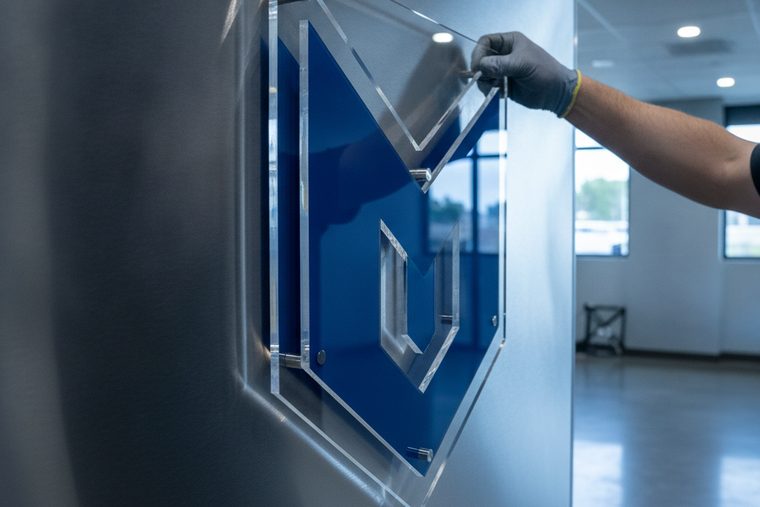
Yes, and the mark comes out white and frosted rather than clear, because engraving works by disturbing the surface. That is what makes edge-lit and backlit signage work — the frosted areas catch light the polished surface does not. If the engrave looks inconsistent from sheet to sheet, that is the cast-versus-extruded difference.
QCan a diode or IR laser cut acrylic?
Not clear acrylic, and the reason is worth knowing: those wavelengths pass straight through it instead of being absorbed, so there is nothing to cut with. Diodes manage some dark and opaque acrylics, where the colourant absorbs the beam. It is an easy one to misdiagnose, because the machine works fine on the black sheet and does nothing at all to the clear one. Clear acrylic needs CO2.
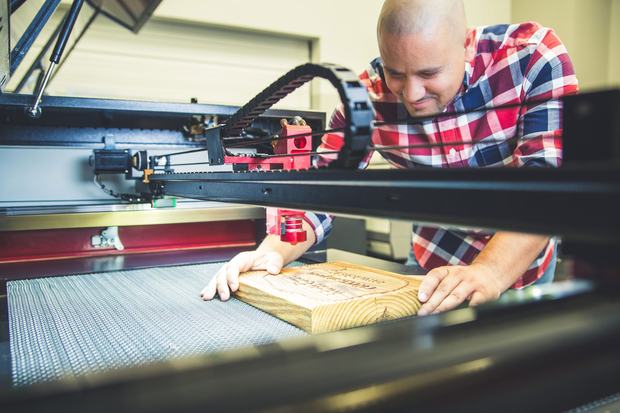
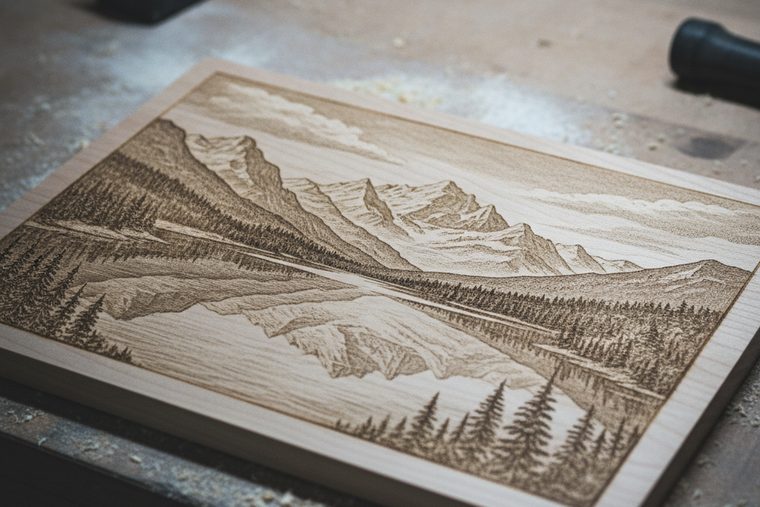
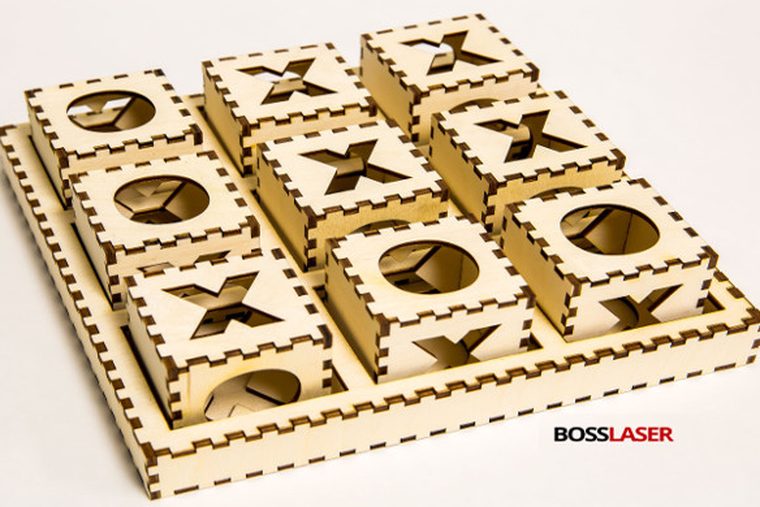
Dial in artwork, depth, and detail for clean cuts and rich wood engraving.
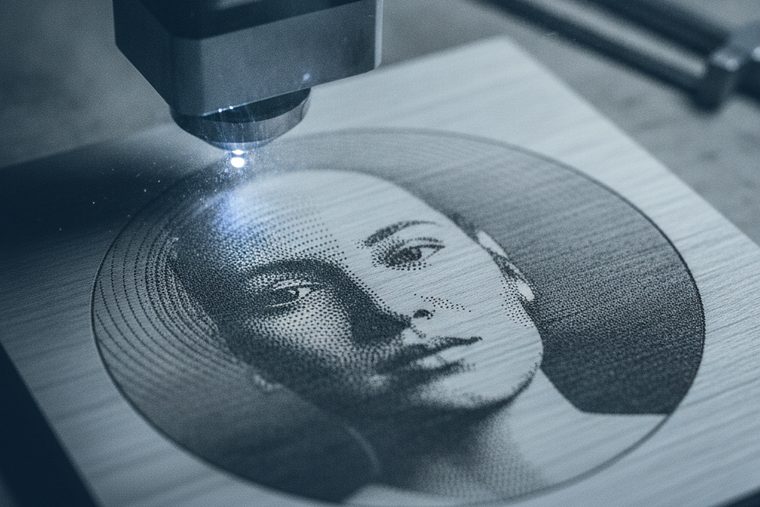
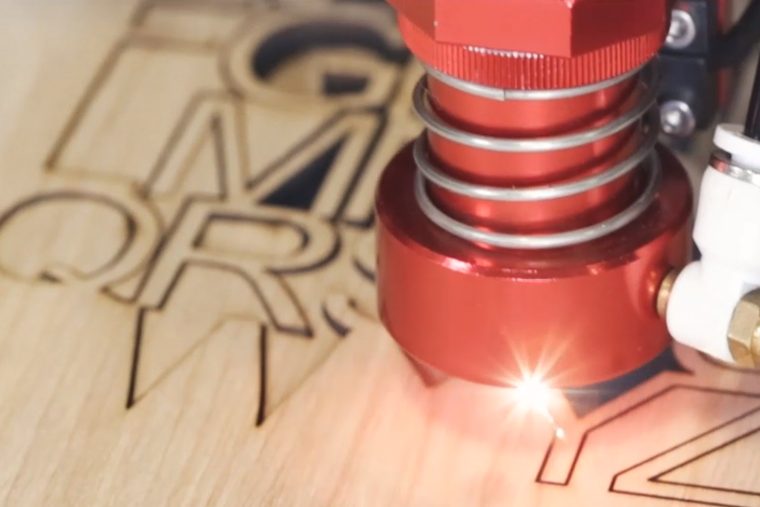
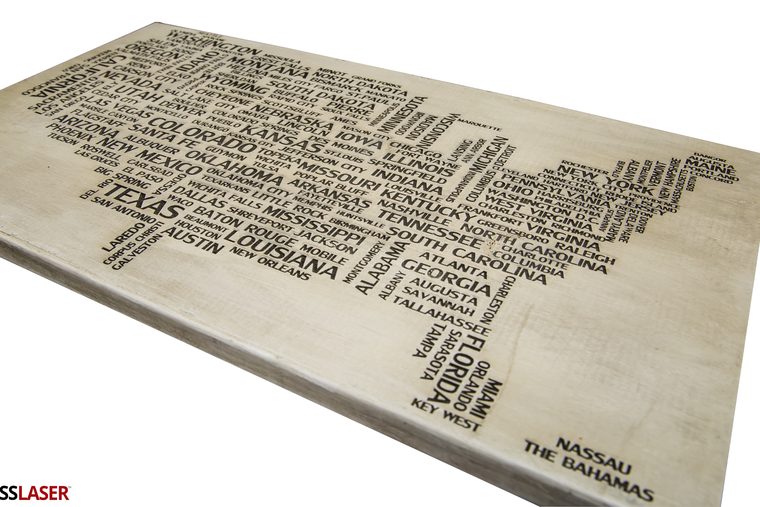
CO2 lasers handle most wood work. Results depend on artwork preparation, engraving depth, grain, and how you manage smoke and char on the surface.
Plywood, hardwood, MDF, veneer, and other natural and engineered woods.
Artwork prep, engraving depth, resolution, air assist, and masking.

Common Applications
Common Buyer Questions
Category 04 · FAQQCan a laser cut wood, or only engrave it?
Both, and the distinction decides which machine you need. Cutting through needs enough power to get the beam all the way through the board; engraving only marks the surface and asks far less of the machine. A desktop EVO engraves wood happily and cuts thin stock, while a full sheet of thicker hardwood is an LS sized to the sheet. The first question to answer is the largest piece you want to lay flat.
QShould I stain wood before or after engraving?
After, in almost every case. Engraving removes material, so anything applied first gets cut through unevenly and the burn interacts with the finish — pre-finished stock is exactly where scorching and blotching come from. Engrave bare and clean, then finish. The exception is when you want stain to sit in the engraved recess as a colour fill, which is a deliberate technique rather than the default.
QHow do I clean wood after engraving?
Plan for it rather than discovering it. Engraving deposits smoke residue around the cut, and on light species that is the difference between a clean piece and a grubby one. Masking the surface before the job prevents most of it; what remains comes off with a light pass of a damp cloth or a soft brush, worked with the grain. Do not soak it — you will raise the grain and lose the crispness you just cut.
QCan a laser cut paper and cardboard?
Yes, and Boss publishes settings for both. Paper cuts at 15% power at 20 mm/s for 1/100″ stock; cardboard at 70 / 60 / 50% at 15 mm/s for 1/4″ — those three figures being the 70W, 105W and 155W machines respectively, since a bigger tube needs a lower percentage for the same result. The real constraint is not power but fire: thin organics run fast at low power and can flare, so they are never a run-unattended job.
QHow do I get a darker engrave on wood?
Slow down before you add power. Contrast on wood comes from controlled scorching, so more dwell time at moderate power darkens it, while more power at speed tends to gouge and soot instead. Species matters as much as settings — a light, tight-grained wood gives contrast an oily or dark board never will, for the same reason a dark hide engraves flat. Test on the actual stock at final size.
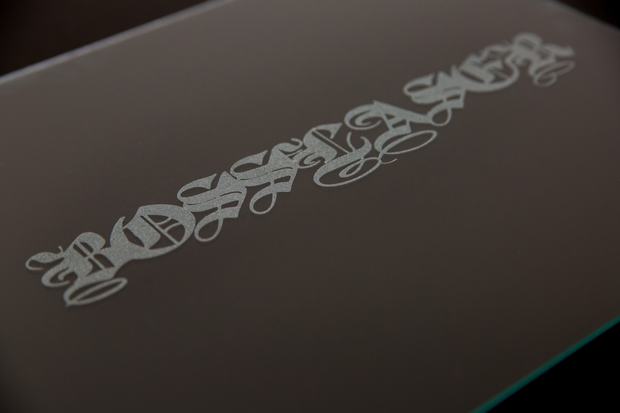
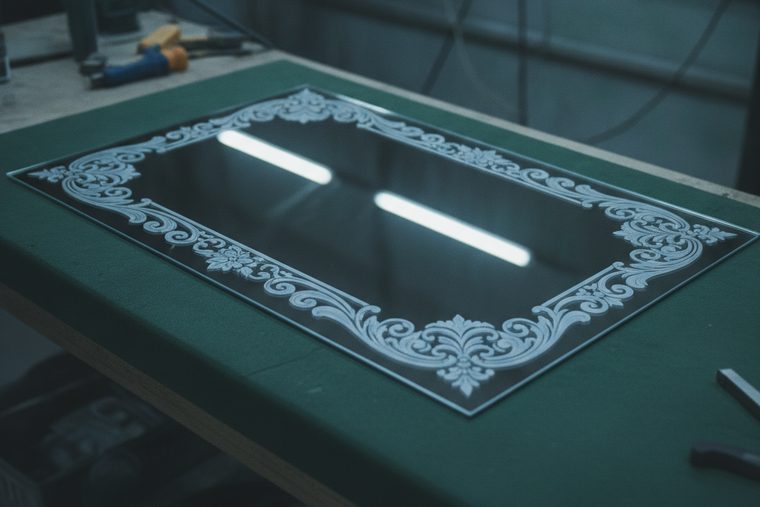
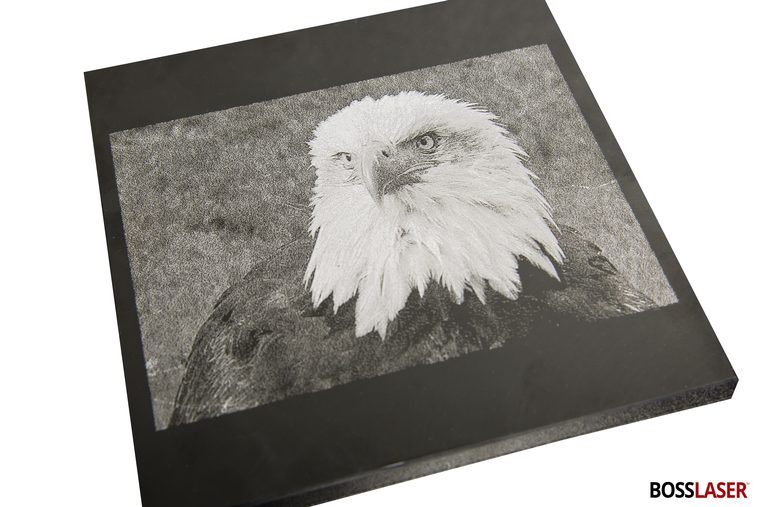
Control heat and fixturing for a clean frost — glass and stone engrave, they do not cut.
Glass, stone, and ceramic are surface work: the beam frosts or etches the material rather than cutting through it. Artwork preparation, tuned power, and the right fixturing — often a rotary — decide whether the result is a crisp frost or a chipped edge.
Glass, mirror, slate, stone, tile, and drinkware.
Material, artwork prep, speed and power, focus on curved surfaces, and rotary fixturing.

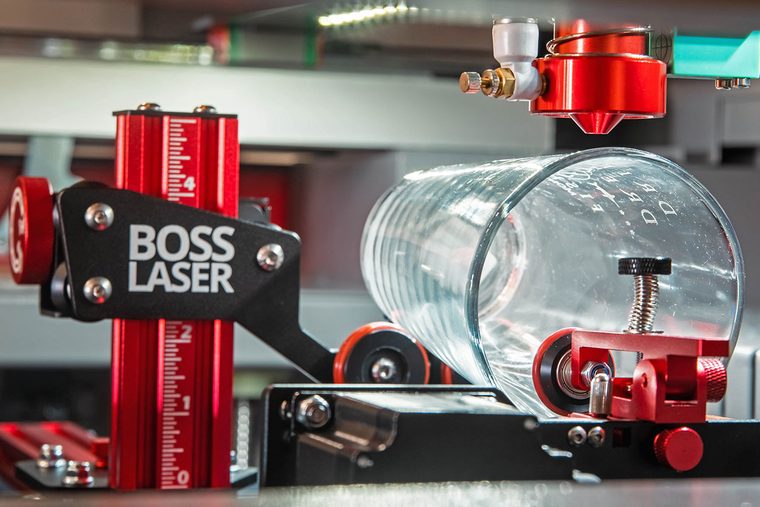
CO2 engravers, frequently with a rotary attachment for bottles and tumblers. Technique controls frosting and chipping.
Shop CO2 LasersCommon Applications

Common Buyer Questions
Category 05 · FAQQWhen is a UV marker the better answer?
When the detail you need is finer than a CO2 frost can resolve, or the part cannot take the thermal shock. UV marks at roughly 355 nm with a minimal heat-affected zone — cold marking — which is why it is standard on precision ceramic, electronics, and medical parts.
QCan you engrave crystal and cut glass?
Yes, by the same frosting mechanism as plain glass. The risk is not the mark but thermal shock: thick, faceted or uneven pieces crack far more readily than flat glass, which is why the chipping answer on the Glass page matters more here than any settings table. Boss publishes no crystal setting, so test on a sacrificial piece before you commit a customer’s.
QCan you engrave ceramic and ceramic tile?
Yes, and it takes noticeably more than glass. Boss publishes 65 / 40 / 27% at 350 mm/s for ceramic (70W / 105W / 155W) against 27 / 25 / 20% for glass — the same harder-to-mark pattern. Tile, mugs and ceramic blanks all behave as ceramic; the variable is the glaze, since you are marking a fired surface rather than the clay body.
QCan you engrave a mirror?
Yes — from the back. Boss publishes a dedicated back-side mirror setting at 30 / 20 / 15% at 325 mm/s (70W / 105W / 155W), because engraving the front just damages the reflective coating you are trying to see through. That single detail is the whole job: get the orientation wrong and you have scrap.
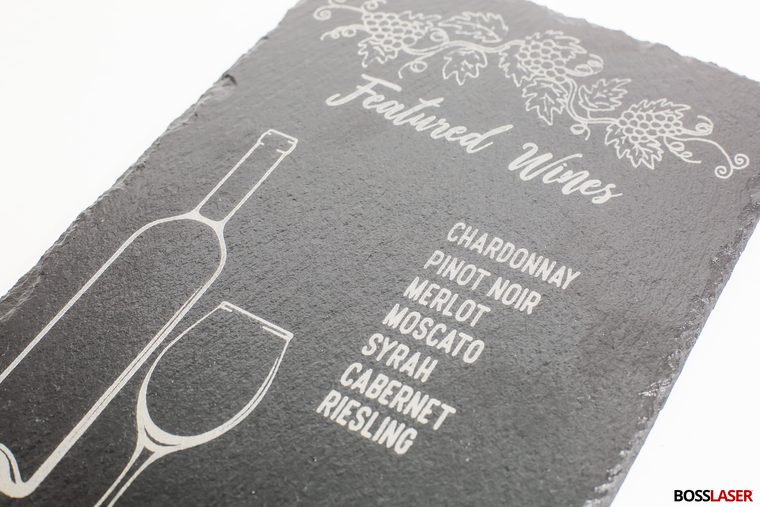
QCan you engrave slate?
Yes, and it is one of the friendlier materials in this group — a CO2 mark shows up as a light, high-contrast etch against the dark stone with no coating or preparation. Boss publishes no slate setting, so we are not going to print one: start below the ceramic and granite numbers and work up on an offcut, because slate varies a lot piece to piece.
Identify the material first, then take heat out until the edge stops charring.
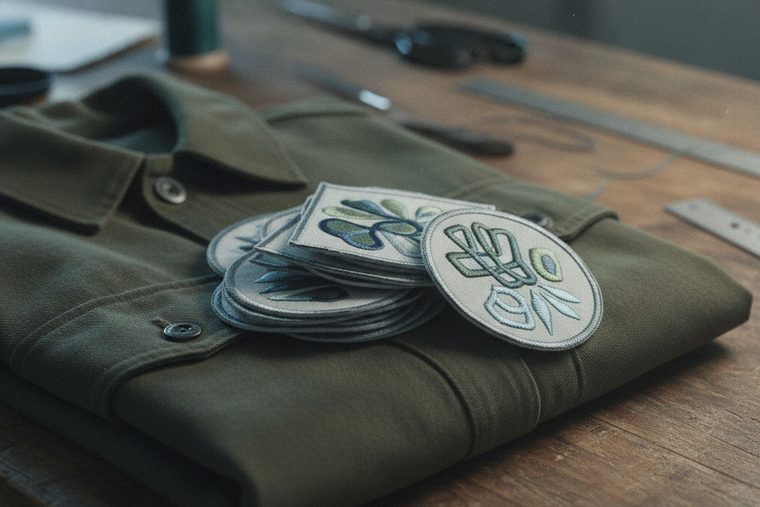
Leather, fabric, and soft goods run at low power, and the work is mostly heat control: too much chars and hardens the material, while dialed-in settings leave a clean edge and crisp engraving. Always confirm what a synthetic actually is before it goes on the bed.
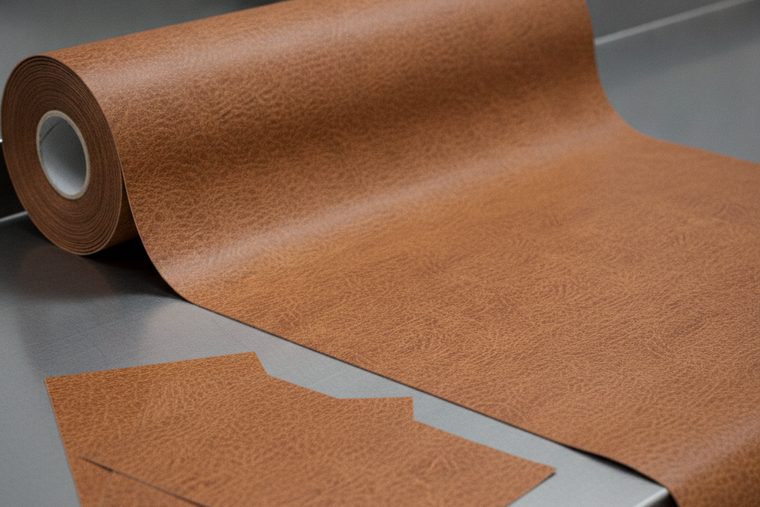
Leather, fabric, patches, apparel, foam, and rubber.
Material and backing, speed and power, air assist, masking, and material safety (never PVC or vinyl).
CO2 cutters/engravers. Verify real vs. faux leather and synthetic content before cutting; PVC-based “leather” is not laser-safe.
Shop CO2 LasersCommon Applications


Common Buyer Questions
Category 06 · FAQQCan you laser engrave leather?
Yes — it is one of the best materials for it. The engrave darkens the surface, so you get real tonal range rather than the on/off frost you get on glass, and it runs at low power. Boss publishes 25 / 18 / 15% at 350 mm/s for leather engraving, one figure each for the 70W, 105W and 155W machines. Light, smooth veg-tan gives the most contrast; pre-dyed dark hide gives much less. Which tannage you have also decides your extraction: chrome-tanned leather can release chromium compounds as it burns, and you cannot tell it from veg-tan by looking — ask your supplier which you are buying.
QHow do I clean and seal leather after engraving?
Both, in that order, and it is not an afterthought. Run the extraction first — chrome-tanned hide can release chromium compounds as it burns, and that is not a smell problem. Then the residue: engraving leaves smoke on the surface, masking before the job prevents most of it, and what remains lifts with a light damp wipe rather than a soak. Sealing afterwards is what stops the engraved recess picking up dirt in use; a standard leather finish over a fully dry piece is enough. On patches this is the step that separates a sample from a sellable product.
QCan you cut canvas and fabric?
Yes, and the edge behaviour splits by fibre. Natural fabric — cotton, felt, canvas — burns, so it cuts at low power and high speed and needs watching for flare. Synthetics melt instead, which seals the cut edge and is often exactly what you want on apparel. Boss publishes no fabric row, because weave, weight and fibre change the answer completely, so we will not invent one: start well below the leather engraving numbers and work up on the exact stock.
QCan you make rubber stamps with a laser?
Yes, and it is a standard CO2 job. Boss publishes 30 / 20 / 15% at 350 mm/s for engraving laser rubber and 85 / 75 / 70% at 10–15 mm/s to cut it at 1/8″ (70W / 105W / 155W tiers). Plan the extraction, not just the artwork: rubber is a heavy-odour, heavy-particulate material and extraction is required for it, not an accessory on the quote. Use rubber sold as laser-grade, too — an unidentified rubber compound falls under the same rule this site applies to any unknown material: confirm it with the supplier before it goes on the bed.
QCan you cut foam for tool trays and cases?
Yes, and it is one of the easier cuts here. Boss publishes 60 / 55 / 40% at 25 mm/s for foam at 1/4″, one figure per wattage tier (70W / 105W / 155W). Foam runs fast at low power, which makes it a fire-watch job rather than a power problem, and the usual failure is a tray cut slightly undersize because the kerf was not accounted for in the artwork.
Line up the quote, the funding source, and the building before you pick a machine.
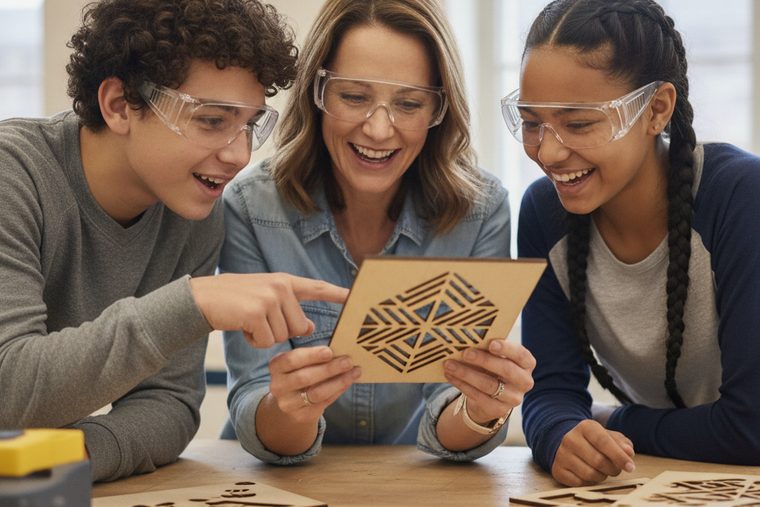
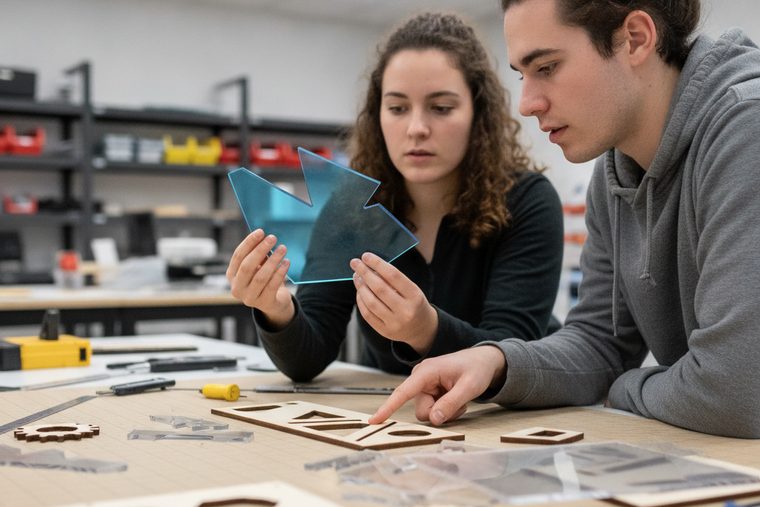
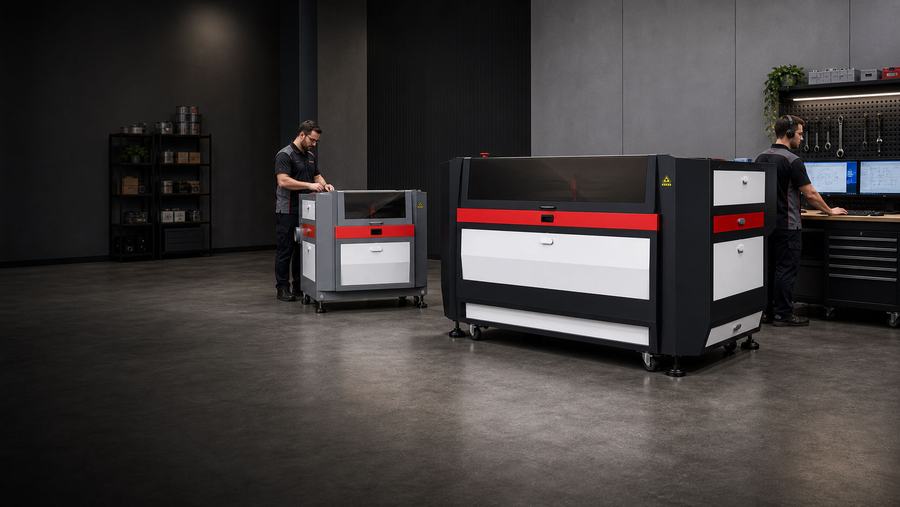
Institutional buyers choose lasers for classrooms, labs, and shops — where safety, training, facility requirements, and the procurement path (POs, quotes, tax exemption) matter as much as the machine itself.
Education, lab, and government settings across CO2, fiber, and UV.
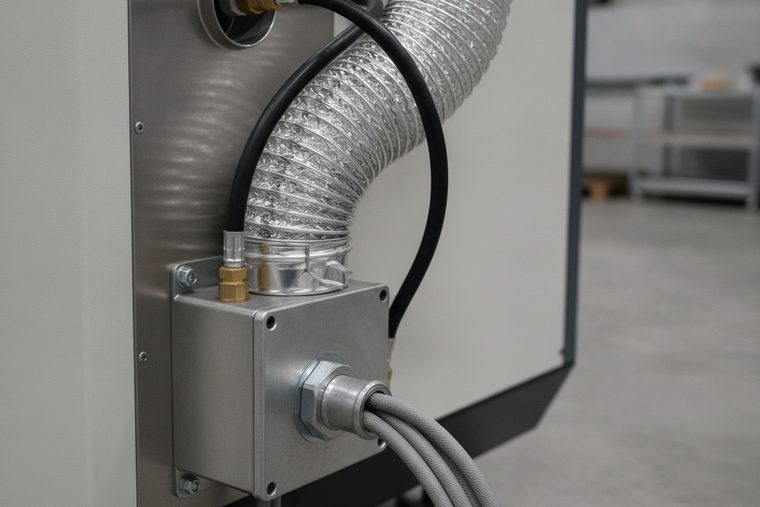
Machine type and wattage, enclosure and safety, ventilation and power, training, and procurement.
Matched to the curriculum or program — often CO2 for general education. Facility readiness (power, air assist, ventilation) comes first.
Talk to Education SalesCommon Applications

Common Buyer Questions
Category 07 · FAQQWhat is Perkins V funding, and how much can a program get?
Perkins is the federal CTE funding stream, and the honest answer to “how much” is that there is no national per-program number to quote. Federal money goes to each state, and each state must distribute at least 85% of its Perkins Title I funds by formula to local recipients — districts, area CTE schools, and community or technical colleges (U.S. Department of Education, Office of Career, Technical and Adult Education). So the figure that matters is your allocation under your state’s formula, not a headline total. That number comes from your district’s CTE director or your state CTE office.
QCan Perkins money be used to buy a laser?
Usually yes, with a condition that decides most applications. New or upgraded equipment for hands-on training in an approved CTE program is an allowable Perkins cost — but it must enhance or improve the program. It is not for routine maintenance, and not for like-for-like replacement of worn-out equipment. In practice the strongest application shows a new capability the program did not have, rather than a newer version of what it already owns. That is the federal rule (U.S. Department of Education, Office of Career, Technical and Adult Education); states add their own, and several state Perkins handbooks cap the share of a grant that may go to equipment — ask your CTE director for your state’s limit before you size a machine to the grant.
QWhere does Perkins funding come from, and who decides?
It is federal money with local decisions. Congress appropriates it, the U.S. Department of Education distributes to the states, and the state passes at least 85% down by formula to local recipients — so the people who decide whether your program’s laser gets funded sit at district or college level, not federal. That is why timing matters as much as eligibility, and why the conversation starts with your CTE director.
The product mix picks the machine. Not the other way round.
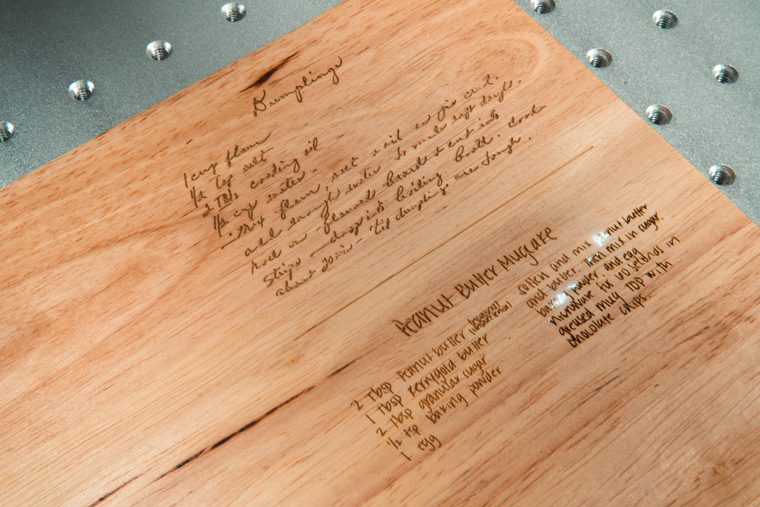
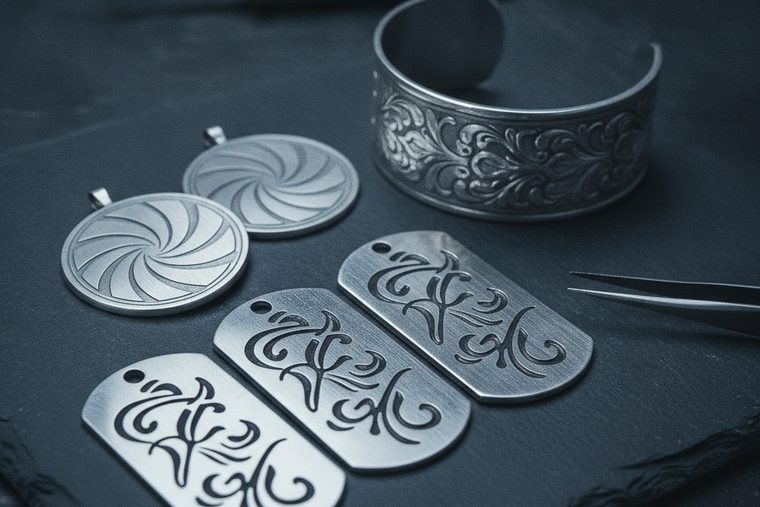
This is the one category not defined by a material — personalization work spans wood, acrylic, leather, glass and metal at once. Almost every expensive mistake here is someone buying the platform first and finding out afterwards that the product list needed the other wavelength.
Powder-coated drinkware, hardwood and bamboo, acrylic, leather, slate and glass, anodised aluminium.
Product mix, CO2 versus fiber fit, rotary capability, cycle time per piece, and pricing discipline.
A CO2 platform plus a rotary covers most of it — add a fiber marker the moment bare metal enters the product list.
Shop CO2 LasersCommon Applications


Common Buyer Questions
Category 08 · FAQQDo I need one machine or two?
It depends entirely on whether bare metal is on your product list. A CO2 covers wood, acrylic, leather, glass and coated drinkware — which is most personalization work. Bare stainless, aluminium and precious metal reflect the CO2 wavelength and need a fiber marker. Decide the first two products you intend to sell and the answer falls out.
QWhy does a CO2 engrave a tumbler but not bare steel?
Because it is not marking the metal. On a powder-coated or anodised tumbler the beam removes the coating to expose bright steel underneath — that contrast is the coating coming off, not the metal changing. Put bare mill-finish stainless under the same beam and the energy reflects. That is physics, not a settings problem.
QWhich rotary fits my machine — chuck or roller?
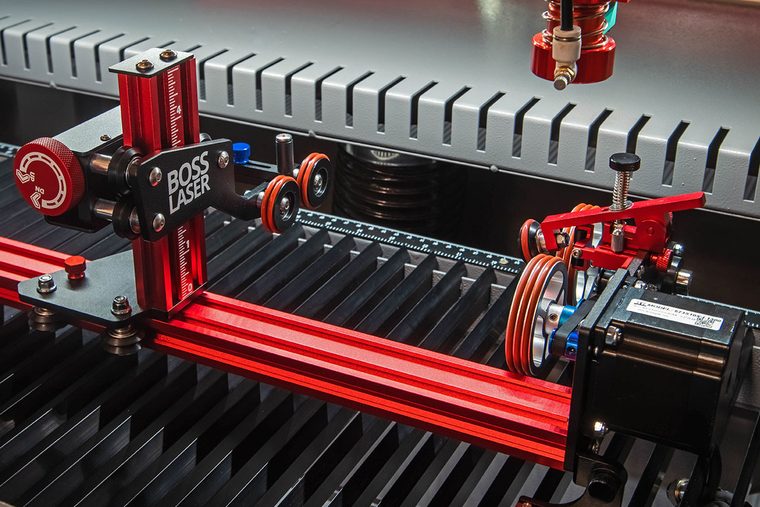
Both types turn the vessel under the beam so artwork wraps without distorting; they differ in how they hold it. A chuck rotary grips one end and suits stemware and tapered shapes; a roller rotary sits the vessel on turning rollers and suits straight-walled tumblers. The part people get wrong at order time is fitment: Boss lists rotaries by compatibility group rather than one per machine, and a group can span more than one model, including discontinued ones. Confirm the group against your exact machine, not the model name.
QCan I engrave a board that already has a finish on it?
Not unless you can find out what the finish is. Bare hardwood and bamboo are the easy case — engraving chars the wood and adds nothing to it. A pre-finished board is the problem: it may carry a varnish or sealant nobody assessed for being burned, and you cannot tell by looking. Ask the board’s supplier what the coating is, and if nobody can tell you, do not put it in the machine. That is the same rule this site applies to every unknown material.
QHow do I price this work?
On fully-loaded cost, then margin — the blank plus an allowance for ruined pieces, machine time at a per-minute rate, design and setup, finishing and handling, and a share of overhead. Set a job minimum so a one-off still covers the setup it costs you. The machine is the visible cost; setup time and scrap are the ones that quietly decide whether the work pays.
QCan a laser cut metal?
Yes. For production metal cutting, a dedicated fiber laser cutter is the right starting point. How much power you need depends on the metal type, thickness, cut speed, edge quality, and assist gas. CO2 lasers are not the tool for cutting most metals.
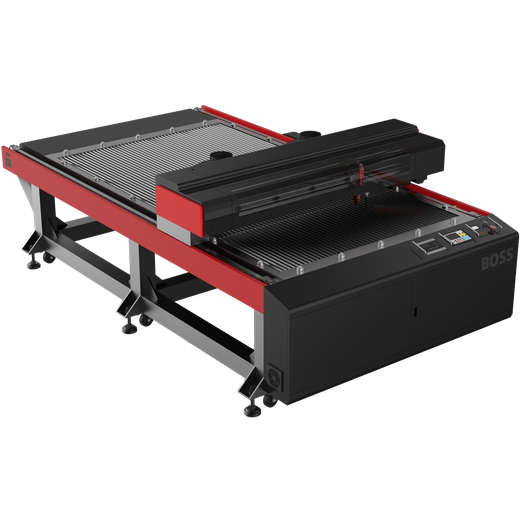
Adds a 150-watt CO2 source plus the ability to cut thin sheet metal up to roughly 18 ga stainless with the right setup.

Pairs a 1.5 kW fiber source with a CO2 tube in one machine, so you can cut metal and non-metal on the same bed.
QWhat is the difference between a CO2 and a fiber laser?
A CO2 laser (≈10,600 nm) excels on organic materials and acrylic — wood, paper, leather, glass, and plastics. A fiber laser (≈1064 nm) is absorbed efficiently by metal, so it is the choice for cutting and marking steel, stainless, aluminum, brass, and titanium. Many shops run one of each.
QDo I need a different laser to cut, engrave, and mark?
Not always — but the job changes the setup. Cutting passes through the material; engraving removes material to a depth; marking changes the surface (color or a thin etch). The same machine can often do more than one, but the right laser type still depends on the material first. Each category page explains what to expect.
QWhich materials should never be laser cut?
PVC and vinyl release hydrogen chloride, which becomes hydrochloric acid in contact with moisture — dangerous to your airways and corrosive to the machine from the inside. Never cut them. Be cautious with unknown plastics, PVC-based faux leather, polycarbonate (Lexan), and ABS. When in doubt, verify the exact material with the supplier before cutting. See the materials and safety reference.
QHow do I know how much laser power I need?
Power depends on the material, the thickness you cut most often (your production thickness, not the maximum), the speed you need, and the edge quality you expect. For metal cutting, the Fiber Laser Power Guide and Assist Gas Guide walk through it; for other materials, start with the category page closest to your job.
Still deciding?
Not sure which application or laser fits your job?
Tell a Boss Laser specialist the part, the material, and your volume — we will point you to the right application path, machine, and power level.