

Start with the material
Cutting thickness, power, and material compatibility are the first things buyers ask us — by a wide margin. So they go first here. Find your material, see what each process does to it, and how much laser it takes. Where our sources disagree, we say so instead of averaging them into a number that would look confident and be wrong.



How much power do you need?
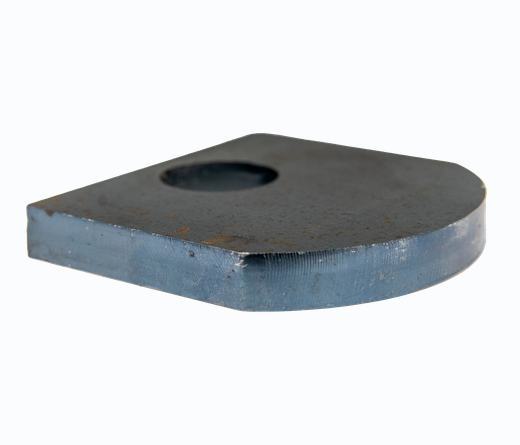
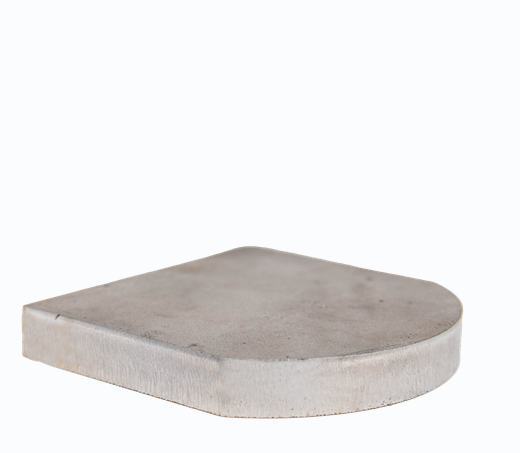
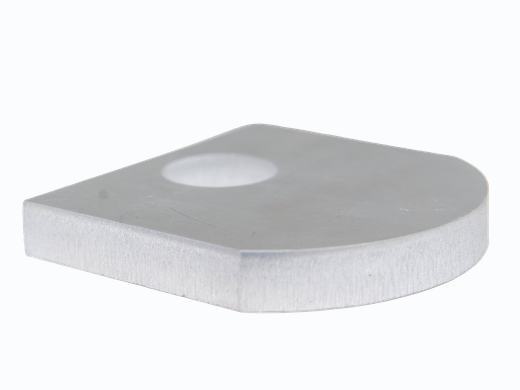
Every part below was cut on a Boss fiber laser and photographed in our facility. The wattage is the figure Boss published alongside it.
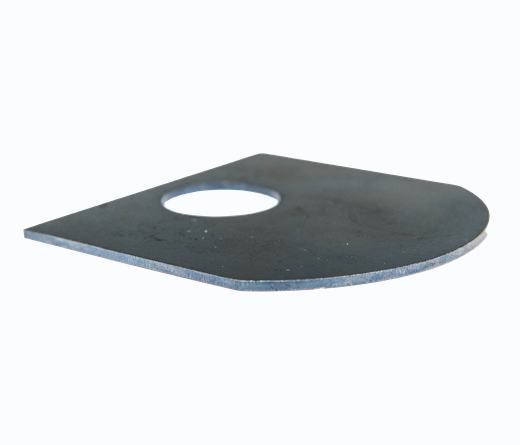

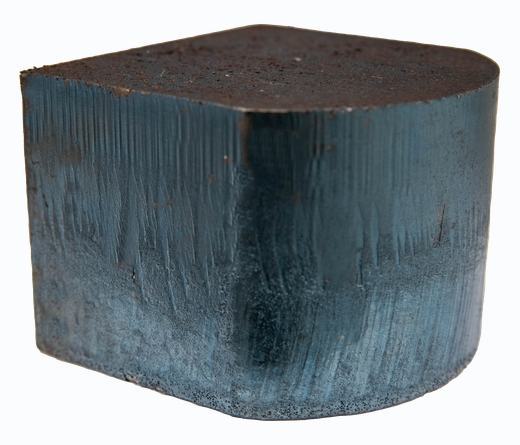
Carbon steel is flat from 2 mm all the way to 10 mm — oxygen assist does much of the work, burning rather than melting, so the entry-power machine carries the whole range. Past 20 mm the power climbs steeply.
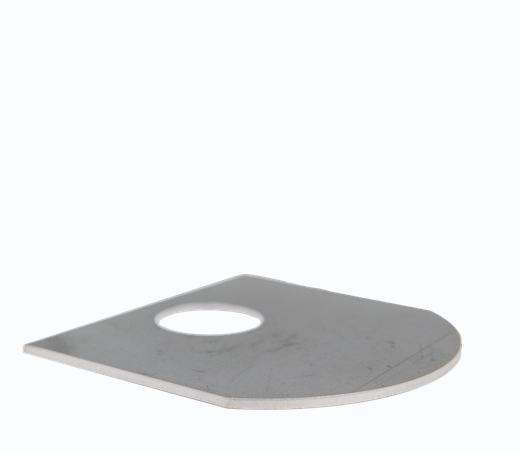
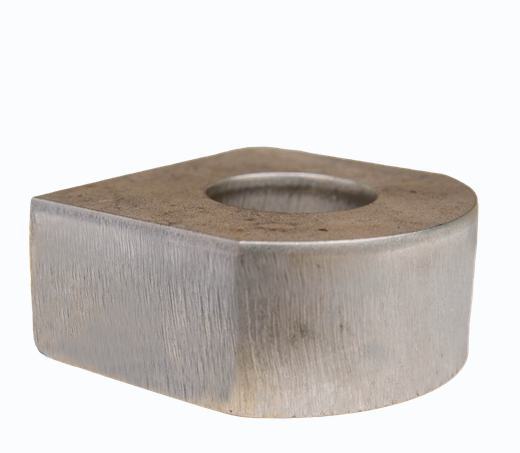
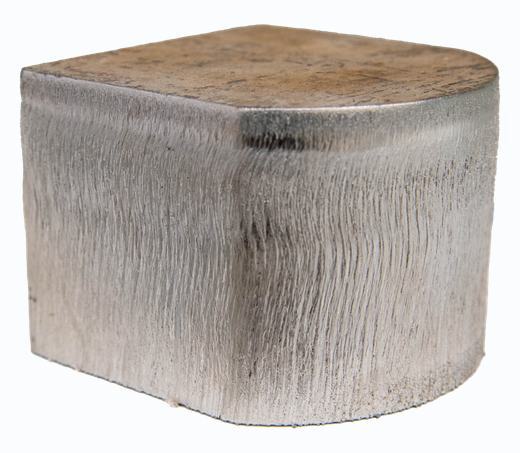
Stainless runs on nitrogen, so the beam does all the cutting. At 10 mm it needs 4 kW where carbon steel needs 1.5 — the clearest illustration on this page of why assist gas matters as much as wattage.
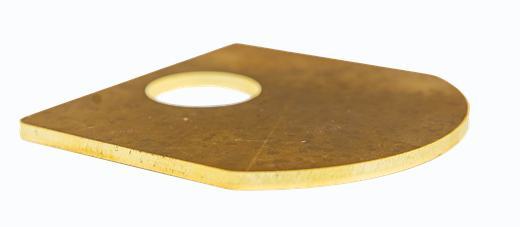
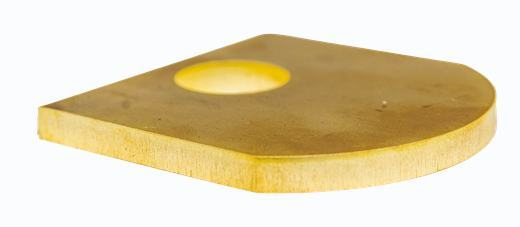
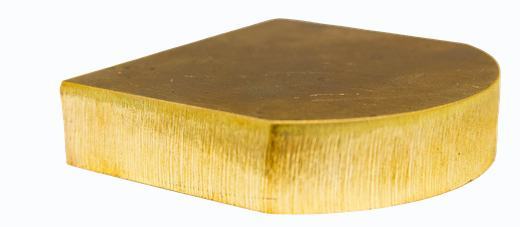
Brass reflects the beam and conducts heat away fast, so the power curve climbs almost linearly. Copper is harder still — and Boss has published no copper figure, so neither have we.
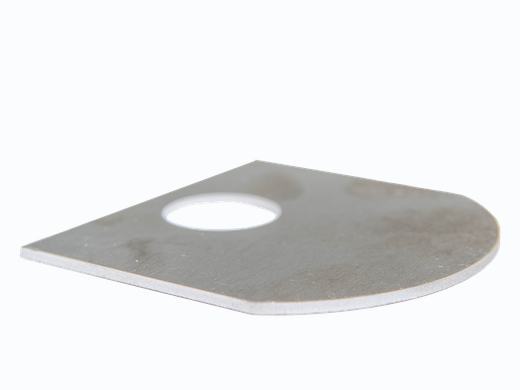
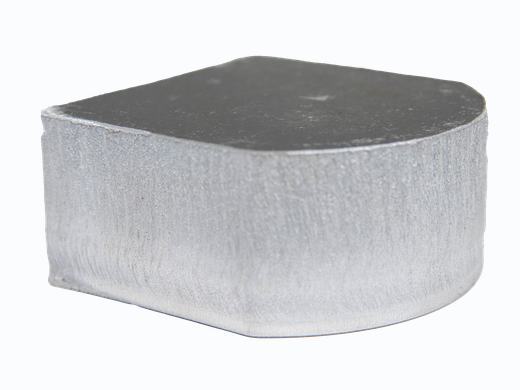
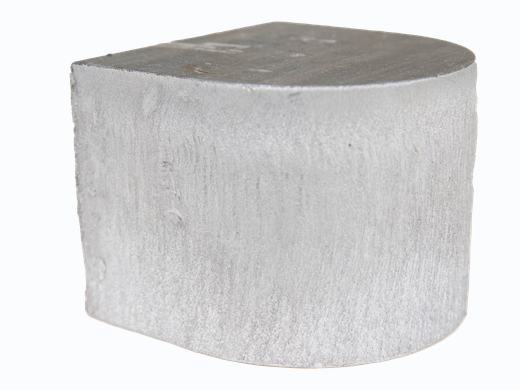
These are minimums, not demo settings. Boss printed a wattage on every other metal’s sample card and none on aluminum, so these come from the Raycus fiber-source cutting tables B at the nearest tabulated thickness. Aluminum reflects hard and pulls heat away fast — at 10 mm it needs 4× the power of carbon steel.
Fiber power Boss offers, 1.5 kW to 30 kW
Read the ladder as how much power the job needs — then pick the machine that carries it. The thickest cuts above want the high-power end of the FC line, not the 2–3 kW machines most shops start on. † Thin material needs less than the line’s entry power, so those steps are shown at 1.5 kW — the smallest fiber cutter Boss builds. Our original sample cards recorded several of these cuts at 1,000 W, on a source we no longer offer. The cut is the same; the machine you would buy today starts at 1.5 kW.
See the full capability chart, with sources and confidence
| Material | CO₂ — cut | CO₂ — engrave | Fiber — cut | Fiber — mark |
|---|---|---|---|---|
| AcrylicCast & extruded | 1/4″ASingle pass, Boss BL2‑T83 charts | YesA | NoFiber wavelength passes through | Limited |
| Wood & plywoodBirch, balsa, bass | 1/4″ birchA1/8″ balsa & bass wood | YesA | No | — |
| Leather | 1/8″A | YesA | No | — |
| Glass | NoNo through‑cut. Deep/precise work routes to UV. | YesA | No | UV route |
| Ceramic | No | YesA | No | VerifyNo sourced UV ceramic parameters |
| Coated metalAnodized, powder‑coated | No | YesAEngraves by removing the coating | — | Yes |
| Mild / carbon steel | HP thin sheetVerifyBoss’s own sources disagree — see note below | Spray onlyBare metal needs bonding spray | 20 mm at 3 kWBBoss‑published cut sample. Independent sources agree (20–25 mm at 3 kW, O₂).C | VerifyNo sourced marking table for carbon steel |
| Stainless steel | HP thin sheetVerify | Spray only | 6 / 8 / 10 mmCAt 1.5 / 2 / 3 kW, N₂ assist | YesCBlack mark, anneal, deep engrave |
| Aluminum | NoBare. HP thin sheet only. | AnodizedA | 4 / 6 / 8 mmCAt 1.5 / 2 / 3 kW, N₂ assist | YesBDark mark on anodized via MOPA |
| Brass & copper | NoCO₂ reflects off shiny metal | Coated only | VerifySingle‑source only. We will not print a thickness we cannot stand behind. | YesC |
How to read this table
- A Boss‑confirmed. From our own machines and published settings charts.
- B Maker‑published. From the component manufacturer’s own documentation.
- C Industry‑typical, cited. Consistent across independent sources; not yet validated on a Boss machine.
- Verify We don’t know yet. No number here rather than a guess.
Most laser spec tables online do not tell you which of these four a number is. That is the difference between a cut chart you can quote to a customer and one you find out about on the shop floor. At equal power, maximum thickness always descends in the same order: carbon steel (O₂), then stainless, then aluminum, then brass and copper.
An open question we haven’t closed
Boss’s own documents give five different maximum metal thicknesses for the HP‑series CO₂ machines — from 14 ga to 18 ga, depending on which spec sheet, guide, or product page you read. Until we confirm one figure per model with engineering, this table shows no number at all. That gap is real, and printing an average of it would be worse than leaving it blank.
What we won’t cut, and why
A laser is not a universal tool. Some materials damage the machine, some damage you, and some simply belong on a different one. Any vendor who won’t tell you this is not going to be much help at 2 a.m. when a job goes wrong.
PVC & vinyl
Never. Cutting PVC releases chlorine gas and hydrochloric acid — toxic to the operator, and corrosive to the frame, rails, and optics of the machine you just bought. This is the single most important “never cut” material.
Use a mechanical blade or a vinyl cutter instead.Polycarbonate
Avoid. Polycarbonate — the “Lexan” in safety eyewear and glazing — discolors, yellows, and burns rather than marking or cutting cleanly. The result looks bad and smells worse.
Acrylic cuts beautifully and is often the intended material anyway.Unknown plastics
Treat any unlabeled sheet as unsafe until it is positively confirmed chlorine‑free. A mislabeled “vinyl” or heat‑transfer film can be PVC, and you will not find out from the smell until the damage is already done.
If you can’t source it, don’t cut it.Three ways in
Whether the machine is already on your floor or still a line on a quote, the question you walked in with has a home here.
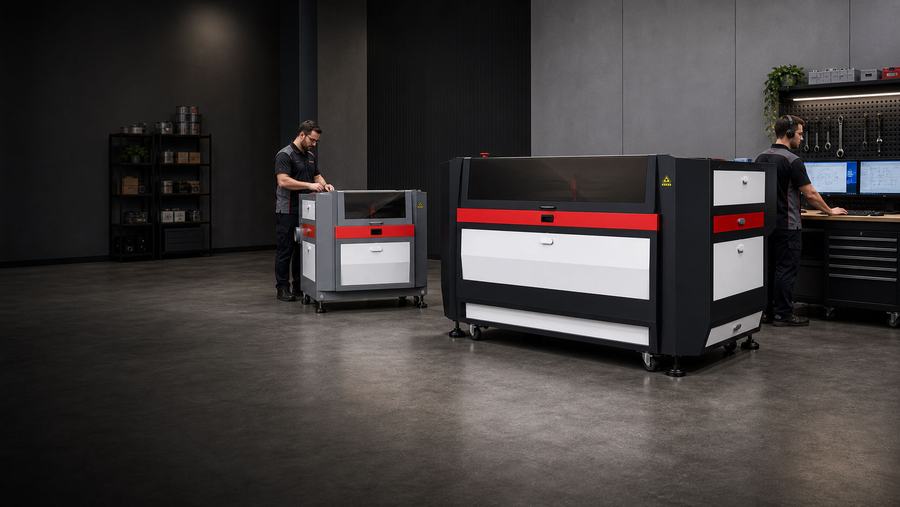
The support library, in the open
Anyone can promise support. This is ours, published where you can inspect it before you spend a dollar — every series we’ve ever shipped, the manuals, and the answers to the problems that actually come in, ordered by how often they do.
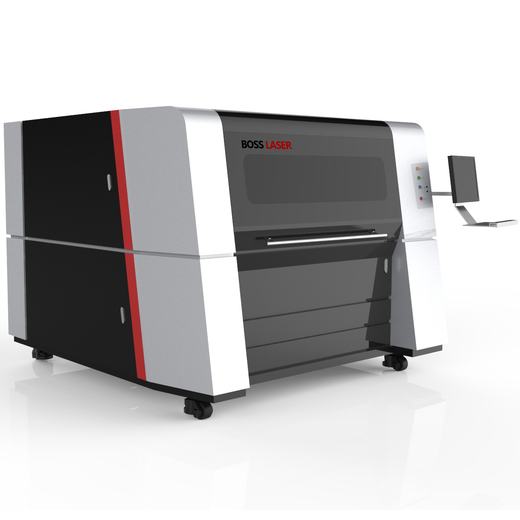
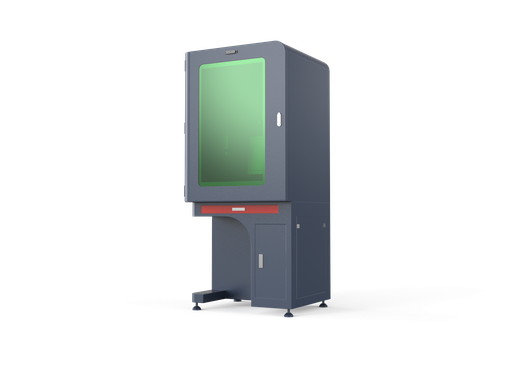
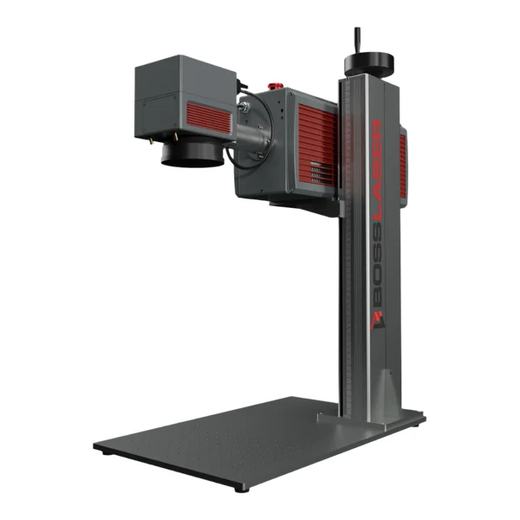
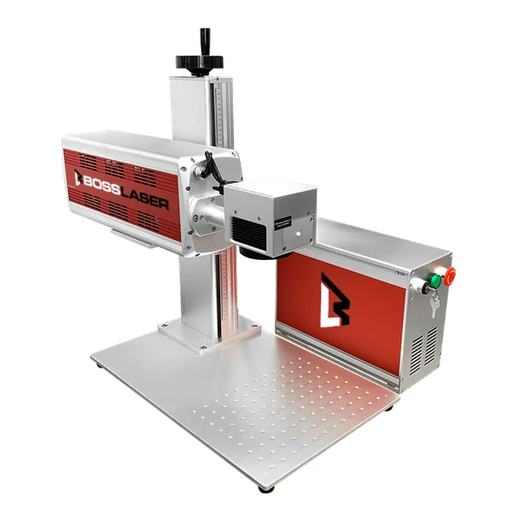
The problems that actually happen
- Mirror & beam alignmentThe single most common support call we takeGuide →
- Cut and engrave qualityCharring, incomplete cuts, inconsistent depthGuide →
- Laser not firingInterlocks, tube, power supply — in that orderHow‑to →
- Movement & homing faultsSteppers, belts, limit switchesGuide →
- LightBurn & softwareInstall, device setup, and the usual first-run trapsManuals →
Why this page exists at all
A support library is an awkward thing to put on a sales site, because it is a public list of everything that can go wrong with the product. We publish it anyway. The machine you are considering is a Class 4 industrial laser; it will need alignment, and the honest question is not whether problems happen but who picks up the phone when they do.
- Every series, including ones we no longer sell
- Owner’s manuals and quick‑start PDFs, ungated
- Step‑by‑step how‑tos with real photographs
- Lifetime technical support, based in Sanford, Florida
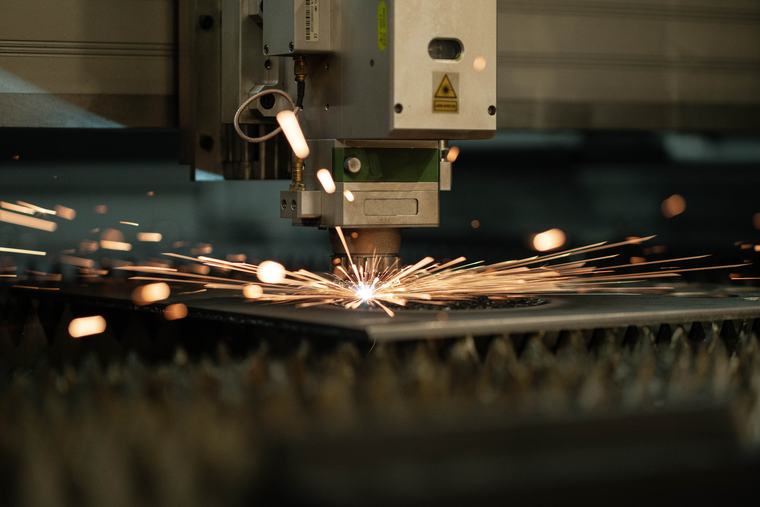
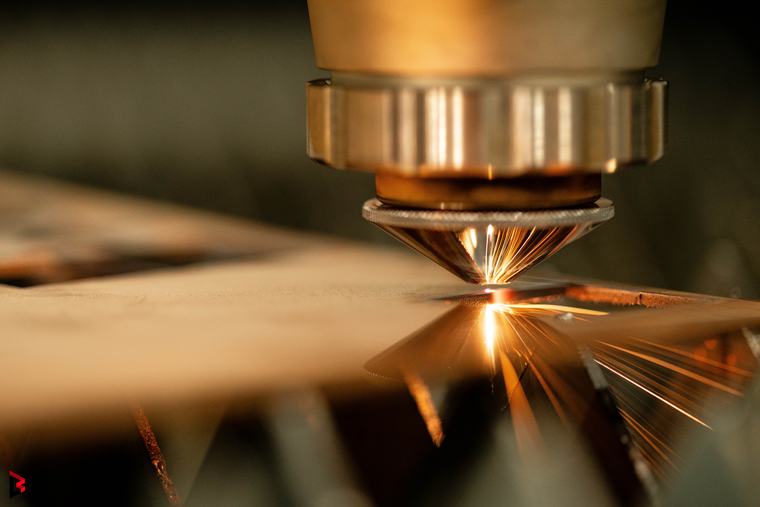
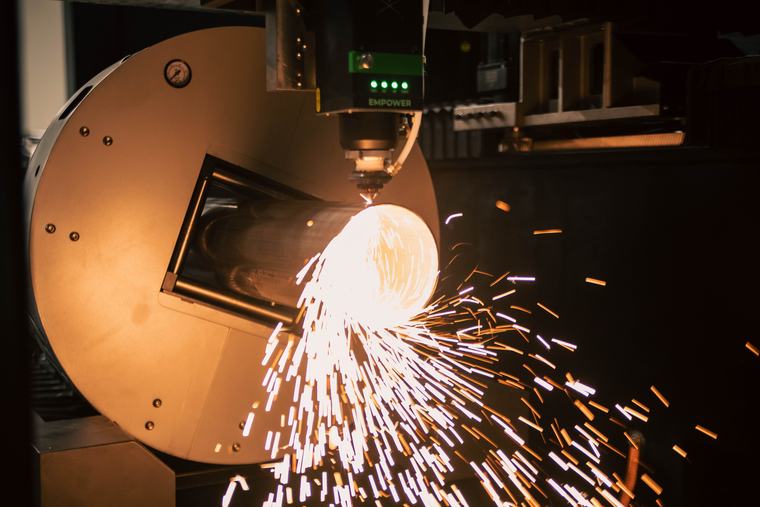
What actually comes off the machine
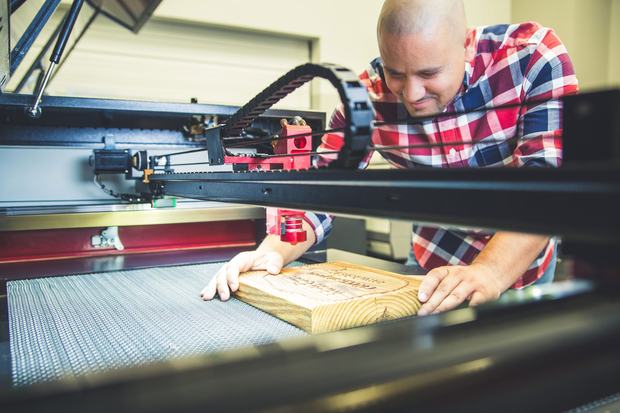
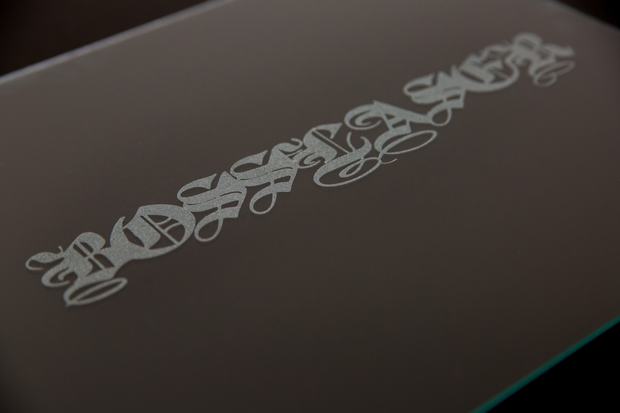
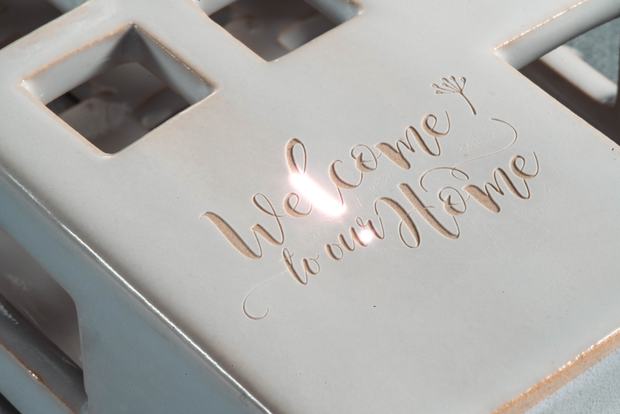
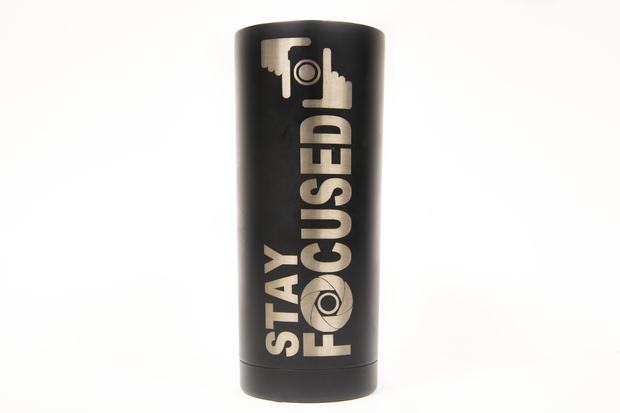
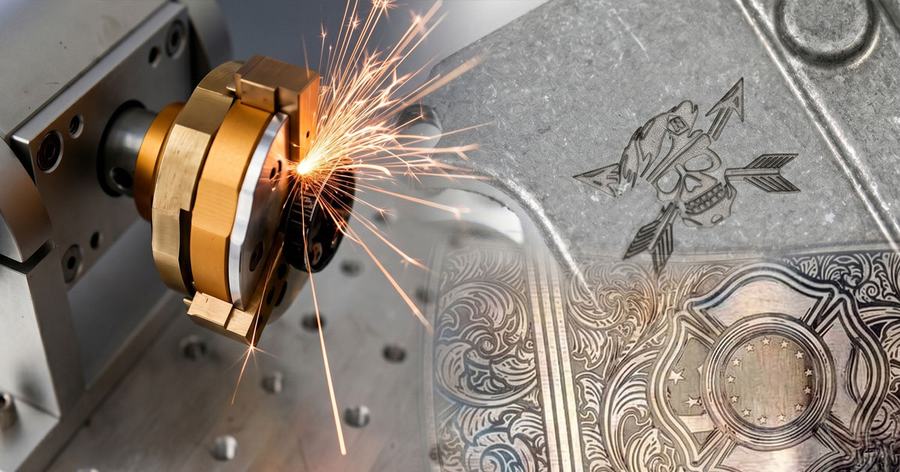
Every photograph on this page was taken in our own facility, on our own machines. If you have seen the same spark shot on four competitors’ websites, that is because they all bought it from the same place.

Understand the machine, not just the buttons
Three ways a laser gets through
Acrylic boils — it goes straight from solid to vapor, which is why the edge comes out flame‑polished. Steel melts and gets blown clear by assist gas, which is why the gas matters as much as the wattage. Glass cracks along a heated line, which is why you engrave it rather than cut it.
Once you can see which of the three is happening, most settings problems stop being mysterious. That is the whole point of the Learn library — not to make you a physicist, but to make the machine legible.
Talk to someone who runs these machines
No drip sequence, no chatbot pretending to be a person. If you want to talk about a specific job, the fastest thing is to speak to a technician who has cut the material you’re asking about.