

Acrylic is the material CO₂ lasers were made to look good on.
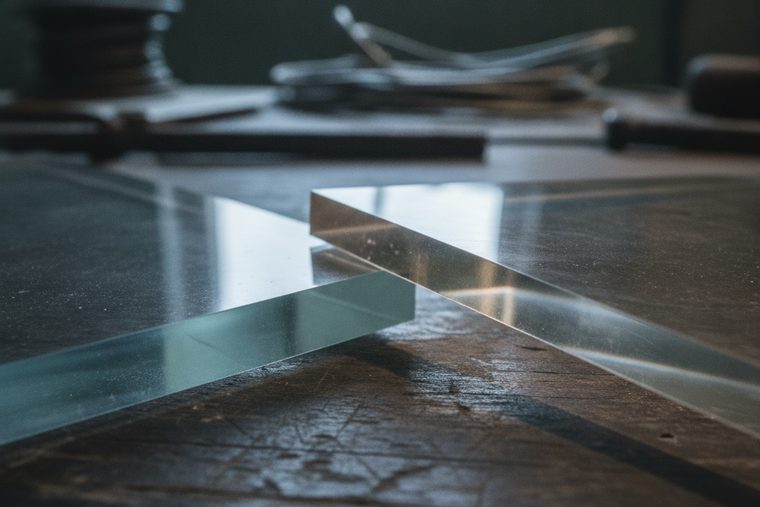
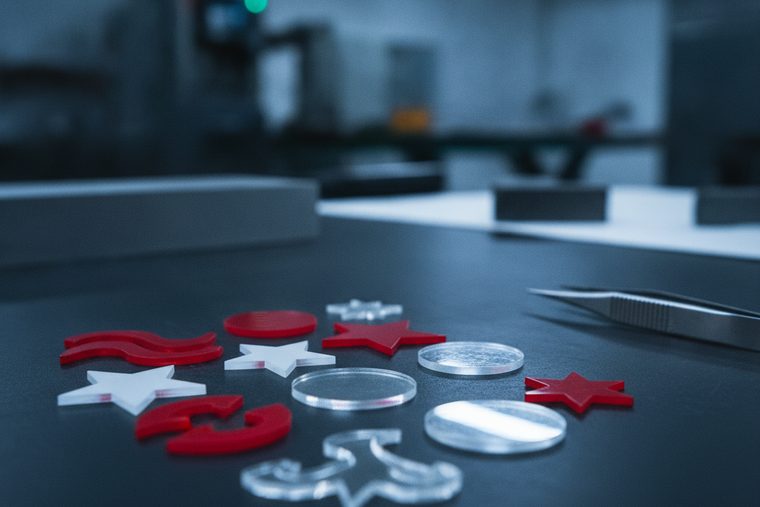
Cut it right and the edge comes off the bed clear and glass-like, with no sanding and no polishing step. Engrave it and it frosts bright white. Almost everything that goes wrong on acrylic comes down to two things: which stock you bought, and how much air you are blowing at the cut line.
Cast and extruded acrylic, Delrin, laminates, and laser-rated engraving plastics.
Cast vs extruded, air assist at the cut line, masking, focus, and speed.
The one thing worth knowing before anything else
Cast and extruded acrylic are not interchangeable, and the difference decides your result before you touch a setting. Cast frosts bright white when engraved and gives the clearest cut edge — it is the right buy for anything engraved. Extruded cuts cleanly and melts more uniformly, but engraves shallow and dull. If your engraving looks weak and you have already chased power and speed, check the stock first: you are probably running extruded.
A CO₂ laser sized to your sheet stock. Acrylic never needs a fiber laser, and it rarely needs the HP series.
Size a CO₂ System


EVO Desktop
Enough machine for awards, small signage, and appliqués. The limit you hit first is almost always the bed, not the beam.
- Engraving and cutting thinner acrylic
- Fits a room that is not a shop
- Where most acrylic businesses start
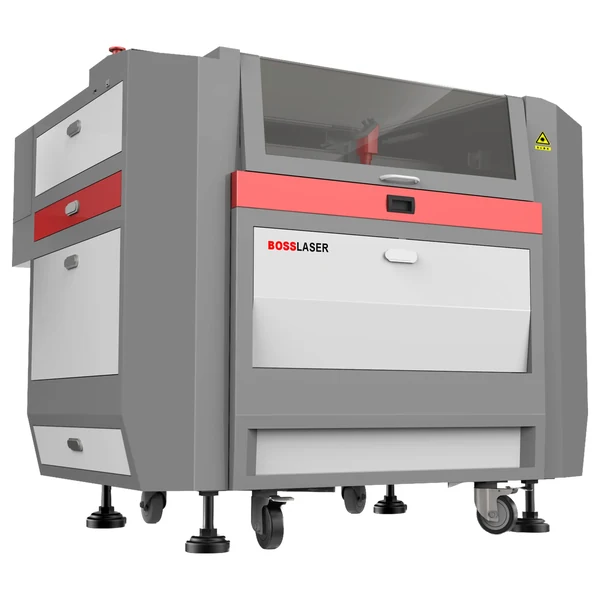
LS Series
The default answer for acrylic. Pick the bed that swallows the sheet size you buy, and the rest of the decision mostly makes itself.
- Runs full sheets without re-cutting stock down
- Built for an all-day duty cycle
- Sized by work area, not by wattage first

HP Series
We would rather talk you out of this one. HP’s premium is its thin-sheet-metal head — if you will never cut metal, you are paying for capability you cannot use on acrylic.
- Right call only for a genuinely mixed-material shop
- Does not cut acrylic better than an LS
- Thicker metal than ~18 ga is a fiber job
| Job | Power % at 70 W / 105 W / 155 W | Speed | Notes |
|---|---|---|---|
| Engraving | 25 / 20 / 15 | 350 mm/s | Scan gap (interval) 0.065 mm |
| Cutting | 80 / 75 / 65 | 10–20 mm/s | Single pass at 1/4″ |
Higher wattage needs a lower power percentage for the same result — that is why the three columns fall as they do. On the multi-speed cutting row, the faster end of the range pairs with the higher wattage.
Those are the acrylic rows. Boss publishes the same charts for wood, paper, leather, rubber, glass, stone and coated metals — the complete set is in CO₂ laser settings by material.
The three rules that sit underneath every number above
- Refocus for every new material. The focal point is a fixed distance below the lens, so a sheet thicker or thinner than your last job sits off-focus — the beam that lands is wider and weaker. This is the single most common cause of engraving that looks faint or soft, and it is free to fix.
- Stay between 5% and 95% power. Below about 5% the tube will not fire at all. Above 95% you are shortening tube life for very little gain. If a job needs more than 95%, it needs a slower speed or a second pass, not more power.
- Air assist is a trade-off on acrylic, not a free win. It keeps smoke off the lens and the surface, but too much air at the cut line cools the edge and frosts it. That is exactly the opposite of what you want on a flame-polished cut — and it is why acrylic is the one material where people deliberately dial air down.
Where the published chart stops
Boss’s cutting chart covers 1/4″ single pass. Thicker acrylic is routinely cut — slower, more power, sometimes multiple passes — but Boss publishes no chart beyond that thickness, so we are not going to print a number for it. If you run thick stock regularly, tell a specialist the thickness you cut most, not the thickest you have ever tried, and let them size the machine to it.
Plastics that are not acrylic
“Acrylic and plastics” is a category with a hard edge to it. Delrin and laser-rated engraving laminates behave well. Polycarbonate (Lexan) absorbs CO₂ poorly, yellows and scorches — engraving is fine, cutting is not. ABS melts rather than vaporizing and leaves gummy edges. And PVC and vinyl must never go in a laser at all: they release hydrogen chloride gas, which harms the operator and corrodes the machine from the inside out. There is no power setting that makes PVC safe. If nobody can name the material, ask for the SDS before it goes on the bed.
Acrylic FAQs
Common buyer questions.
What people ask before they buy a machine to run acrylic on.
QHow do I get flame-polished, clear acrylic edges?
Cut cast acrylic in a single pass, at a power and speed that melts the edge cleanly rather than hacking at it, with minimal air disturbance right at the cut line. The clear edge is molten acrylic re-flowing and freezing smooth — anything that cools it too fast or interrupts it leaves a frosted or ridged edge instead. That means the two most common mistakes are running multiple passes, and blasting air assist on the assumption that more is always better. Boss’s published starting point is 80/75/65% at 10–20 mm/s for 1/4″; take that to a scrap piece and adjust in small steps, changing one variable at a time.
QWhat’s the difference between cast and extruded acrylic?
They are made differently and they behave differently under a laser. Cast acrylic is poured and cured in a mold; it engraves to a bright white frost with strong contrast and gives the clearest cut edge. Extruded acrylic is pushed through a die; it is more dimensionally consistent and cheaper, cuts with very clean edges, and melts more uniformly — but it engraves shallow and dull, with far less contrast. The practical rule: if the piece is engraved, buy cast. If it is only cut, either works, and extruded may save you money. Suppliers do not always label it clearly, so ask.
QWhy does my engraving look frosted on some acrylic and not others?
That frost is the effect you want, and cast acrylic produces it — the engraved surface goes bright opaque white against clear stock, which is why cast is the standard for awards and signage. Extruded acrylic engraves faintly by comparison and reads grey and washed out. So if half your stock frosts nicely and half does not, you almost certainly have both types on the shelf. Before you spend an afternoon chasing power and speed settings, confirm which sheet you are actually running. No setting turns extruded into cast.
QShould I leave the masking on while cutting?
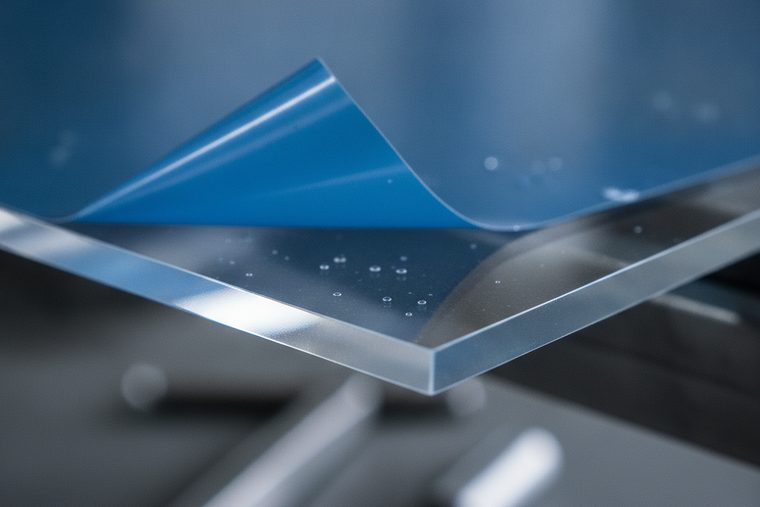
Masking protects the surface from smoke residue, which matters more on engraving than on cutting. The usual approach is to leave it on to keep neighboring areas clean and remove or score it where the beam actually cuts, so the mask does not fuse into the edge. Whether the engraved artwork reads better masked or unmasked genuinely depends on the piece — run both on a scrap of the same stock before committing to a full sheet. It costs one small test and saves a ruined run.
QHow thick an acrylic sheet can a CO₂ laser cut?
Boss publishes settings for 1/4″ in a single pass, and that is the number we will stand behind. Thicker acrylic is cut routinely — more power, slower speed, sometimes multiple passes — but Boss does not publish a chart past that thickness, so any specific figure for 1/2″ or 3/4″ would be us guessing on your behalf. What is worth knowing is that thickness affects edge quality as well as feasibility: the thicker the sheet, the harder a perfectly clear edge becomes. Tell a specialist the thickness you cut most often and they will size the machine to it.
QDo I need a fiber laser or a high-power machine for acrylic?
No on both counts. A fiber laser is the wrong tool entirely — its 1064 nm wavelength is built to be absorbed by metal, and acrylic is a CO₂ material. As for power, acrylic work is usually limited by bed size, not wattage: the wall people hit is the sheet not fitting, not the beam not cutting. The HP series exists to cut thin sheet metal, so buying one purely for acrylic means paying for a metal-cutting head you will never switch on. If you cut only non-metals, an LS sized to your stock is the right machine.
QWhich plastics are unsafe to laser cut?
PVC and vinyl, never. They release hydrogen chloride gas, which is genuinely harmful to whoever is in the room and corrodes the machine from the inside out — there is no power setting, no extraction setup, and no material thickness that makes it acceptable. Beyond that: polycarbonate (Lexan) engraves acceptably but cuts badly, yellowing and scorching; ABS melts rather than vaporizing and can emit cyanide compounds; fiberglass and carbon-fiber composites give off fumes from the resin binder and do not cut cleanly. Anything with an unknown coating or laminate is a no until someone produces the SDS — if nobody can name the material, nobody can say what it off-gasses.
Sources
Power, speed and scan-gap figures are transcribed from Boss’s own BL2-T83 CO₂ material settings charts (70 / 105 / 155 W tiers) — first-party Boss data, not industry averages. The focus, power-limit and air-assist rules come from the Boss HP Series User Manual. Cast-versus-extruded behaviour, edge-finish technique and the unsafe-plastics list are settled laser-processing practice, consistent with the materials guidance in that manual. Every setting above is a starting point: test on scrap of the same stock before committing a full sheet, since results shift with brand, thickness, and machine condition.
Still deciding?
Talk to a Boss Laser specialist about acrylic.
Tell us your sheet size, your usual thickness, and whether you engrave as well as cut — we’ll point you at the right bed and wattage, and say so if you need less machine than you think.