
Support Hub
Boss Laser Technical Support
Find your machine series, start with the most common fixes, then open the exact model before contacting support.
Machine series support
Select the series that matches your machine.
Each series block links to its owner’s manual, quick-start guide, common fixes, and every model’s support page. One manual and guide cover the models in that series.

Desktop and mid-size CO2 laser cutters and engravers for wood, acrylic, leather, coated-metal marking, and general production work. Start with the common fixes, then open the exact model.
Laser Not Firing
Check the interlocks first, then run the simplified resistor test before assuming a failed part.
Try this first →Alignment Issues
Confirm the beam path from mirror one through the nozzle using the alignment guide and tool.
View alignment →Poor Engrave / Cut Quality
Review focus, lens condition, material settings, air assist, and bed level.
Improve quality →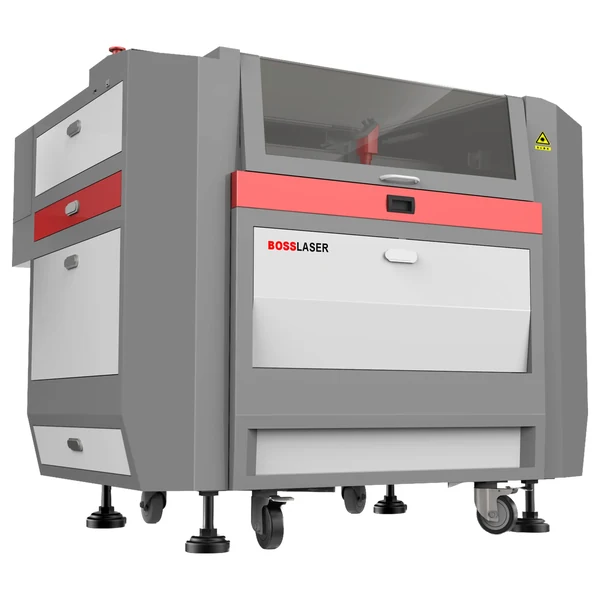 LS-1630
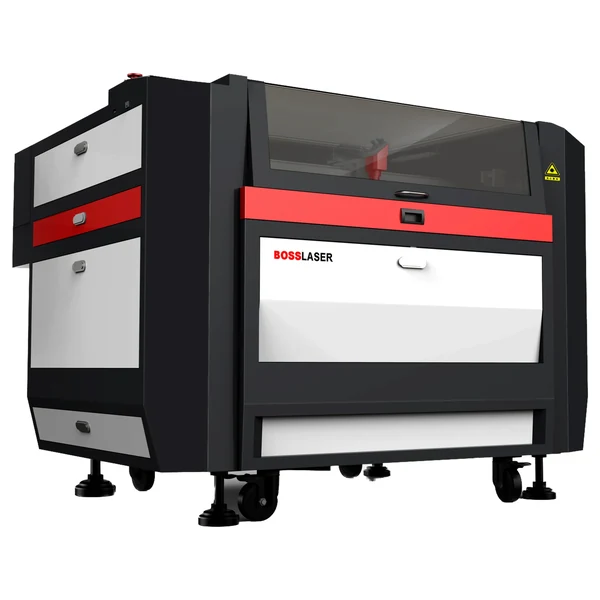 LS-2440
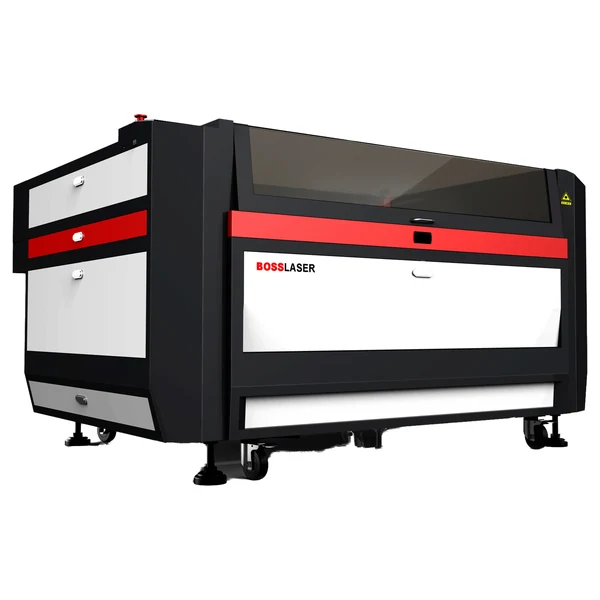 LS-3655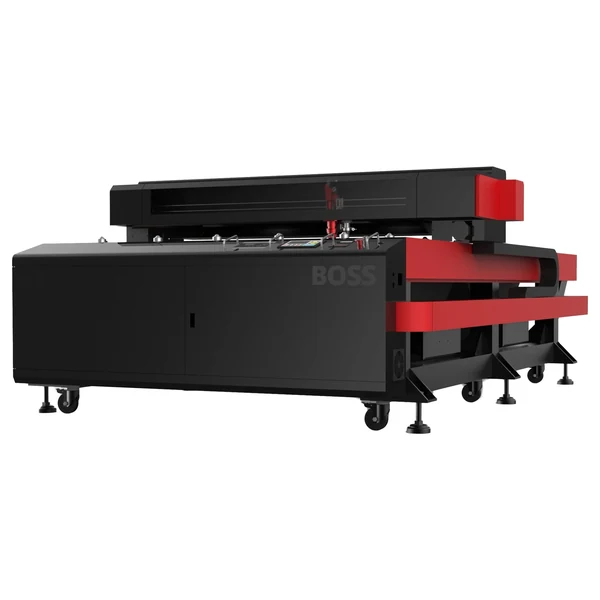
Large-format CO2 laser support for higher-volume cutting, engraving, and production workflows. The same CO2 safety, firing, alignment, and quality checks as LS, at a larger scale.
Laser Not Firing
Check the interlocks first, then run the simplified resistor test before assuming a failed part.
Try this first →Alignment Issues
Confirm the beam path from mirror one through the nozzle using the alignment guide and tool.
View alignment →Poor Engrave / Cut Quality
Review focus, lens condition, material settings, air assist, and bed level.
Improve quality →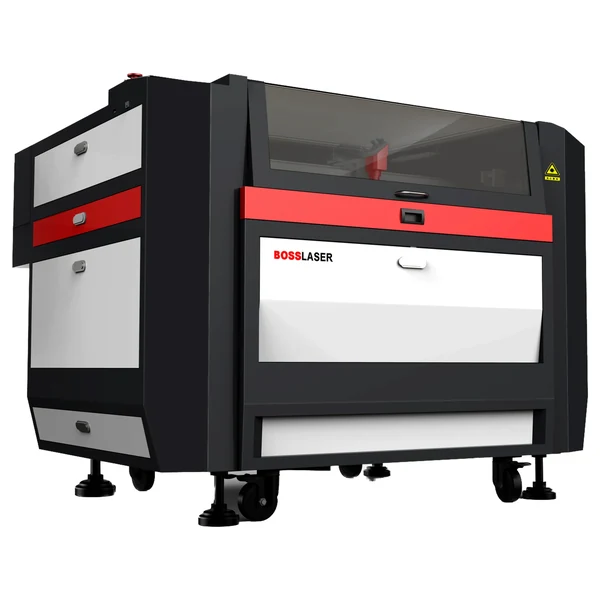 HP-2440
 HP-3655
Compact desktop CO2 for schools, sign shops, and light production — engraving and light cutting of wood, acrylic, leather, and coated metals. EVO owners run the same CO2 firing, alignment, and quality checks as the LS line.
Laser Not Firing
Check the interlocks first, then run the simplified resistor test before assuming a failed part.
Try this first →Alignment Issues
Confirm the beam path from mirror one through the nozzle using the alignment guide and tool.
View alignment →Poor Engrave / Cut Quality
Review focus, lens condition, material settings, air assist, and bed level.
Improve quality →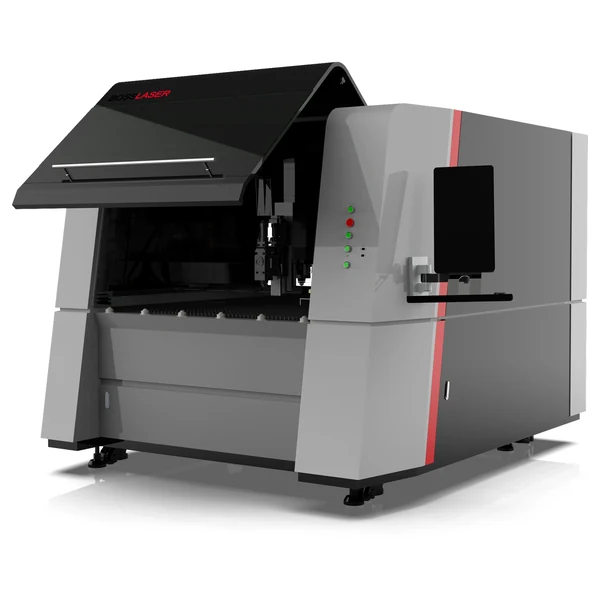
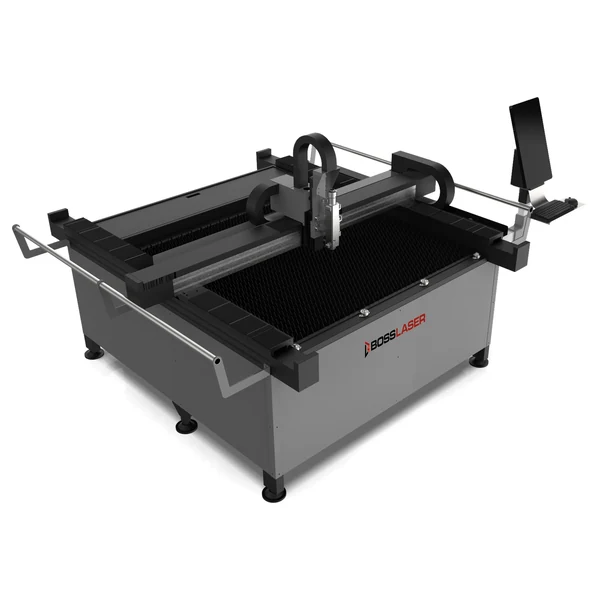
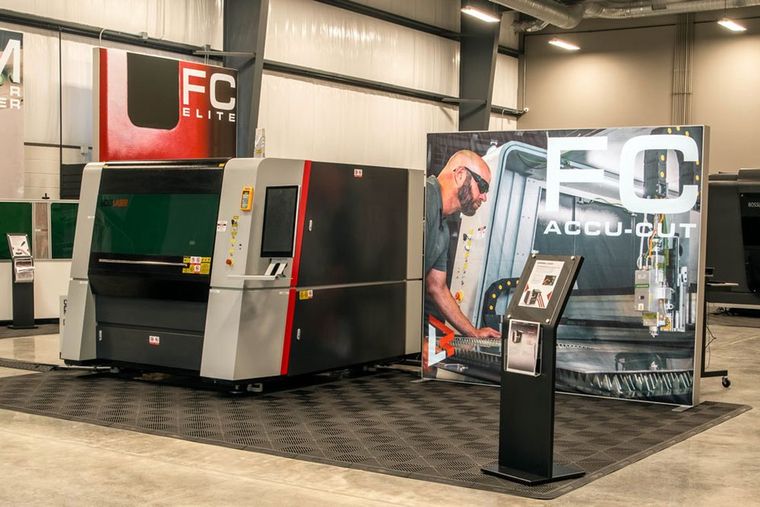
Fiber cutter support grouped by platform — model downloads, gas-setup guidance, motion checks, and cutting-quality resources for steel, stainless, aluminum, sheet, tube, and pipe.
Not Cutting Through
Verify nozzle condition, focus height, assist-gas pressure, and pierce settings for the material.
Try this first →Edge / Cut Quality
Dial in gas type and pressure, feed rate, and lens condition for clean edges.
Ask a technician →Assist Gas & Pierce
Set oxygen, nitrogen, or air and pierce timing to the metal type and thickness.
Ask a technician → FC Mega Cut
 FC EcoCUT
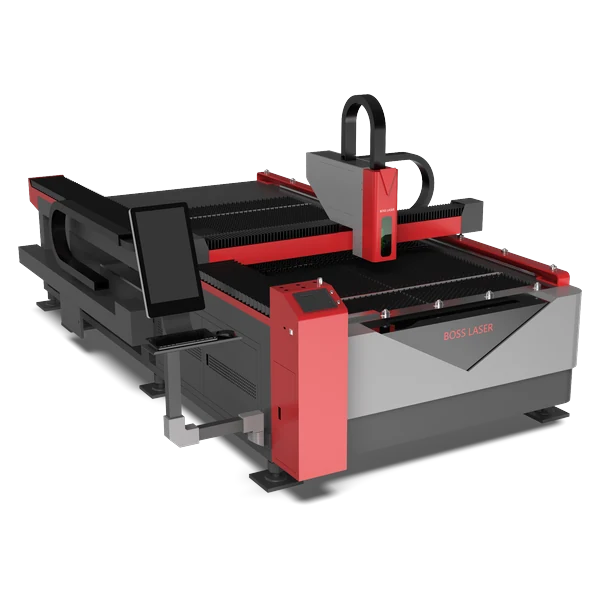 FC FlexCUT
 FC EcoPRO
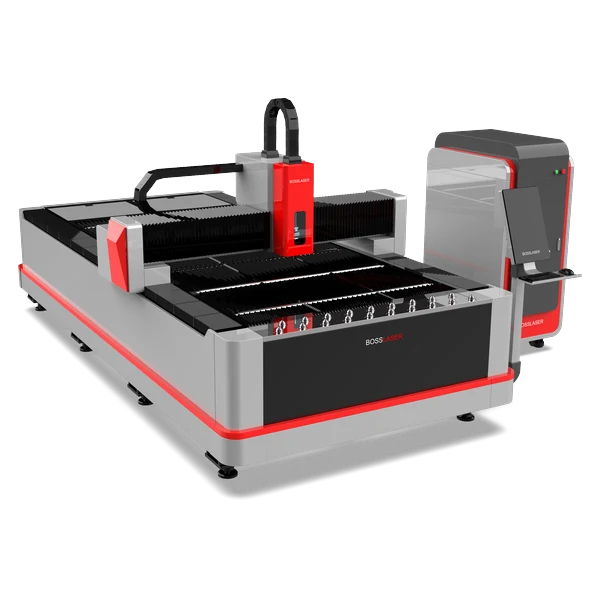 FC 6012 Elite
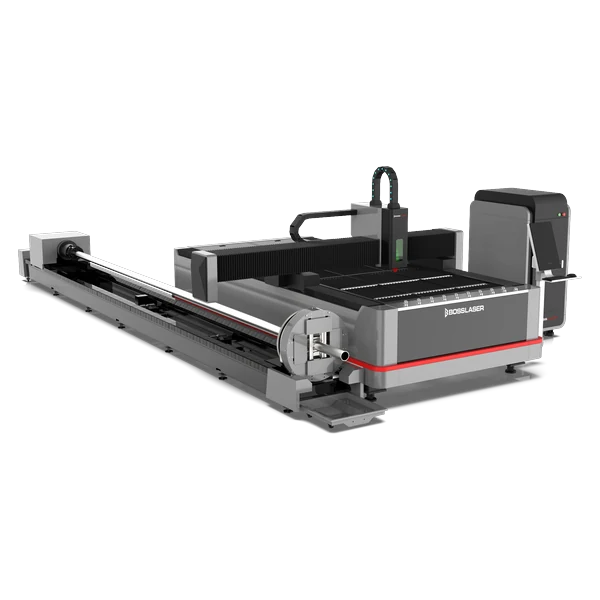 FC+ Elite PipeCUT
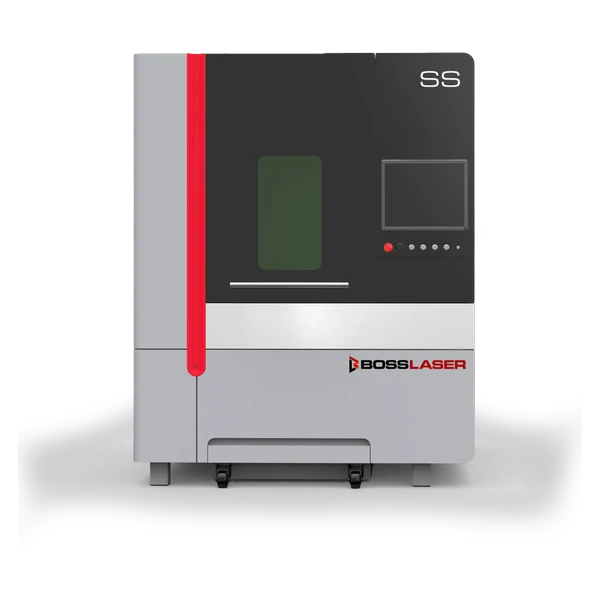 FC AccuCUT SS
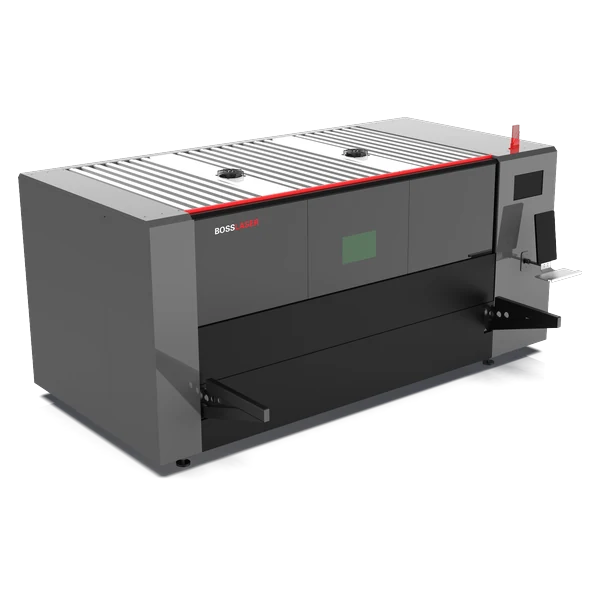 FC Elite MaxCUT
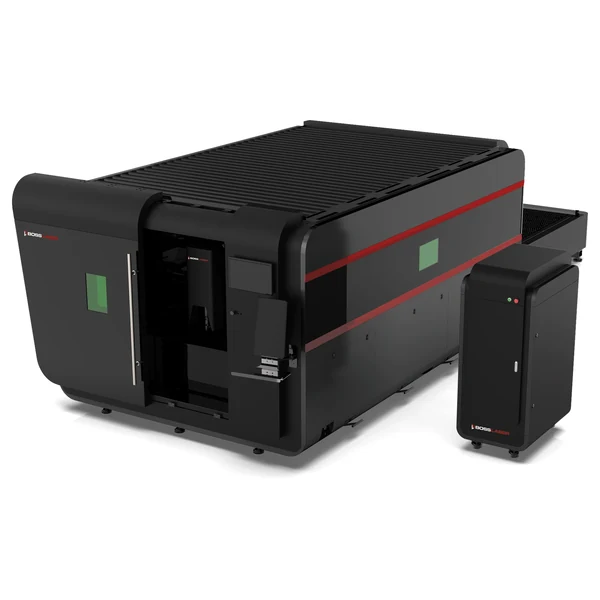 FC-6012 EXT
 FC Xtract
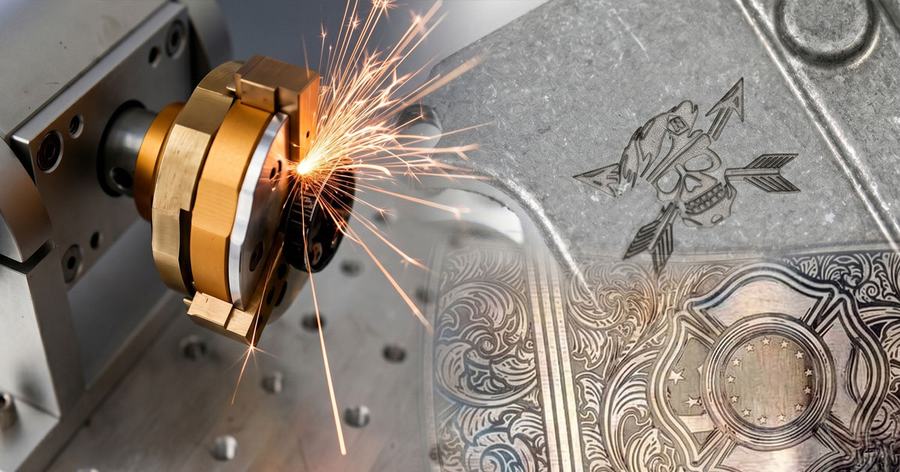
Fiber galvo markers for permanent metal marking, etching, and deep engraving on steel, aluminum, brass, copper, titanium, and plastics.
Mark Too Light / No Contrast
Adjust power, frequency, and speed, then confirm focus height for the material.
Try this first →Not Firing / No Mark
Check the source, interlocks, and red-dot alignment before changing parameters.
View checks →Focus & Lens Selection
Match lens and focal distance to the field size and confirm Z height.
View lens guide →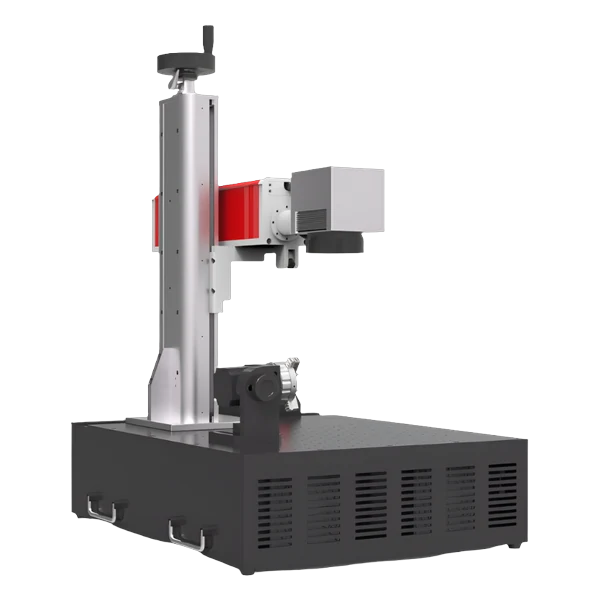 FM Desktop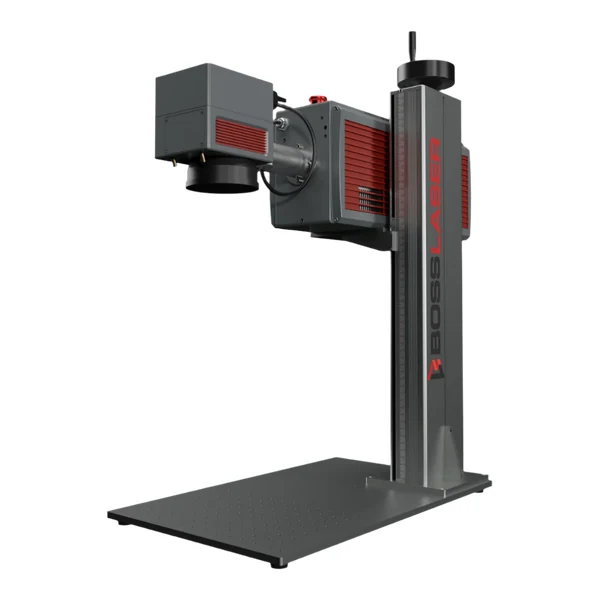
UV galvo markers for cold, high-contrast marking on plastics, glass, ceramics, and other sensitive materials — no heat, no deep engraving.
Mark Too Light / No Contrast
Adjust power, frequency, and speed, then confirm focus height for the material.
Try this first →Not Firing / No Mark
Check the source, interlocks, and red-dot alignment before changing parameters.
View checks →Focus & Lens Selection
Match lens and focal distance to the field size and confirm Z height.
View lens guide → 3D UV Marker
An RF CO₂ laser in a galvo head — high-speed marking and engraving on organics and coated materials such as wood, acrylic, leather, paper, and coated metal. No metal cutting.
Mark Too Light / No Contrast
Adjust power, frequency, and speed, then confirm focus height for the material.
Try this first →Not Firing / No Mark
Check the source, interlocks, and red-dot alignment before changing parameters.
View checks →Focus & Lens Selection
Match lens and focal distance to the field size and confirm Z height.
View lens guide →Handheld fiber laser cleaning and welding systems — download the manual or contact support for setup and troubleshooting.
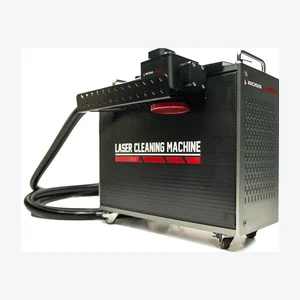
Laser Cleaner
FC Lumin X
300W handheld pulse laser cleaner for rust, coating, oxide, and paint removal on metal — no media blasting or chemicals.

Laser Welder
FC Fusion Welder
Handheld fiber laser welder for fast, clean welds on steel, stainless, and aluminum, with wobble — also cuts and cleans.
Download the manual for the Filtrabox unit you run. These attach to the machines above to capture smoke and fumes.

Fume Extraction
Filtrabox Compact X
Compact fume extraction and filtration for desktop and small-format lasers.

Fume Extraction
Filtrabox Expand X-2
Higher-capacity fume extraction for mid-size and production lasers.

Fume Extraction
Filtrabox Expand X-3
Three-stage fume extraction and filtration for the highest-volume production work.

Fume Extraction
Filtrabox Micro
Entry fume extraction for light-duty and intermittent laser work.
Active cooling keeps the laser source and optics in their temperature window. Download the chiller manual, or contact support for any add-on.

Cooling
CW-5200 Water Chiller
Active water cooling that keeps the laser source and optics in their temperature window.
Support
Add-on Setup Help
Installing or troubleshooting an extractor, chiller, cleaner, or welder? Send your machine and the add-on model.
Applications hub
When the question is about a job or material.
A secondary route for understanding a process rather than fixing a specific machine.
Knowledge base
Top troubleshooting topics.
Updated over time based on support volume and search behavior.
Why is my CO2 laser not firing?
Check interlocks, water protection, and the power supply first, then confirm tube behavior. Work the interlock test guide step by step, then the simplified resistor test, before contacting support.
How do I align the mirrors on my laser?
Run the beam-path checks from mirror one through the nozzle, adjusting one mirror at a time and re-testing after each adjustment. Verify focus only after the beam path is correct.
Why are my cuts dirty or inconsistent?
Review focus, optics condition, air assist, material settings, and bed level — change one variable at a time and re-test so you know which change fixed it.
Still need help?
Contact Boss Laser technical support.
Include your machine model, serial number, photos, and any tests you have already completed.