
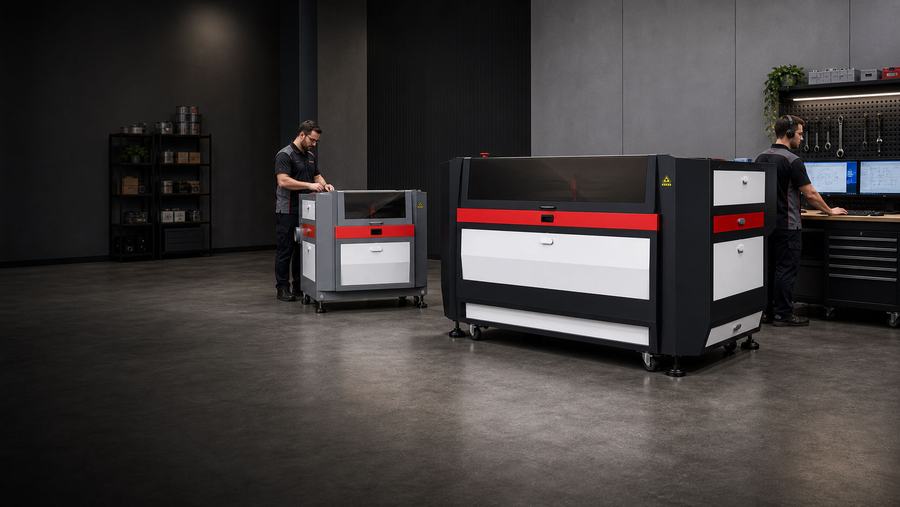
Series Support
EVO Series Support
Support resources for the EVO desktop CO2 laser — setup, firing, alignment, and everyday cut and engrave quality.
The EVO operator’s manual covers setup and operation for the desktop CO2 platform.
EVO quick fixes
Try these first.
Each quick fix includes a short explanation, a first action, and a guide when available.
Try this first
Laser Not Firing
Usually related to interlocks, power supply, or laser tube. Start with safety checks before assuming a failed component.
- Confirm lid, door, and water-protection interlocks.
- Run the interlock test and simplified resistor test.
- Document lights, sounds, and test results for support.
Try this first
Alignment Issues
Beam-alignment problems show up as weak cutting, uneven power across the bed, or visible path drift.
- Check mirror alignment from mirror one through the nozzle.
- Use the alignment tool when available.
- Verify focus after the beam path is corrected.
Try this first
Poor Engrave / Cut Quality
Quality issues are commonly tied to focus, lens condition, air assist, bed level, speed, power, or material condition.
- Clean the focal lens and mirrors.
- Confirm focus height and bed level.
- Test speed, power, frequency, and air-assist settings.
Guides & downloads
Support resources for the EVO Series.
Step-by-step guide pages you can work at the machine.
 Guide page
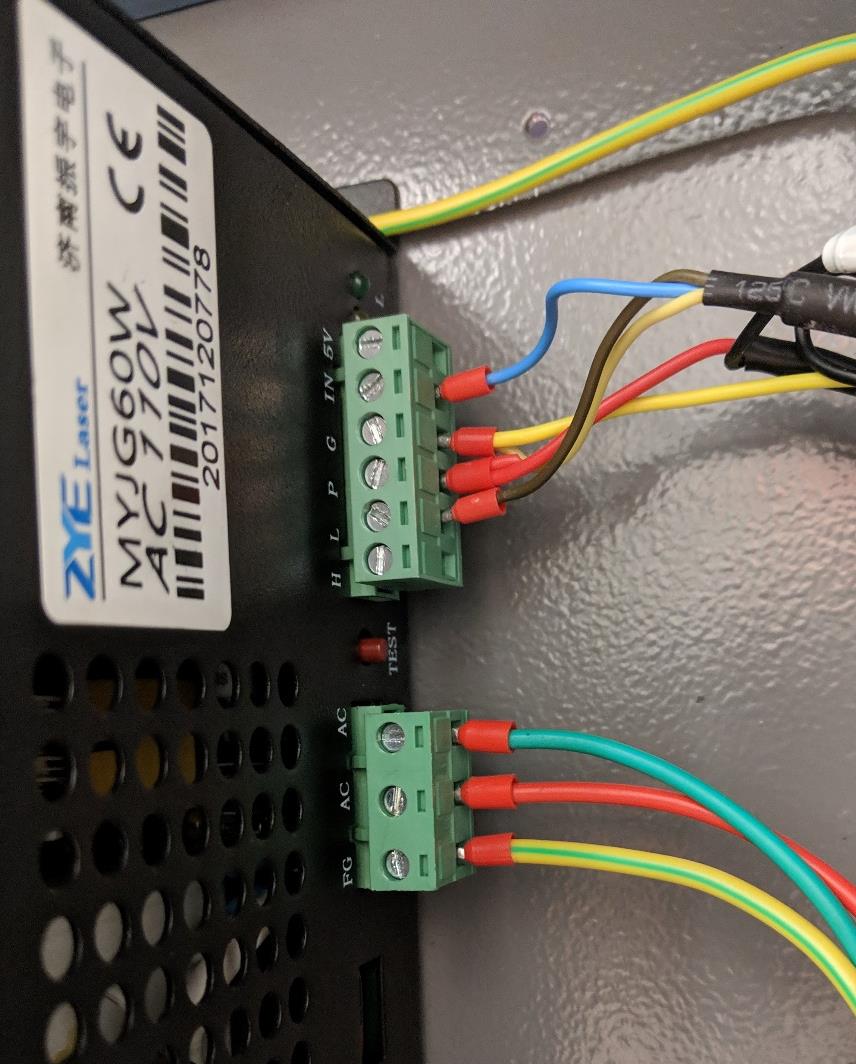
Interlock testing: laser not firing
Trace a no-fire condition through power supply, bypass, door sensor, chiller, and water flow.
Open guide →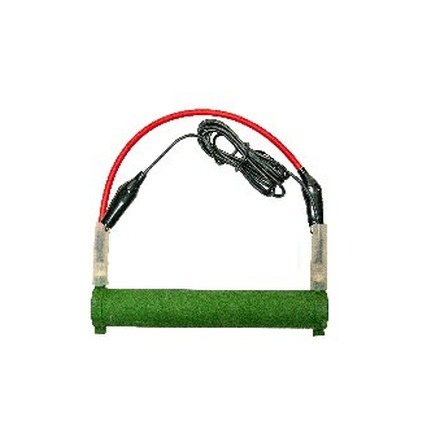 Guide page
Simplified resistor test
Use the green test resistor to tell a power-supply problem from a laser-tube problem.
Open guide → Guide page
Mirror & beam alignment
Align mirror one through the nozzle, one mirror at a time, then confirm focus.
Open guide →EVO Series model support
Choose your model.
The model page adds owner-facing tests and model-specific downloads for that exact machine.

EVO Desktop
Desktop CO2 support for setup, firing checks, alignment, focus, lens cleaning, and everyday engrave and light-cut quality.
Common questions
EVO Series FAQs.
Which manual covers the EVO?
The EVO operator’s manual at the top of this page covers setup and operation for the desktop CO2 platform.
Can the EVO cut metal?
No. The EVO is a CO2 desktop for non-metals — wood, acrylic, leather, paper, and fabric. It can mark bare metal only with a marking spray, and does not cut or engrave metal directly.
Why won’t my EVO fire?
Start with the interlocks, water protection, and power supply, then confirm tube behavior. Work the interlock test and simplified resistor test before assuming a failed part.
Still need help?
Contact Boss Laser technical support.
Include your EVO serial number, photos or video, the material being used, settings, and which quick checks you completed.