
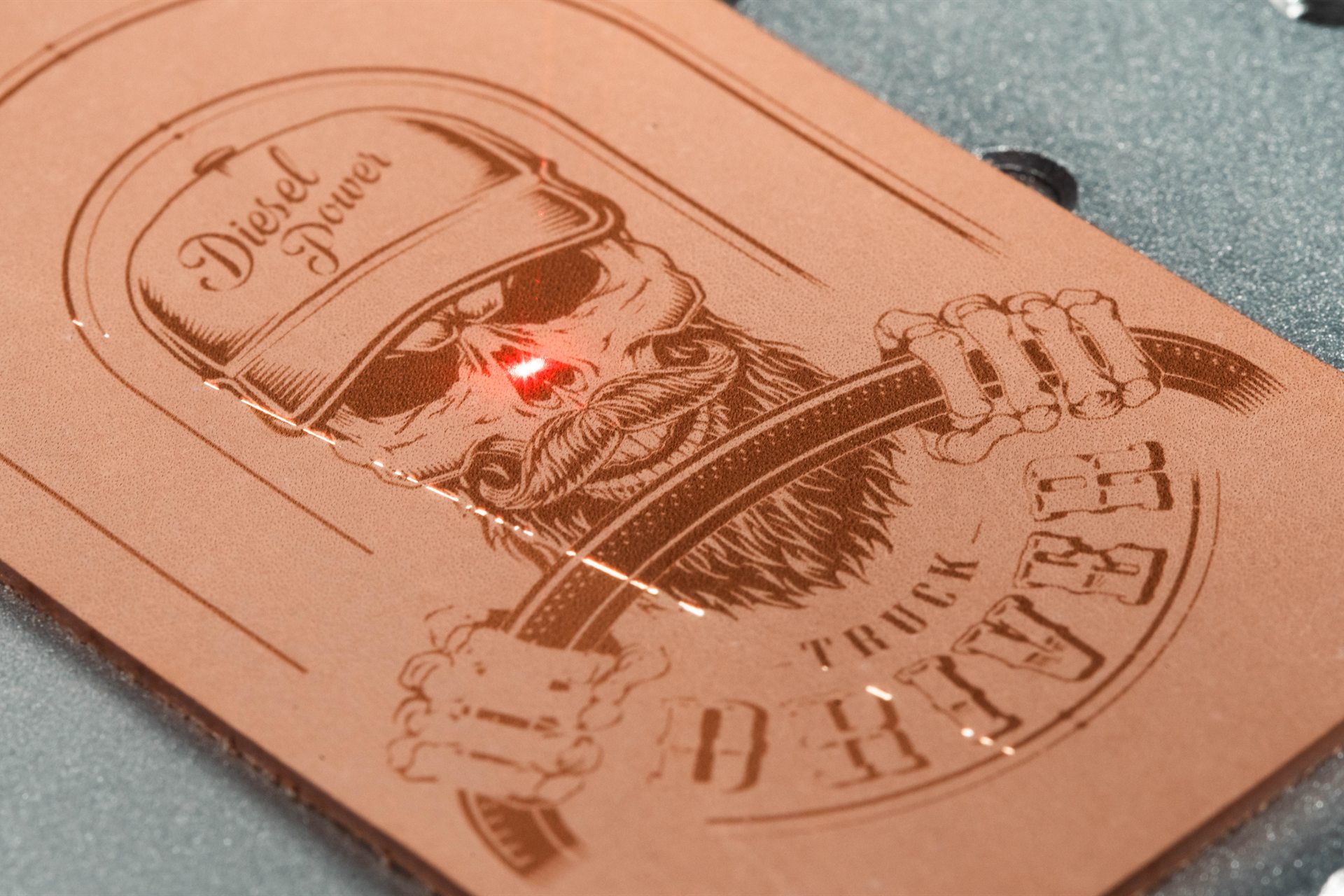
Soft goods run at low power. The hard part is knowing what the material is.
Leather and fabric take very little energy — the craft is heat control, because too much chars and stiffens the material instead of cutting it. The genuine risk in this category is not settings. It is that “leather” and “vegan leather” describe a shelf, not a material, and one of the things on that shelf is PVC.
Veg-tan and chrome-tanned leather, felt, canvas, apparel fabric, foam, and laser rubber.
Material identity, backing, air assist, masking, and extraction.
The one thing worth knowing before anything else
Confirm what the material actually is before it goes on the bed. PU-based faux leather runs acceptably. PVC-based “vegan leather” must never go in a laser — it releases hydrogen chloride gas, which harms the operator and corrodes the machine from the inside out. There is no power setting, no extraction rig and no thickness that makes it safe. The two look and feel almost identical on a roll, and suppliers are often vague, so the question to ask is not “is this vegan leather?” but “is this PU or PVC?” If nobody can answer, ask for the SDS.

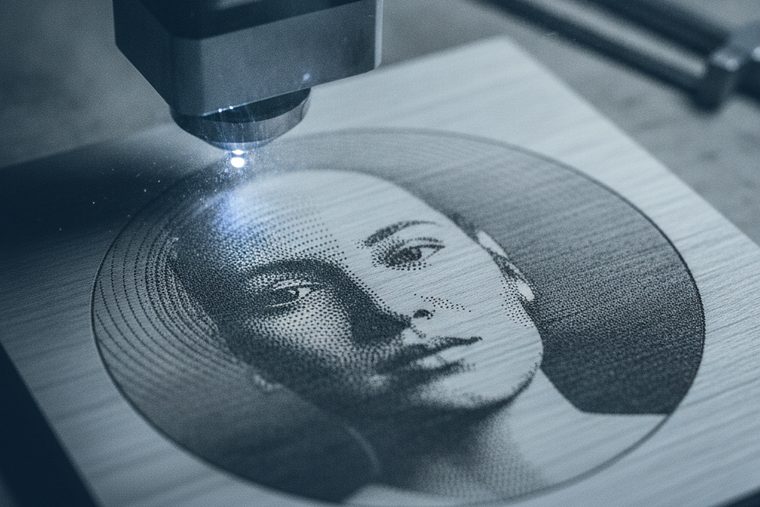
A CO₂ laser sized to your roll width. Soft goods need less power than almost anything else — bed size is the real decision.
Size a CO₂ System



EVO Desktop
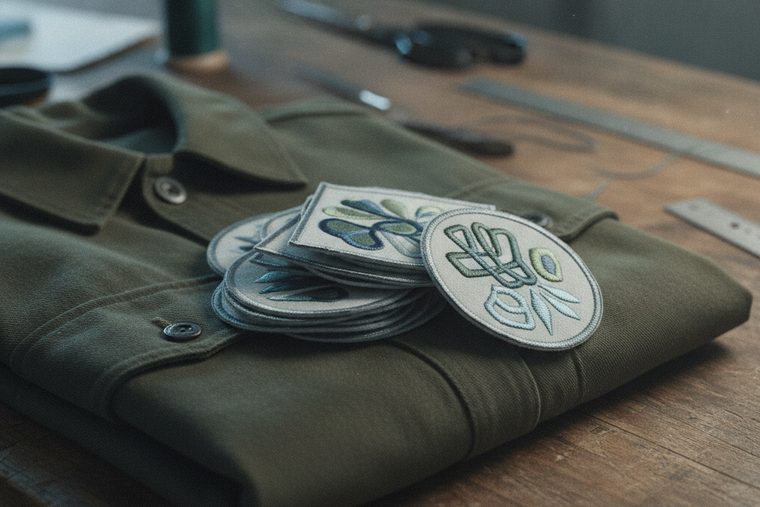
Genuinely sufficient for patches, wallets, small goods and sample runs. Soft goods cut at low power, so a desktop is not the compromise here that it is on thick acrylic.
- Patches, wallets, appliqué, small leather goods
- Fits a room that is not a shop
- The bed, not the beam, is what you outgrow
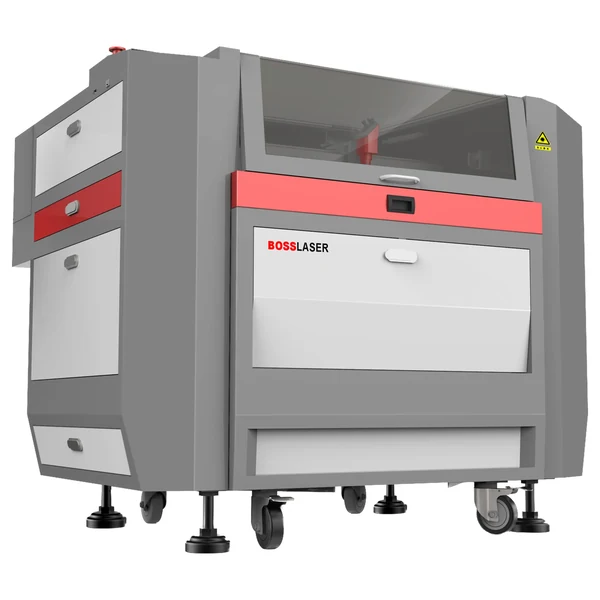
LS Series
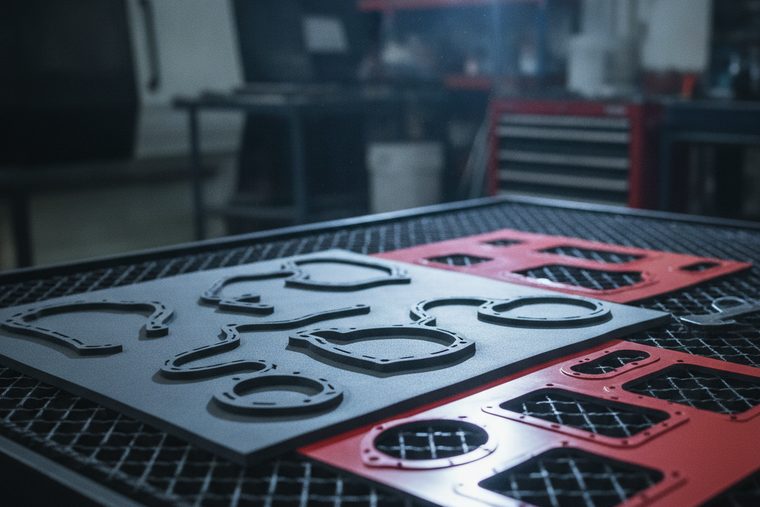
The step up when you are nesting patterns across a hide or a roll width. You are buying bed area and duty cycle, not extra wattage.
- Nest full patterns across a hide or roll
- Built for an all-day duty cycle
- Size by roll width, not by power

Fume Extraction
Not an accessory in this category. Leather is the smelliest common laser material, chrome-tanned hide can release chromium compounds, and rubber is worse. Budget extraction on the same order as the machine.
- Leather and rubber demand real extraction
- Air assist and exhaust are two different jobs
- Belongs on the same quote, not a later one
| Job | Power % at 70 W / 105 W / 155 W | Speed | Notes |
|---|---|---|---|
| Leather — engraving | 25 / 18 / 15 | 350 mm/s | Scan gap 0.065 mm |
| Leather — cutting | 85 / 75 / 70 | 10–15 mm/s | Single pass at 1/8″ |
| Rubber — engraving | 30 / 20 / 15 | 350 mm/s | Stamp dies; heavy odour |
| Rubber — cutting | 85 / 75 / 70 | 10–15 mm/s | Single pass at 1/8″ |
| Foam — cutting | 60 / 55 / 40 | 25 mm/s | Single pass at 1/4″ |
Higher wattage needs a lower power percentage for the same result; on multi-speed rows the faster end pairs with the higher wattage. Boss publishes no fabric or textile row — fabric varies far too much by weave, weight and fibre for a single figure to mean anything, so we are not going to invent one. Start well below the leather engraving numbers and work up on scrap.
Those are the leather, rubber and foam rows. Boss publishes the same charts for wood, acrylic, paper, glass, stone and coated metals — the complete set is in CO₂ laser settings by material.
The rules that sit underneath every number above
- Note how far apart engraving and cutting sit. Leather engraves at 15–25% and cuts at 70–85%. There is a lot of room between those two, which is why a setting that marks beautifully will not cut, and a cutting setting will destroy a surface engrave.
- Refocus for every new material. Hide thickness varies across a single skin, let alone between them. Focus set on a thick shoulder is wrong at a thin belly.
- Stay between 5% and 95% power. Below about 5% the tube will not fire; above 95% you shorten tube life for very little gain.
- Char and stiffening are heat problems. If an edge comes out dark and hard, raise speed and air assist and drop power before anything else. Organics burn and pyrolyze — they do not melt — so the fix is always removing heat, not adding force.
- Fire risk is real on light material. Paper, thin fabric and foam run fast at low power and can flare. Never run these unattended, and keep the bed clear of offcuts.
| Material | Verdict | Why |
|---|---|---|
| Natural leather (veg-tan) | Runs well | Cuts and engraves cleanly at the published settings. The reference material for this category. |
| Chrome-tanned leather | Runs, with extraction | Can release chromium compounds. Extraction is not optional. |
| PU faux leather | Runs | Polyurethane-based synthetics behave acceptably. Test for melting on the specific stock. |
| PVC “vegan leather” / vinyl | NEVER | Releases hydrogen chloride gas. Harmful to the operator, corrosive to the machine from the inside out. No setting makes it safe. |
| Natural fabric (cotton, felt, canvas) | Runs | Low power, high speed. Fire risk — never unattended. |
| Polyester & synthetic fabric | Runs, melts | Melts rather than burning, which seals the edge — often desirable. Confirm the fibre content is not PVC-coated. |
| Laser-rated rubber | Runs, with extraction | Standard for stamp dies. Heavy odour; extraction required. |
| Unknown coating or laminate | NEVER | If nobody can name the material, nobody can say what it off-gasses. Ask for the SDS. |
Air assist and extraction are two different things
This gets conflated constantly, and on this material it matters. Air assist blows the smoke plume out of the cut so it cannot shield the beam or film the lens. Exhaust or filtration pulls fumes out of the machine and away from the operator. Air assist does not extract fumes. You need both — and on leather and rubber, the extraction side is doing genuinely important work.
Leather & soft goods FAQs
Common buyer questions.
What people ask before buying a machine for leather, fabric and soft goods.
QIs faux leather safe to laser cut?
It depends entirely on which one, and the two are hard to tell apart by touch. PU (polyurethane) faux leather runs acceptably. PVC-based faux leather — often sold as “vegan leather” — must never go in a laser. PVC releases hydrogen chloride gas: genuinely harmful to anyone in the room, and corrosive to the machine’s optics, rails and electronics from the inside out. No power setting, extraction system or material thickness makes it safe. Because the marketing term covers both, the question to put to your supplier is never “is this vegan leather?” but “is the backing PU or PVC?” If they cannot answer, ask for the SDS, and if that does not arrive, do not run it.
QHow do I cut leather without burning or hardening the edge?
Dark, stiff edges are heat that lingered. Leather burns rather than melting, so the fix is always to take heat out: raise speed, raise air assist, and drop power to the least that still cuts through. Boss publishes 85/75/70% at 10–15 mm/s for 1/8″ leather as a starting point, and on many hides you will end up below that. Masking the surface protects it from smoke residue, which on light veg-tan is the difference between a clean piece and a grubby one. Hide thickness varies across a single skin, so refocus and re-test rather than assuming last week’s settings carry over.
QWhat settings should I use for fabric?
We are not going to print a number, because Boss does not publish one and fabric does not support a single figure — weave, weight and fibre content change the answer completely, and a felt and a fine silk have nothing in common under a beam. The reliable method is to start well below the leather engraving settings (leather engraves at 25/18/15% at 350 mm/s) and work up on scrap of the exact material. Two things worth knowing: synthetics melt rather than burn, which seals the cut edge and is often exactly what you want on apparel; and light fabric can flare, so never run it unattended.
QDo I really need fume extraction for this?
More than for almost any other material. Leather is the smelliest common laser material by a distance, chrome-tanned hide can release chromium compounds, and laser rubber is worse again on odour. Plan extraction as part of the purchase rather than an upgrade you get to later — and be clear that it is a separate job from air assist. Air assist blows the plume out of the cut so it cannot shield the beam or film your lens; exhaust or filtration pulls fumes out of the machine and away from you. They are frequently confused. You need both.
QHow much machine do I need for leather goods?
Less than most people assume. Soft goods cut at low power, so wattage is rarely the constraint — a desktop EVO genuinely handles patches, wallets, straps and sample runs. What you outgrow is the bed: the moment you want to nest a full pattern across a hide or a roll width, you want an LS sized to that stock. So the useful question is not “how many watts?” but “what is the largest single piece of material I want to lay flat?” Budget the extraction properly, and put the saving there rather than into wattage you will not use.
QCan I engrave photographs onto leather?
Yes, and leather takes it well — the engrave darkens the surface, so you get real tonal range rather than the on/off frost you get on glass. Prepare the artwork as you would for wood: greyscale, contrast pushed harder than looks right on screen, and a dithering pattern suited to the material. Light, smooth veg-tan gives the most contrast; heavily grained or pre-dyed dark hide gives much less, for the same reason a dark board engraves flat. Test at final size on the same hide, since the dither pattern scales with the image.
Sources
Leather, rubber and foam power and speed figures are transcribed from Boss’s own BL2-T83 CO₂ material settings charts (70 / 105 / 155 W tiers) — first-party Boss data. Boss publishes no fabric or textile settings, which is why none appear above. The focus and power-limit rules come from the Boss HP Series User Manual, as does the do-not-laser list. That PVC releases hydrogen chloride and must never be lasered is documented Boss guidance and industry consensus, not our inference. Chrome-tanning and fabric behaviour are settled laser-processing practice. Every setting is a starting point: hide and fabric vary enormously, so test on the same stock first.
Why faux leather can be PVC — and must never go in the machine →
Still deciding?
Talk to a Boss Laser specialist about soft goods.
Tell us your material, your largest pattern, and your volume — we’ll size the bed to the stock and make sure the extraction is on the same quote rather than a surprise later.