

This is the one category where the laser does not cut.
Glass, stone and ceramic are surface work. A CO₂ beam frosts and etches them — it does not pass through. Getting that straight first saves a lot of wasted expectation, because every real decision here is about finish: how crisp the frost is, whether the surface chips, and how you hold a curved object still.
Glass, mirror, slate, granite, marble, ceramic tile, and drinkware.
Surface hardness, artwork prep, focus on curves, and rotary fixturing.
The one thing worth knowing before anything else
A CO₂ laser does not cut through glass, and Boss does not claim it does. What it does is frost the surface: rapid local heating fractures a shallow layer, which reads as a clean white etch. That is a real, repeatable, saleable result — it is simply not cutting. Anyone promising through-cut glass on a shop-floor CO₂ is describing a different machine class. For fine or deep work on glass and ceramic, the answer is a UV marker, whose minimal heat leaves a crisper mark on sensitive material.
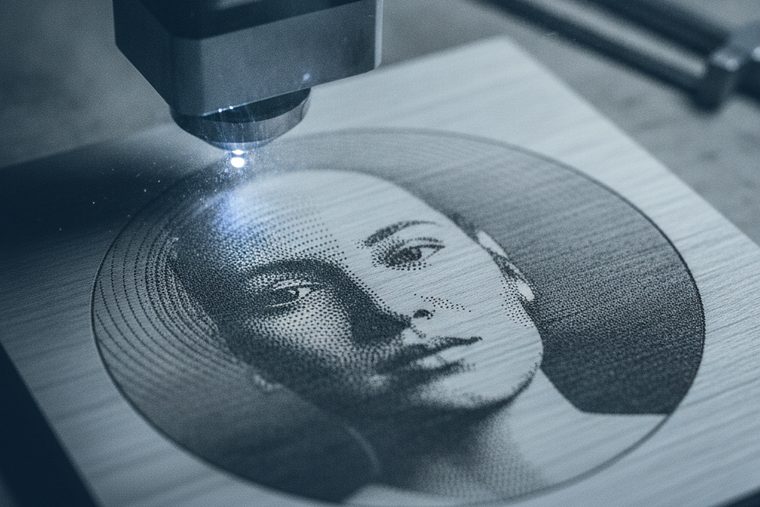

A CO₂ engraver, very often with a rotary attachment. UV for fine or precision work on glass and ceramic.
Size a CO₂ System
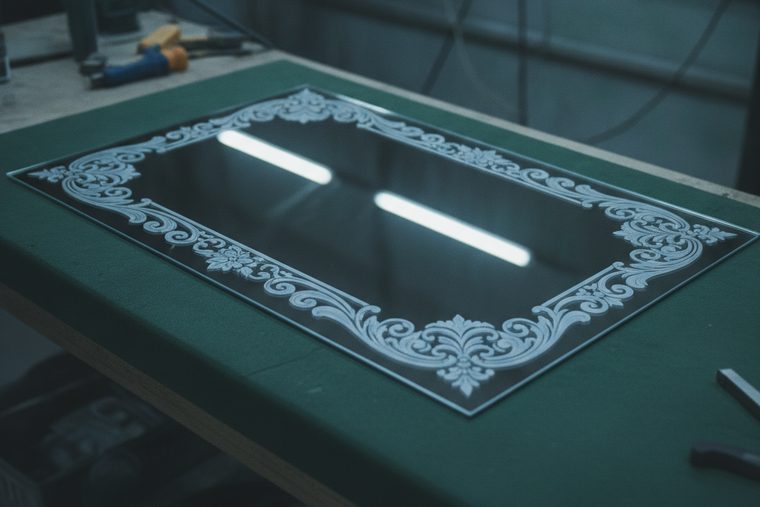
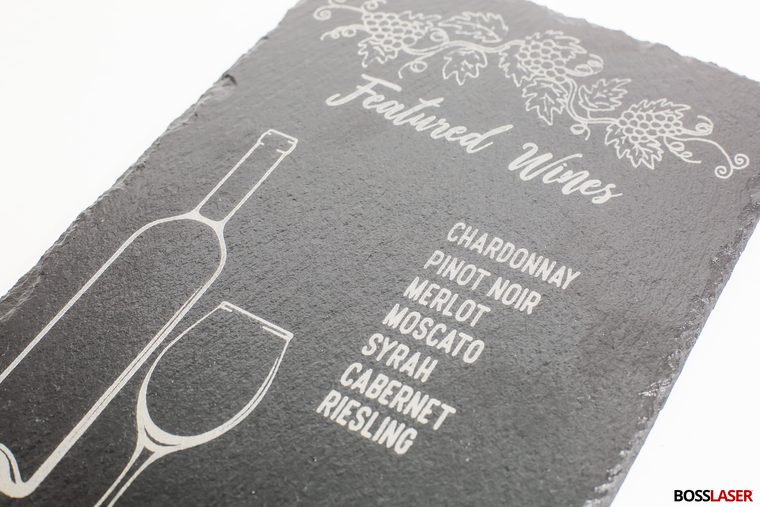
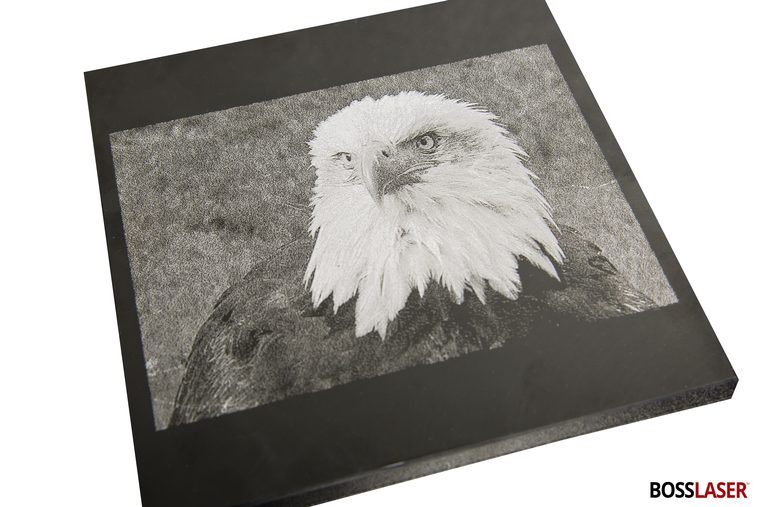
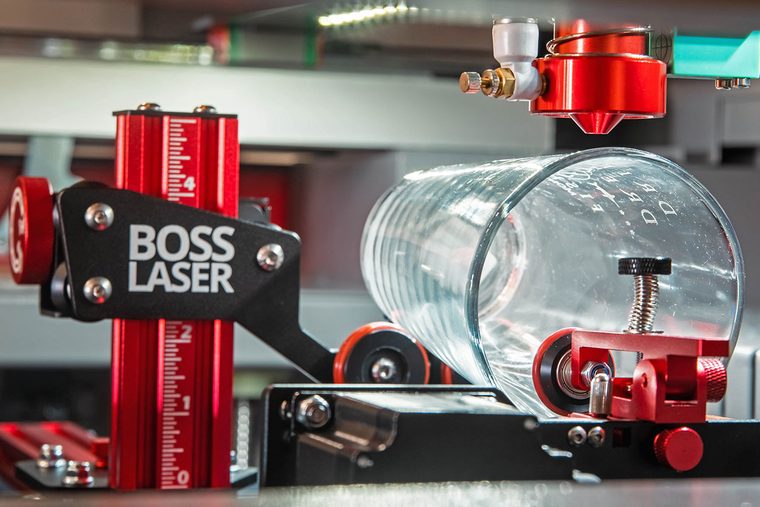
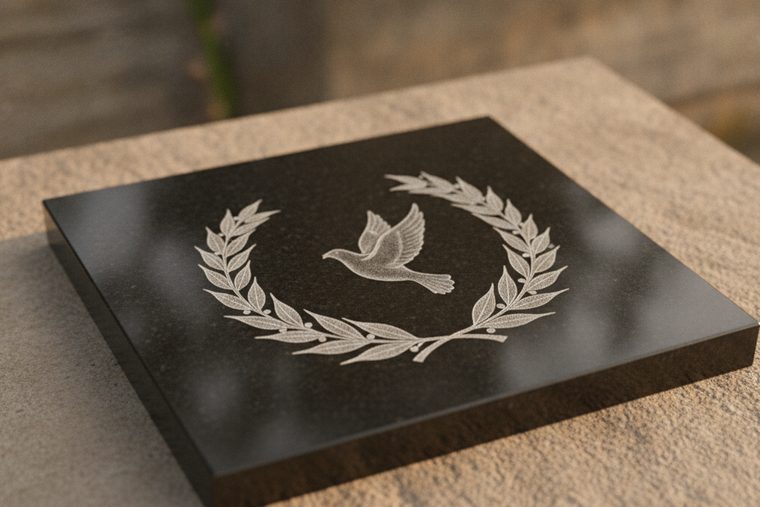
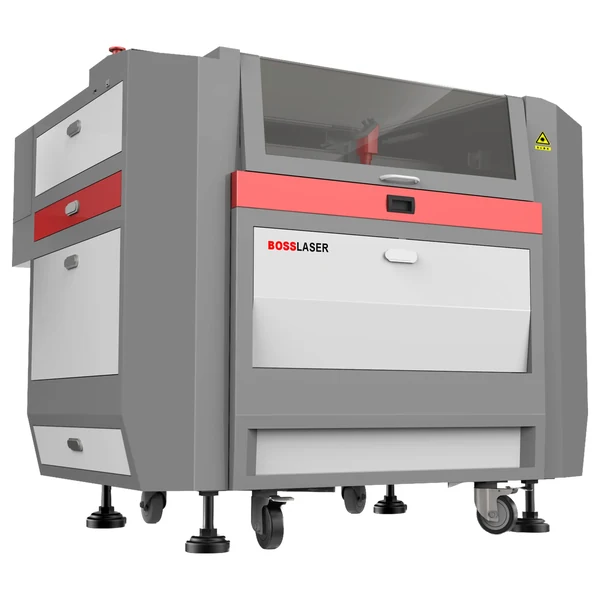
LS Series
The usual answer for a shop doing awards, drinkware and stone. Enough room to take a rotary and still lay flat panels on the bed.
- Handles flat and rotary work on one machine
- Size by the largest piece, not the smallest
- Glass and stone are engrave-only — no through-cutting

EVO Desktop
Realistic for coasters, small awards, tile and flat glass. Check clearance before you count on tall drinkware — height is the constraint a desktop hits first.
- Good for flat stone, tile and small glass
- Fits a room that is not a shop
- Confirm rotary fit for your specific pieces
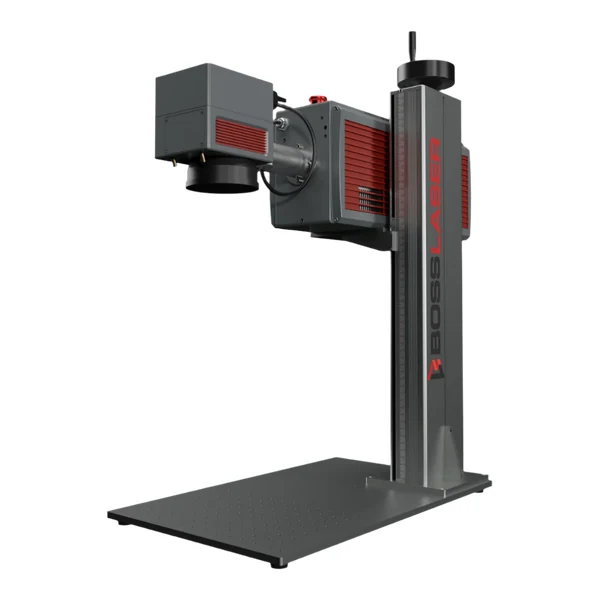
UV Markers
Where CO₂ runs out. UV marks at roughly 355 nm with very little heat, which is what fine glass and precision ceramic need — less thermal stress, less chipping, finer detail.
- Fine glass and precision ceramic work
- Minimal heat-affected zone
- The honest answer when CO₂ frost is too coarse
Engraving (scan gap 0.065 mm)
| Material | Power % at 70 W / 105 W / 155 W | Speed |
|---|---|---|
| Glass | 27 / 25 / 20 | 325 mm/s |
| Mirror (engraved from the back) | 30 / 20 / 15 | 325 mm/s |
| Ceramic | 65 / 40 / 27 | 350 mm/s |
| Granite | 40 / 25 / 18 | 275 mm/s |
Higher wattage needs a lower power percentage for the same result. Read the pattern in that table: ceramic and granite run at much higher power and slower speed than glass — they are harder to mark, and that is the whole difference between these materials in practice.
Those are the glass, ceramic, granite and mirror rows. Boss publishes the same charts for wood, acrylic, paper, leather, rubber and coated metals — the complete set is in CO₂ laser settings by material.
The rules that sit underneath every number above
- Mirror is engraved from the back. That is why it has its own row. A CO₂ beam cannot pass through glass, so the beam works directly on the backing paint and silvering, and you see the cleared design through the glass, which is what gives a mirror engrave its depth.
- Refocus for every new piece. More important here than anywhere else, because the objects are rarely flat. A curved surface falls away from the lens across the pass, so focus set at the centre is wrong at the edges — that is what a rotary and the right lens choice exist to manage.
- Stay between 5% and 95% power. Below about 5% the tube will not fire; above 95% you shorten tube life for very little gain.
- Chipping is a heat problem. Glass fractures under thermal shock, which is exactly the mechanism producing the frost — too much of it and the surface flakes instead of etching evenly. If edges are chipping, lower power and raise speed before anything else.
- Never tempered glass. Tempered glass, which includes many oven doors, shower panels and plenty of drinkware, carries built-in stress, and disturbing its surface can shatter the whole piece. If it isn’t confirmed annealed, treat it as tempered and don’t run it. Why →
- Test on scrap of the same material. Stone especially: slate, granite and marble differ enormously in hardness and colour, and two slates from different suppliers will not behave the same.
Where CO₂ stops and UV starts
CO₂ frosts a surface layer. When the job needs finer detail than that frost can resolve, or the part is too thermally sensitive to take the shock, the answer is a UV marker — a genuinely different process at roughly 355 nm with a minimal heat-affected zone. We would rather point you there than sell you a CO₂ that will disappoint on the work you actually care about.
Glass & stone FAQs
Common buyer questions.
What people ask before buying a machine for glass, stone and drinkware.
QCan a laser cut through glass?
Not on a CO₂ machine, and we will not pretend otherwise. A CO₂ laser frosts the surface of glass — rapid local heating fractures a very shallow layer, which reads as a clean white etch. It does not pass through. There is a real physical process for separating brittle materials by controlled thermal stress, but it is not what a shop-floor CO₂ engraver does and it is not a Boss capability claim. If your job genuinely requires cut glass, that is a glass-fabrication process, not a laser purchase. If it requires marked glass, a CO₂ engraver or a UV marker is exactly right.
QWhy is my glass chipping instead of frosting cleanly?
Too much heat in one place. The frost you want and the chipping you do not are the same mechanism at different intensities — controlled surface fracture versus the surface flaking away. So the fix is almost always less power and more speed, not more. Boss’s published starting point for glass is 27/25/20% at 325 mm/s, which is deliberately gentler than most materials. Beyond settings: glass quality varies, thin or curved stock is less forgiving than thick flat panels, and a piece that is cold to start with will behave differently from one at room temperature. Test on the same product before a production run.
QDo I need a rotary attachment?
If you are doing drinkware, bottles or stemware, yes — and it is not an optional refinement. A rotary turns the workpiece under the beam so the artwork wraps evenly around the curve; without one you can only engrave the small area that stays near focus. Two things decide whether it works: entering the diameter correctly so the design does not stretch, and keeping focus consistent as the surface curves away. Check interior height clearance too, especially on a desktop machine — tall stemware is the constraint people discover late.
QWhich stone engraves best?
Dark, fine-grained stone gives the best contrast, because the engrave works by lightening the surface — a white mark on black granite or dark slate reads far more strongly than the same mark on a pale stone. Boss publishes granite settings at 40/25/18% and 275 mm/s, which is high power and slow speed compared to glass; that tells you most of what you need to know about how much harder stone is to mark. The practical caution is that stone is a natural material with no specification: two slates from different suppliers, or two slabs from the same quarry, can behave differently. Buy a little extra and test.
QHow do I engrave a photograph onto glass or stone?
The image is rendered as thousands of tiny frost dots, so the work is nearly all in the artwork. Convert to greyscale, push contrast harder than looks right on screen, and apply a dithering pattern suited to the material — a straight greyscale gradient will come out muddy because the surface can only really do “frosted” or “not frosted.” Dark polished stone is the most forgiving substrate for photo work. Then test at size: what reads beautifully on a 4-inch tile can turn to mush scaled up or down, since the dither pattern scales with it.
QWhen should I use a UV marker instead of a CO₂ laser?
When the detail you need is finer than a CO₂ frost can resolve, or the part cannot take the thermal shock. UV operates at roughly 355 nm and marks through a photochemical process with a minimal heat-affected zone — “cold” marking — which is why it is standard on medical, electronics and precision ceramic work. For awards, drinkware, slate boards and signage, a CO₂ engraver is the right and far more economical tool. For fine glass, precision ceramic, or anything where a chipped edge is a scrapped part, UV earns its place.
Sources
Power, speed and scan-gap figures are transcribed from Boss’s own BL2-T83 CO₂ material settings charts (70 / 105 / 155 W tiers) — first-party Boss data. The focus and power-limit rules come from the Boss HP Series User Manual. That CO₂ does not through-cut glass, and that fine glass and ceramic work routes to UV, is Boss’s own documented scope for these machines, not our inference. Chipping and artwork guidance is settled engraving practice. Stone is a natural material with no published specification — always test on the same stock before a production run.
Still deciding?
Talk to a Boss Laser specialist about glass and stone.
Tell us what you engrave and how big it is — flat panels, drinkware, slate, memorial stone — and we’ll tell you whether that is a CO₂ with a rotary or genuinely a UV job.