
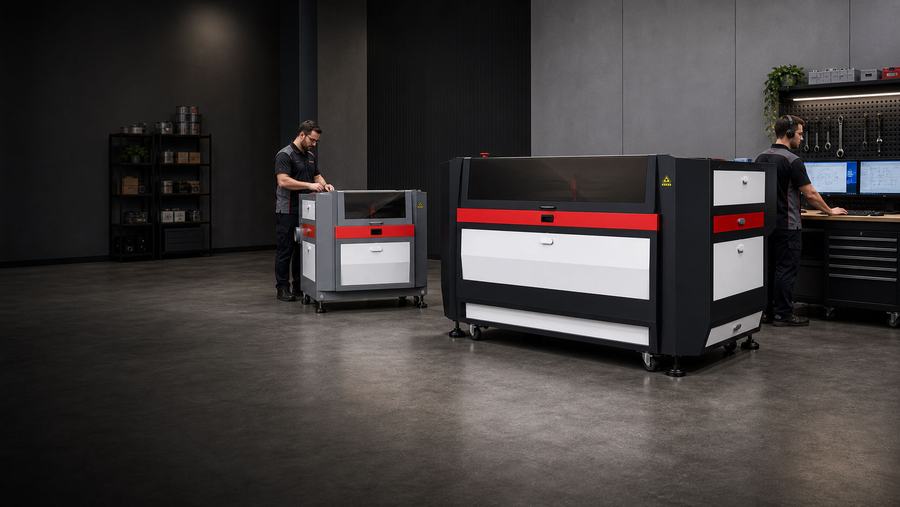
Series Support
FC Series Support
Support resources for FC Series fiber cutters — sheet, tube, and pipe cutting in steel, stainless, and aluminum.
FC operator’s manuals are model-specific — open your exact FC model below for its manual and setup references.
Find your model manualViewFC quick fixes
Try these first.
Each quick fix includes a short explanation, a first action, and a guide when available.
Try this first
Not Cutting Through
A partial or no cut usually traces back to the nozzle, focus height, assist-gas pressure, or pierce settings for the material.
- Inspect the nozzle and protective lens for damage or debris.
- Confirm focus height and nozzle standoff.
- Verify assist-gas pressure and pierce timing for the thickness.
Try this first
Edge / Cut Quality
Dross, burr, or a rough edge points to the gas, feed rate, power, or a worn protective lens.
- Match gas type and pressure to the metal.
- Tune feed rate and power together.
- Replace the protective lens if it is fogged or spotted.
Try this first
Assist Gas & Pierce
Gas choice and pierce timing set the cut. Oxygen, nitrogen, or air each suit different metals and thicknesses.
- Set oxygen, nitrogen, or air to the metal type.
- Confirm pressure at the head, not just the regulator.
- Tune pierce timing to the material thickness.
Guides & downloads
Support resources for the FC Series.
Step-by-step guide pages you can work at the machine.
 Guide page
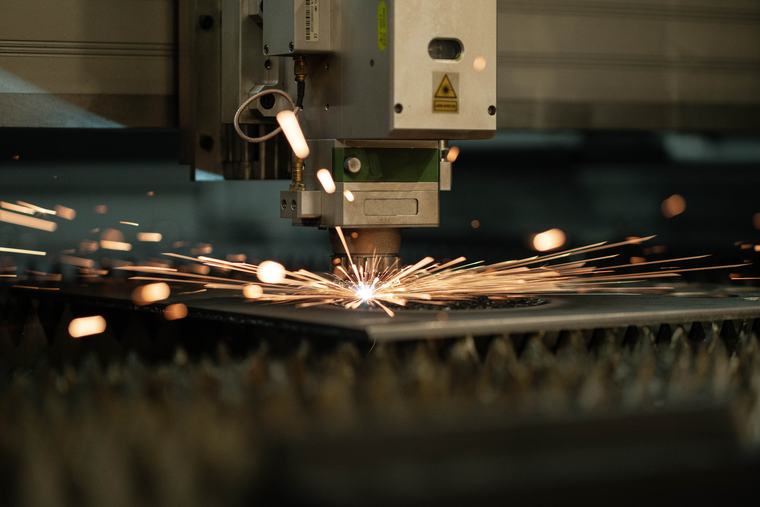
Fiber power & assist gas
How power and assist-gas choice drive edge quality and cut speed on metal.
Open guide →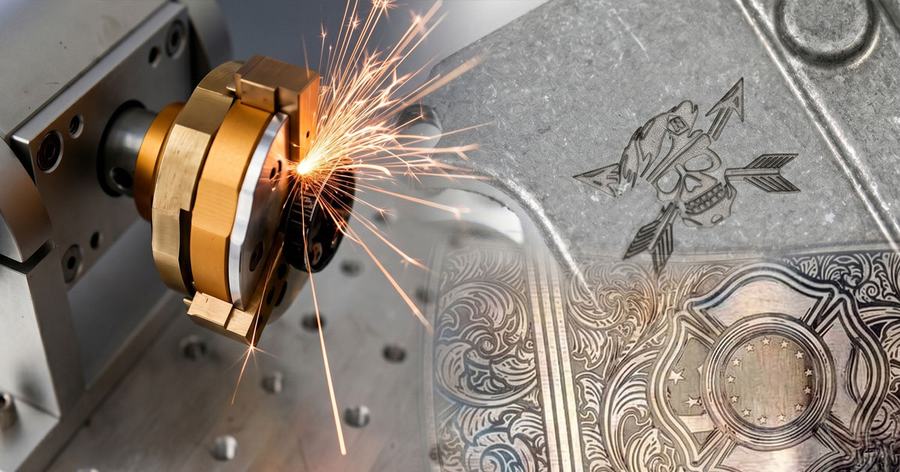 Guide page
Choosing a fiber cutter
Match wattage, bed size, and gas setup to the metal work you actually run.
Open guide →Guide pageNozzles & consumables
Keep nozzles, the protective lens, and ceramic in spec for clean, repeatable cuts.
Coming soonFC Series model support
Choose your model.
The model page adds owner-facing tests and model-specific downloads for that exact machine.
Open Platform

FC Mega Cut
High-power large-format fiber cutting for heavy plate and production throughput.
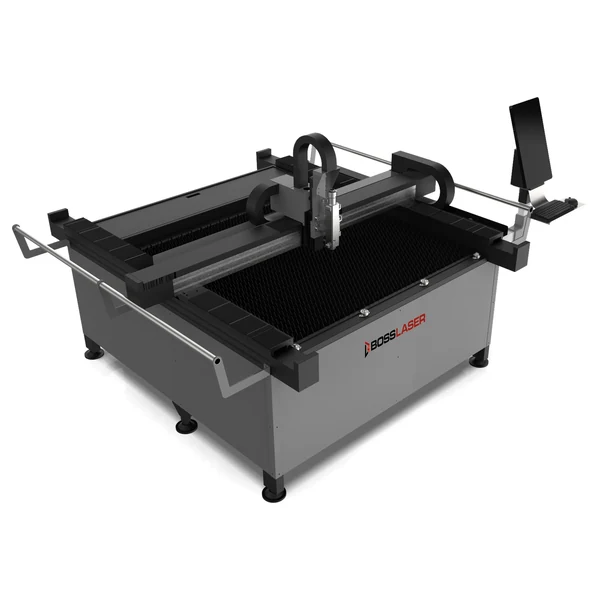
FC EcoCUT
Production FC support for gas setup, nozzle and lens care, motion checks, and edge-quality tuning.
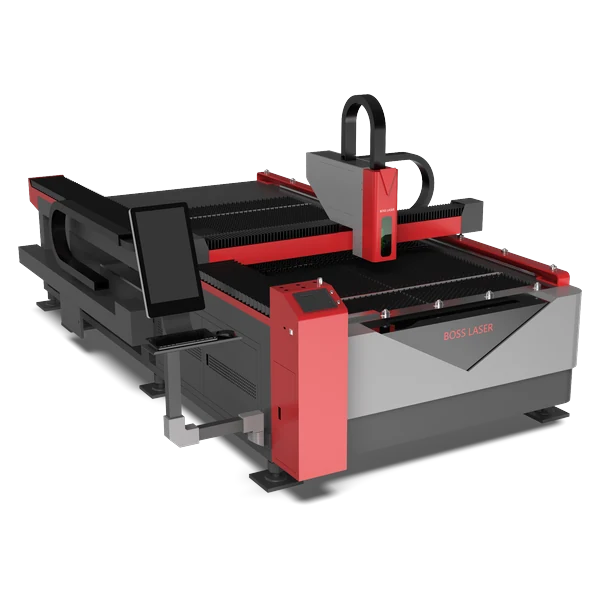
FC FlexCUT
Flexible open-platform fiber cutting for sheet metal and varied part sizes.

FC EcoPRO
Value production fiber cutting for sheet metal with a straightforward setup.
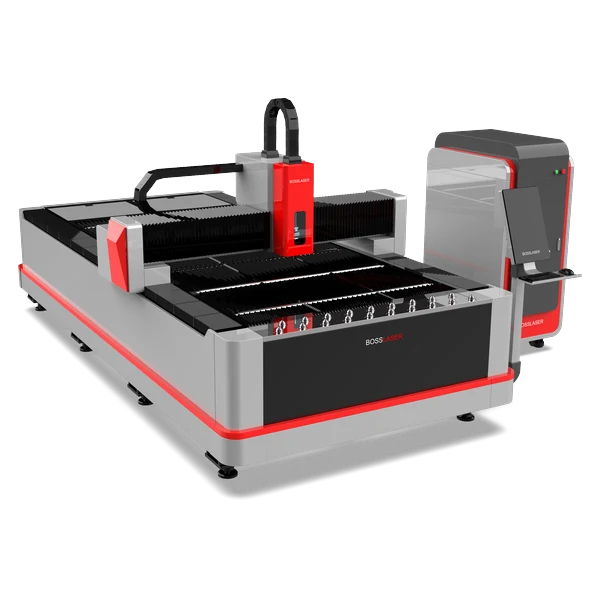
FC 6012 Elite
Large 6012-format Elite fiber cutting for big sheet and plate work.
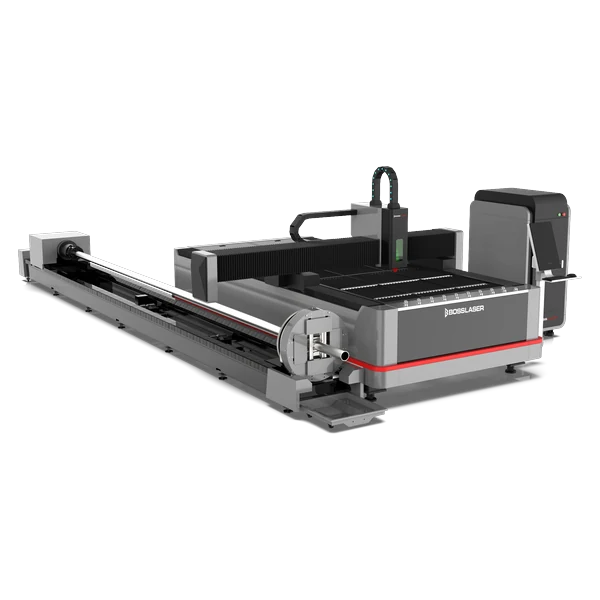
FC+ Elite PipeCUT
Tube and pipe fiber cutting with rotary and chuck support for round and profile stock.
Enclosed (Type-1)
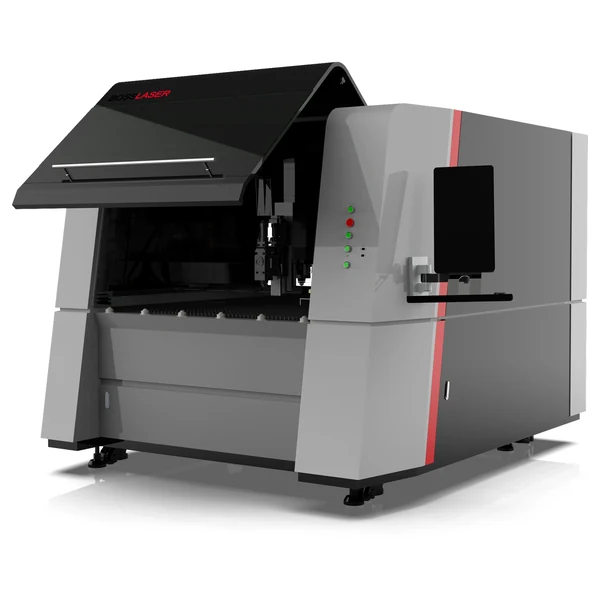
FC AccuCUT
High-accuracy enclosed (Type-1) fiber cutting — setup, gas configuration, motion checks, and cut quality.
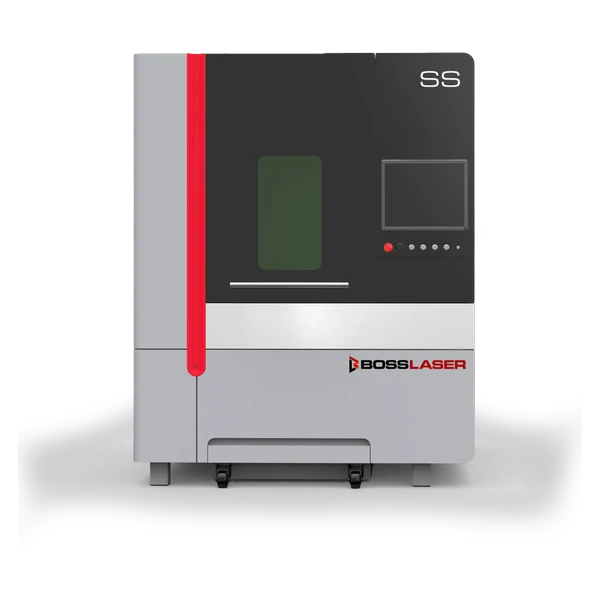
FC AccuCUT SS
Enclosed AccuCUT SS fiber-cutter support for stainless-focused cutting, setup, and gas configuration.
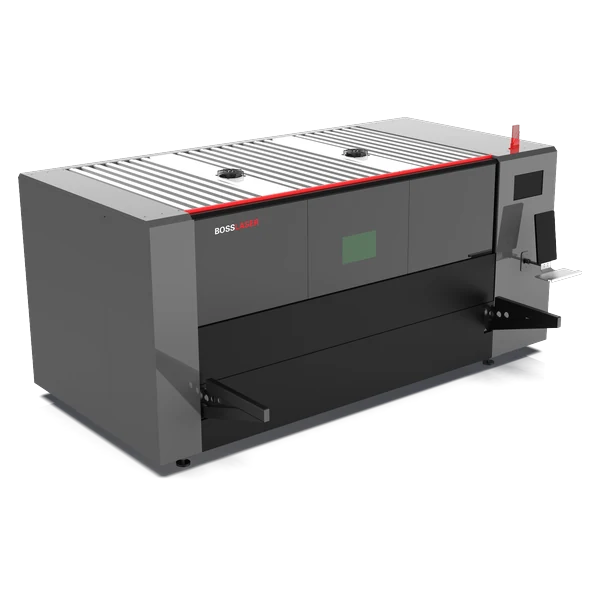
FC Elite MaxCUT
Enclosed high-capacity Elite MaxCUT fiber cutting for thicker plate and production.
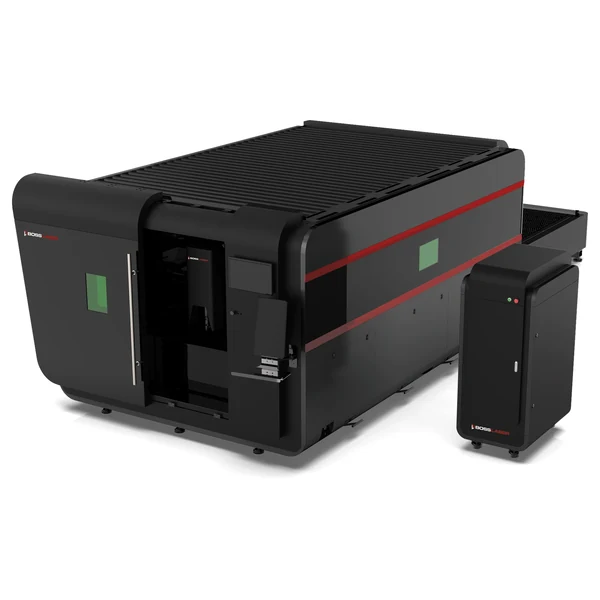
FC-6012 EXT
Large-format FC support for sheet and tube work, gas configuration, pierce tuning, and maintenance.
FC Xtract
Support for the enclosed FC Xtract fiber cutter — setup, gas configuration, and cut-quality troubleshooting.
Common questions
FC Series FAQs.
Which manual covers my FC cutter?
FC manuals are model-specific because platforms differ. Open your exact model in the list below for its operator’s manual and setup references, or download from the Boss resources library.
What assist gas should I use?
As a general rule, oxygen suits mild steel, nitrogen suits stainless and aluminum for clean edges, and compressed air is an economical option on thinner material. Confirm the right gas and pressure for your thickness in the fiber power guide.
Why isn’t my FC cutting all the way through?
Check the nozzle and protective lens first, then focus height, assist-gas pressure at the head, and pierce timing for the thickness. Worn consumables are the most common cause.
Still need help?
Contact Boss Laser technical support.
Include your FC model, serial number, the metal and thickness, gas and settings, photos of the cut edge, and which checks you completed.