
On stone, the laser writes in white.
Everything about engraving stone follows from one fact: the beam lightens the surface it touches. It breaks up the polish and the top few grains, and the mark reads paler than the stone around it. That is why dark, fine-grained stone is the favourite substrate, why a white marble can disappoint, and why a photograph on black granite has to be prepared the opposite way round from a photograph on wood. The laser does not cut any of these materials. It marks them, and the craft is in choosing the stone and preparing the art so the mark shows up.
Slate boards and coasters, granite and marble plaques, glazed tile, photographs on stone, and memorial work.
How dark and how fine-grained the stone is, whether the art is prepared for a light mark, and how flat the surface sits under the lens.
The one thing worth knowing before anything else
Stone is a natural material with no specification. Two slates from different quarries, or two slabs of the same granite, can mark differently at identical settings, and no chart can tell you in advance. Boss publishes starting points for granite and ceramic and none for slate, marble or tile. That is the honest limit, and it is why every stone job starts with a test on an offcut of the same stock, not with a number.
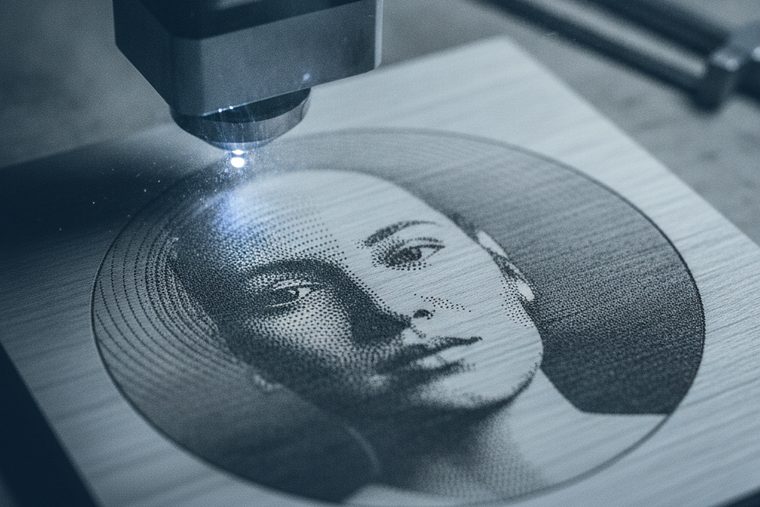

A CO₂ engraver sized by the largest and heaviest piece you will lay on the bed. A UV marker for precision ceramic.
Size a CO₂ System| Material | Power % at 70 W / 105 W / 155 W | Speed | Notes |
|---|---|---|---|
| Granite — engraving | 40 / 25 / 18 | 275 mm/s | Scan gap 0.065 mm |
| Ceramic — engraving | 65 / 40 / 27 | 350 mm/s | The row to start from on glazed tile |
| Glass — engraving, for comparison | 27 / 25 / 20 | 325 mm/s | Scan gap 0.065 mm |
Read the granite row against the glass row: granite takes more power at a slower speed, and ceramic takes the most power of the three. Stone and fired ceramic are harder to mark than glass, and that is most of what these numbers say. Higher-wattage tiers need a lower percentage for the same result. Boss publishes no slate, marble or tile-specific row, and we have not invented one. For those, the method below is the honest answer.
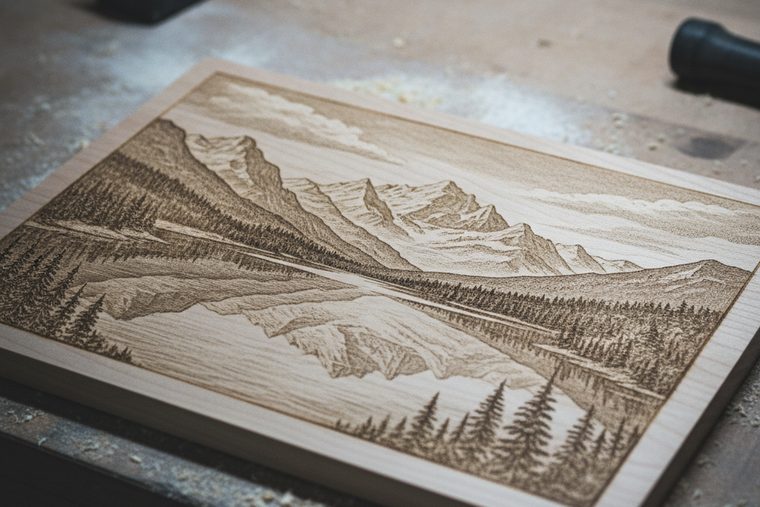
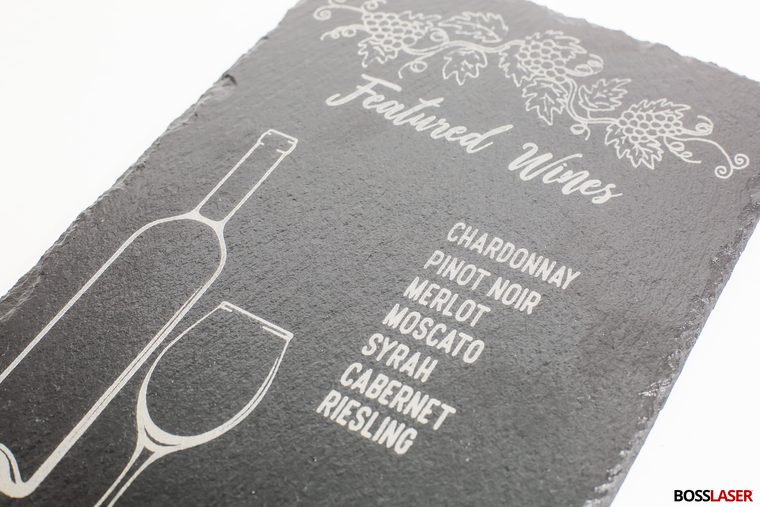
The most forgiving stone for boards, coasters and signs. It marks easily to a pale grey against a dark face. Natural cleft slate is not flat, so focus varies across the piece. Wiping the finished piece with oil or a stone sealer darkens the unmarked surface and lifts the contrast.
The memorial and award stone. On polished black granite the mark is a crisp light grey against a mirror-dark field, which is the best contrast in this category. Speckled and pale granites mark just as well but show much less, because the mark has less to stand out from.
Softer, and the mark is white. On dark marble that reads well. On white or pale marble it barely shows, and the usual answer is to colour-fill the engraving. Marble is also etched by acids, so clean it afterwards with water or a pH-neutral stone cleaner, not vinegar or bathroom cleaners.
The beam works on the glaze, not on the clay body underneath. That mark is usually light and subtle. For a dark, permanent mark, shops use a ceramic marking compound that the beam fuses into the surface. It is a different process, with its own supplier instructions.
A method for the stones Boss has no row for
For slate and marble, use a test grid rather than a guess. Engrave a small matrix on an offcut of the same stock, stepping power across one axis and speed down the other, starting gentler than the granite row, since both stones are softer than granite. Then choose the square that gives a clean, even mark with no powdery breakout at the edges. Write down the stone, the supplier and the square you chose. The next batch from a different quarry may need a new grid, and your notes are the only chart there will ever be.
Focus matters more than the setting. Natural stone is rarely flat. A riven slate face or a hand-finished plaque can vary by more than the lens forgives, and an out-of-focus mark on stone looks weak, not blurred. Set focus on the part of the surface the artwork actually sits on, and for large uneven pieces, check it at more than one point.
On wood, the laser darkens what it touches, so it engraves the shadows of a photograph. On black granite and dark slate, the laser lightens what it touches, so it has to engrave the highlights. Send the same file to both and the stone version comes out as a negative: dark eyes turn pale and bright skin turns dark. The fix is to invert the image before engraving on dark stone. Most laser software has a one-click invert. Treat inverting as part of preparing the image, not an afterthought.
The rest of the preparation is the same discipline as any photo engraving, tuned for a surface that can really only do “marked” or “not marked”:
- Dither, don’t send greyscale. Stone cannot hold a smooth grey. A dither converts tone into dot density, which the surface can reproduce. Boss publishes its granite row at a 0.065 mm scan gap.
- Push contrast harder than looks right. Faces flatten on stone. Crop tight, lift the midtones, and let the background go.
- Polished black granite is the most forgiving substrate. It has the darkest field and the finest grain. A speckled stone breaks a face up into its own pattern.
- Test at full size. A dither that reads well on a 4-inch tile can turn to mush when scaled, because the dot pattern scales with it.
The wood photo page covers artwork preparation in more depth, and the Artwork & Greyscale Guide covers dithering. What is specific to stone is the inversion, and it is the first thing to check when a stone photo looks wrong.
Engraved granite and slate carry naturally into recognition and remembrance work: award plaques, donor walls, pet memorials, garden stones, and photo plaques set into a larger monument. These are pieces a flat-bed CO₂ engraver handles well, and black granite’s contrast is exactly why the memorial trade uses it for portraits.
Size the machine by the heaviest piece, not the typical one. Stone is dense, and two dimensions decide whether a piece goes in at all: whether it fits under the head with room to focus, and whether the bed will take its weight. Boss publishes working area and Z-axis travel on each machine page. It does not publish a bed-load figure, so check a specific heavy piece with a specialist before counting on it. A full upright headstone is outside what a desktop or flat-bed engraver is built to hold. The monument trade etches at that scale with dedicated equipment. The engraver’s part of that work is the plaque, the portrait panel and the marker.
If you colour-fill a mark for outdoor use, the fill is what weathers. The laser mark itself is a change to the stone’s surface, not a coating on it. A paint fill that makes pale stone readable indoors is the part that needs choosing for exterior life, so match the fill to the exposure and tell the customer which part may need renewing.
Extract stone dust. Don’t just blow it off
Granite, slate and many other stones contain crystalline silica, the mineral dust that OSHA regulates under its respirable crystalline silica standard because fine silica dust damages the lungs. An engraver removes far less material than a saw or a grinder, but what it removes is fine, and that is the size that matters. Run extraction whenever you engrave stone. Don’t clear the bed or the piece with compressed air. Wipe it down damp or vacuum it with a filter rated for fine dust. The same applies to glazed ceramic. A shop that engraves stone every day should treat dust control as part of the machine, not an accessory.
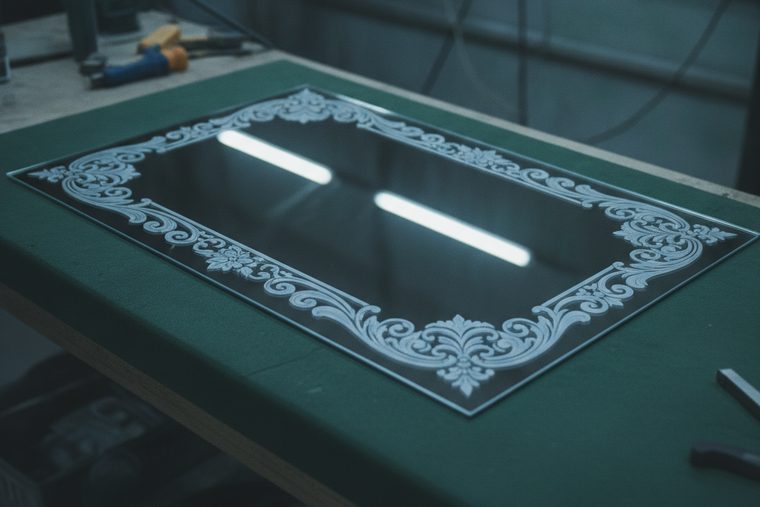

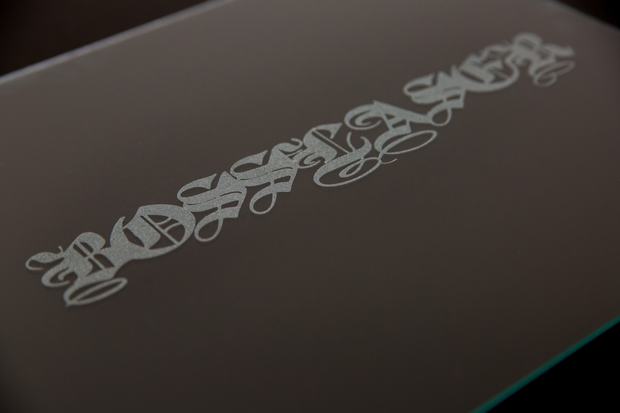
Stone, slate & tile FAQs
Questions people ask about engraving stone.
Most of them come back to contrast. One is about the dust.
QCan you laser engrave slate?
Yes, and slate is one of the most forgiving materials a CO₂ engraver runs. The beam lightens the dark surface to a pale grey, which gives strong contrast on coasters, serving boards and signs with very little power. Two things are specific to slate. It is rarely flat: a natural cleft face varies in height, so set focus where the artwork sits and check it across large pieces. It varies by source: Boss publishes no slate row, so run a small test grid on an offcut of the same stock, starting gentler than Boss’s granite row (40% / 25% / 18% at 275 mm/s on the 70 / 105 / 155 W tiers). When it’s done, wipe the piece with oil or a stone sealer. That darkens the unmarked surface and makes the engraving stand out.
QCan you laser engrave granite, and how does it look?
Yes. Granite is a surface-marking job: the beam breaks up the polish and the top grains, and the mark reads light grey against the stone. How much that shows depends almost entirely on the stone. Polished black granite gives the strongest contrast in the whole category, which is why it is the standard for memorial portraits and awards. Speckled and pale granites mark just as well but show less. Boss’s published starting point is 40% / 25% / 18% at 275 mm/s with a 0.065 mm scan gap on the 70 / 105 / 155 W tiers, noticeably more power and less speed than glass, because granite is harder to mark. The laser does not carve deep relief into granite. If the job needs a mark you can feel, that is sandblasting or rotary carving, not laser engraving.
QWhy does my photo on black granite look like a negative?
Because the laser lightens dark stone instead of darkening it. On wood, the beam burns darker wherever it fires, so it engraves a photo’s shadows. On black granite and dark slate, the mark is lighter than the stone, so it has to engrave the highlights. Send the unaltered file and every tone comes out reversed. The fix is to invert the image before engraving, which most laser software does in one step. After that, the usual photo rules apply, pushed harder for stone: dither rather than sending raw greyscale, raise contrast more than looks right on screen, crop tight, and test a strip of the real image at full size. Polished black granite is the most forgiving surface for this. A speckled stone competes with the picture.
QCan you laser engrave ceramic tile?
Yes, with one distinction that decides the result. On glazed tile, the CO₂ beam works on the glaze, not the clay underneath, and the mark is usually a light, subtle change in the surface. Boss’s ceramic row is the starting point: 65% / 40% / 27% at 350 mm/s on the 70 / 105 / 155 W tiers, the highest power of any engraving row in its chart. For a dark, permanent mark on tile, shops use a ceramic marking compound that the beam fuses into the surface. That is a separate process with its own supplier instructions. For fine or precision ceramic work, where a chipped glaze means a scrapped part, a UV marker is the better tool because it puts far less heat into the surface.
QCan a laser engrave a headstone?
It can engrave the parts of memorial work that fit on the bed: granite photo plaques, portrait panels set into a larger monument, flat markers, pet memorials and garden stones. Black granite’s contrast is why the memorial trade uses laser portraits at all. A full upright headstone is a different matter. It is heavier and taller than a flat-bed engraver is built to take, and the monument trade etches at that scale with dedicated equipment. If memorial work is the plan, size the machine by the heaviest piece you intend to lay on the bed, and check it with a specialist. Boss publishes working area and Z-axis travel for each machine, but not a bed-load rating we can quote.
QIs the dust from engraving stone dangerous?
It deserves proper handling. Granite, slate and many other stones contain crystalline silica, the mineral dust OSHA regulates under its respirable crystalline silica standard because fine silica dust harms the lungs. A laser engraver removes very little material compared with cutting or grinding stone, but what it removes is fine, and fine is the size that matters. Run extraction whenever you engrave stone or glazed ceramic, and don’t clear the bed or the finished piece with compressed air, which puts the dust in the room. Wipe it down damp, or use a vacuum with a filter rated for fine dust. For a shop engraving stone every day, dust control belongs in the purchase, not in a later upgrade.
Sources
The granite, ceramic and glass power, speed and scan-gap figures are transcribed from Boss’s own BL2-T83 CO₂ material settings charts (70 / 105 / 155 W tiers), which is first-party Boss data. The power limits and refocus rule come from the Boss HP Series User Manual. That CO₂ engraves stone and ceramic rather than cutting them, and that precision ceramic routes to UV, is Boss’s own documented scope. Boss publishes no slate, marble or tile-specific row and no bed-load rating, and we have not filled either gap with an estimate. The silica hazard is OSHA’s, under its respirable crystalline silica standard. Image inversion for dark substrates, dithering, oil or sealer on slate, colour-fill, marble’s sensitivity to acid and ceramic marking compounds are settled trade practice, not Boss specification.
Still deciding?
Tell us the stone and the biggest piece.
Coasters, awards, donor walls or memorial plaques: stone work is sized by the heaviest piece and the tallest. A specialist will match the bed, the Z travel and the extraction to the work you actually plan to run, and tell you straight when a job belongs to a different trade.