
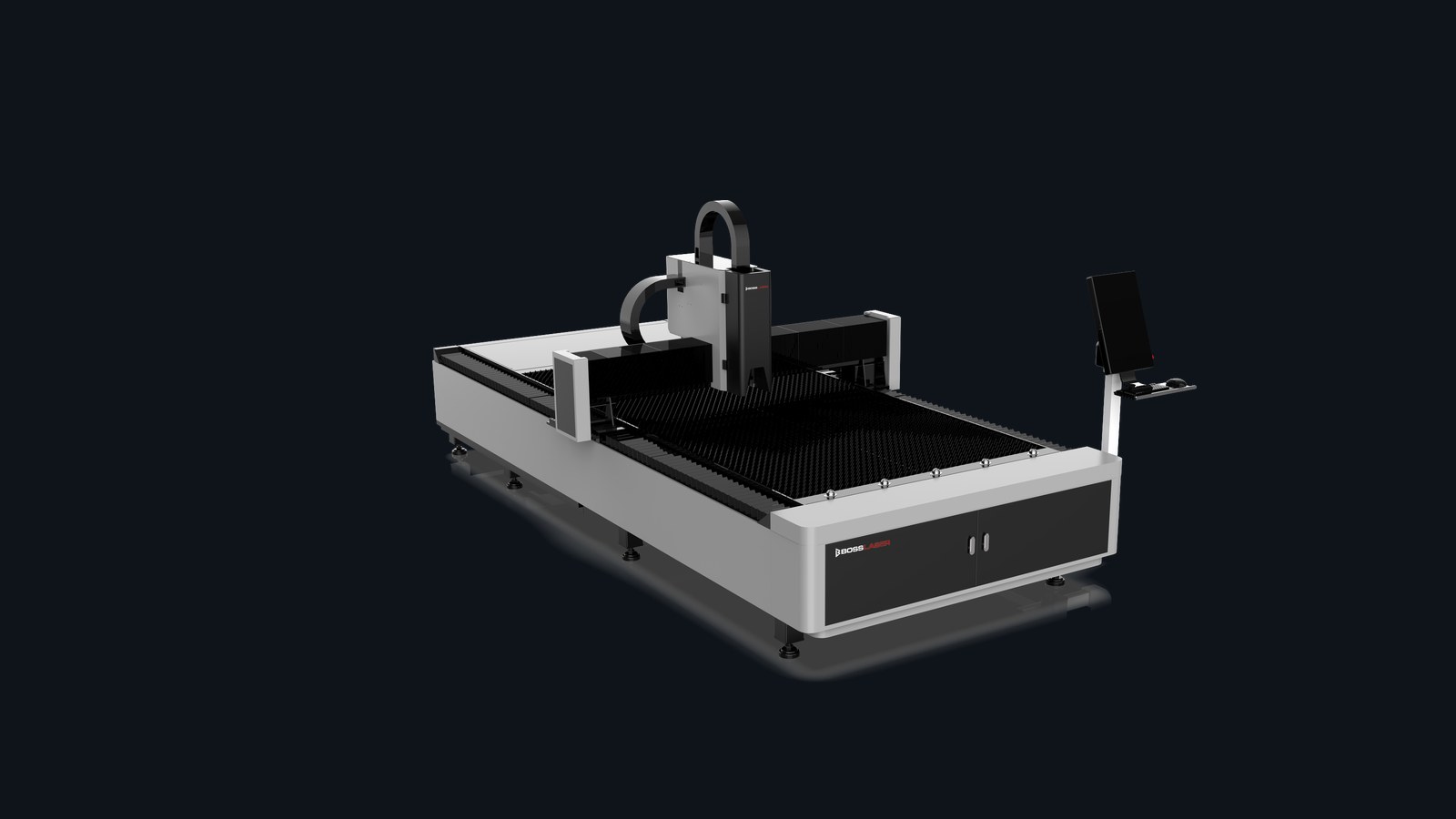
Model resources
Start with downloads and first checks.
This page is for owners who already know the model. It answers the first support question: what should I check right now?
Support
Request Manual
Boss provides model-specific documentation for this cutter through technical support.
Software
CypCut / Cutting Software
Software connection and nesting / cut-file references for common fiber workflows.
Maintenance
Nozzles & Optics
Keep nozzles, the protective lens, and ceramic in spec for clean, repeatable cuts.
Support
Contact Support
Send the metal and thickness, gas and settings, photos of the cut edge, and serial number.
Start here
Pick your symptom.
The three common paths for fiber-cutter support: not cutting through, edge quality, and assist gas or pierce.
Symptom
Not Cutting Through
A partial or no cut usually traces back to the nozzle, focus height, assist-gas pressure, or pierce settings.
- Inspect the nozzle and protective lens for damage or debris.
- Confirm focus height and nozzle standoff.
- Verify assist-gas pressure and pierce timing for the thickness.
Symptom
Edge / Cut Quality
Dross, burr, or a rough edge points to the gas, feed rate, power, or a worn protective lens.
- Match gas type and pressure to the metal.
- Tune feed rate and power together.
- Replace the protective lens if it is fogged or spotted.
Symptom
Assist Gas & Pierce
Gas choice and pierce timing set the cut. Oxygen, nitrogen, or air each suit different metals and thicknesses.
- Set oxygen, nitrogen, or air to the metal type.
- Confirm pressure at the head, not just the regulator.
- Tune pierce timing to the material thickness.
Guides & videos
Support references.
Direct support resources for fiber cutting — not a generic blog feed.
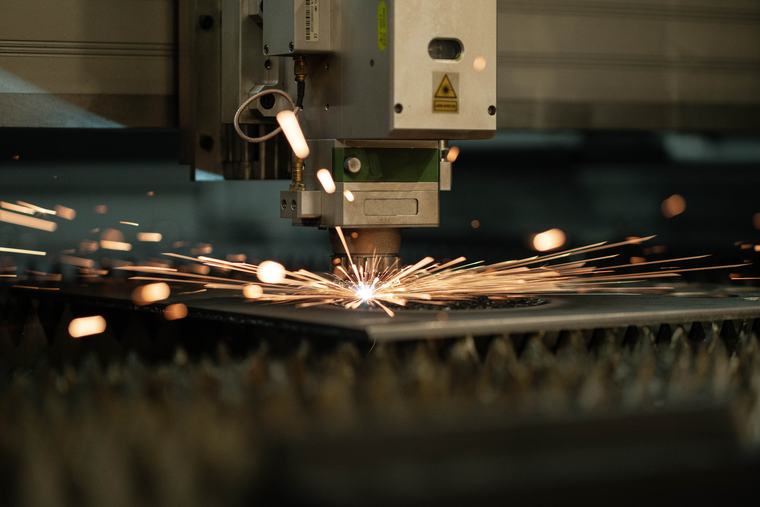
Fiber Power & Assist Gas
How power and assist-gas choice drive edge quality and cut speed on metal.
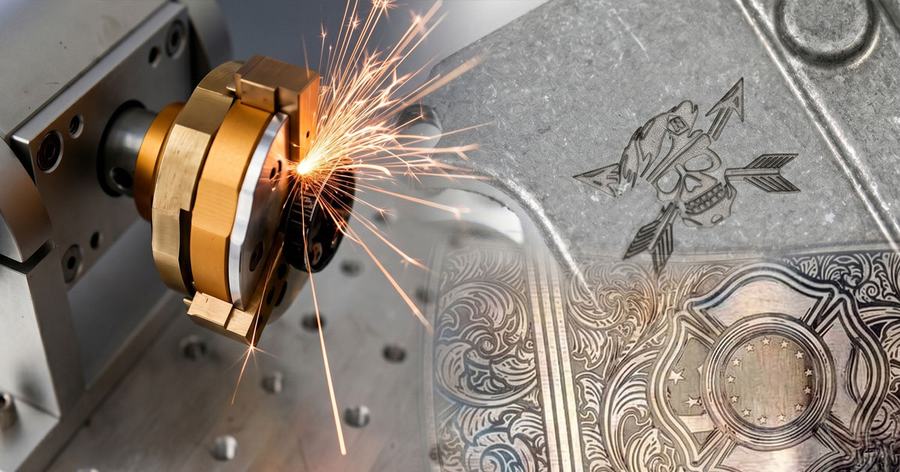
Nozzles & Consumables
Keep nozzles, the protective lens, and ceramic in spec for clean, repeatable cuts.
Common questions
FC EcoPRO FAQs.
Frequent questions for this specific model.
Which manual covers my FC EcoPRO?
Boss provides model-specific documentation for the FC EcoPRO through technical support — contact support for the manual and setup references.
What assist gas should I use?
As a general rule, oxygen suits mild steel, nitrogen suits stainless and aluminum for clean edges, and compressed air is an economical option on thinner material. Confirm the right gas and pressure for your thickness in the fiber power guide.
Why isn’t my cutter cutting all the way through?
Check the nozzle and protective lens first, then focus height, assist-gas pressure at the head, and pierce timing for the thickness. Worn consumables are the most common cause.
Need a technician?
Contact Boss Laser support.
Include your serial number, the metal and thickness, the gas and settings, photos of the cut edge, and which quick checks you completed.