
Boss Team Tech Support: Knowledge Base & Applications Hub

Support / LS Series / LS 1416/1420

Model Support

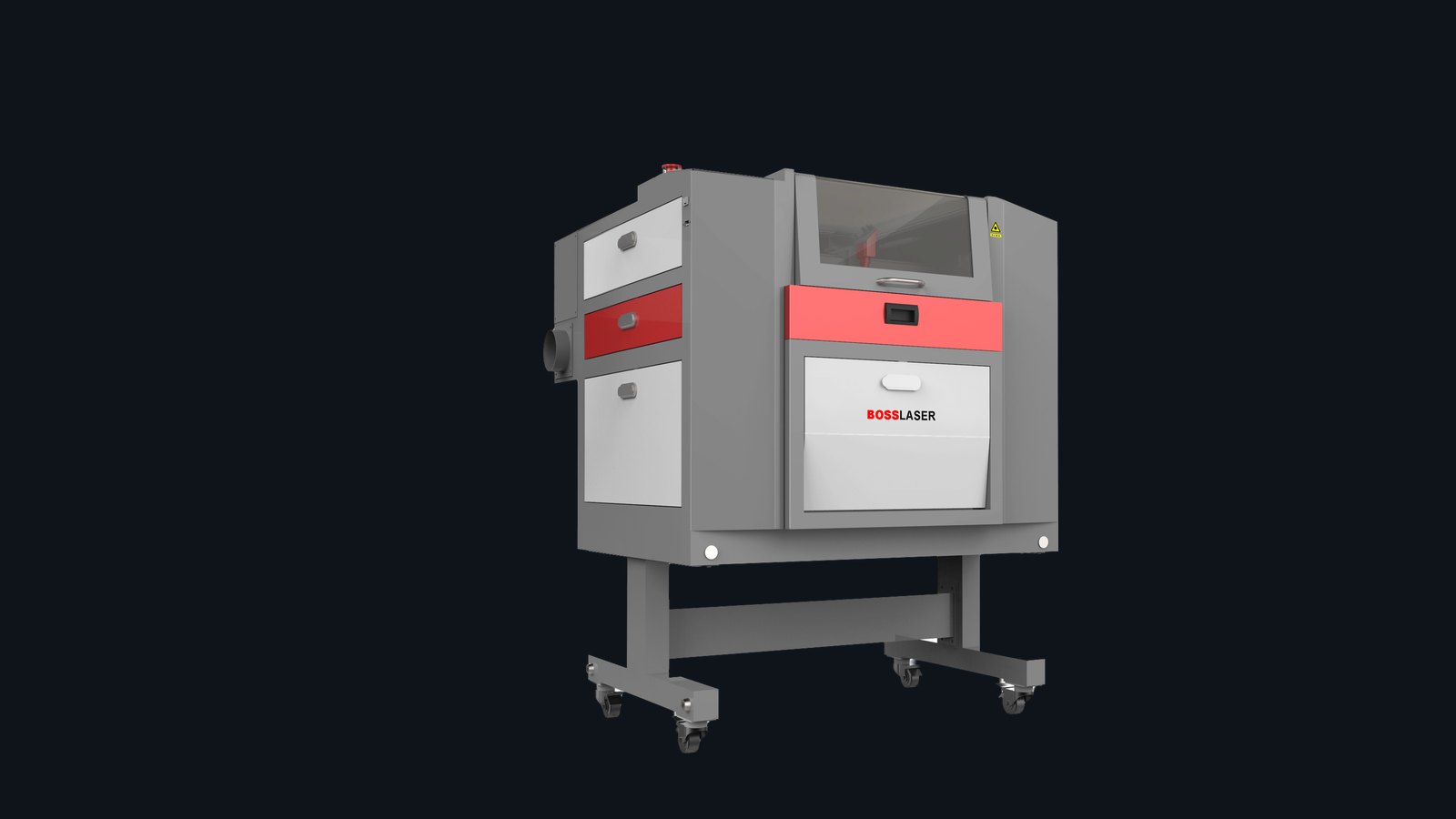
LS-1420 Technical Support

Support for the LS-1416 and LS-1420 CO2 lasers: manuals and quick-start downloads, the first checks for firing, alignment, and cut-quality problems, and the step-by-step diagnostic guides.

Manuals & guides

The manuals linked above cover this machine.

Model resources

Start with downloads and first checks.

This page is for owners who already know the model. It answers the first support question: what should I check right now?

Download

Owner’s Manual

Safety, operation, maintenance, and machine-reference information.

Download

Quick Start Guide

Startup, setup confirmation, and first-use checklist for the model.

Setup

LightBurn / RDWorks

Software connection and controller workflow references for common setups.

Support

Contact Support

Send photos, symptoms, serial number, and completed quick-test results.

Start here

Pick your symptom.

The three common paths for support: firing, alignment, and cut or engrave quality.

Laser Not Firing

Symptom

Laser Not Firing

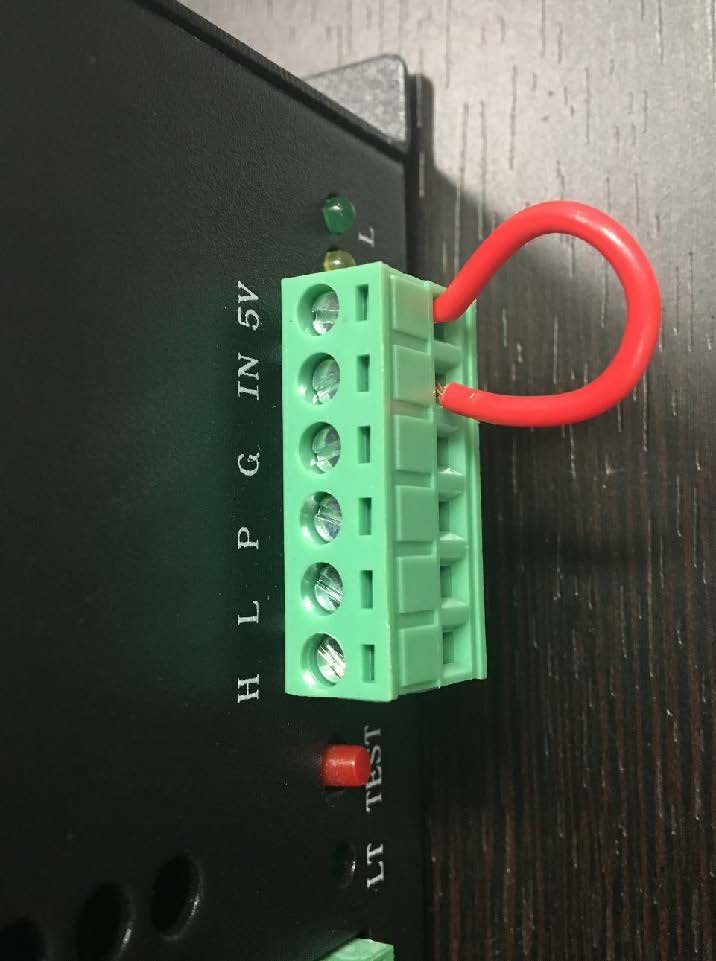
If the head moves but the laser does not fire, start with interlocks and basic power-path tests.

  • Confirm emergency stop, lid, door, and water-protection status.
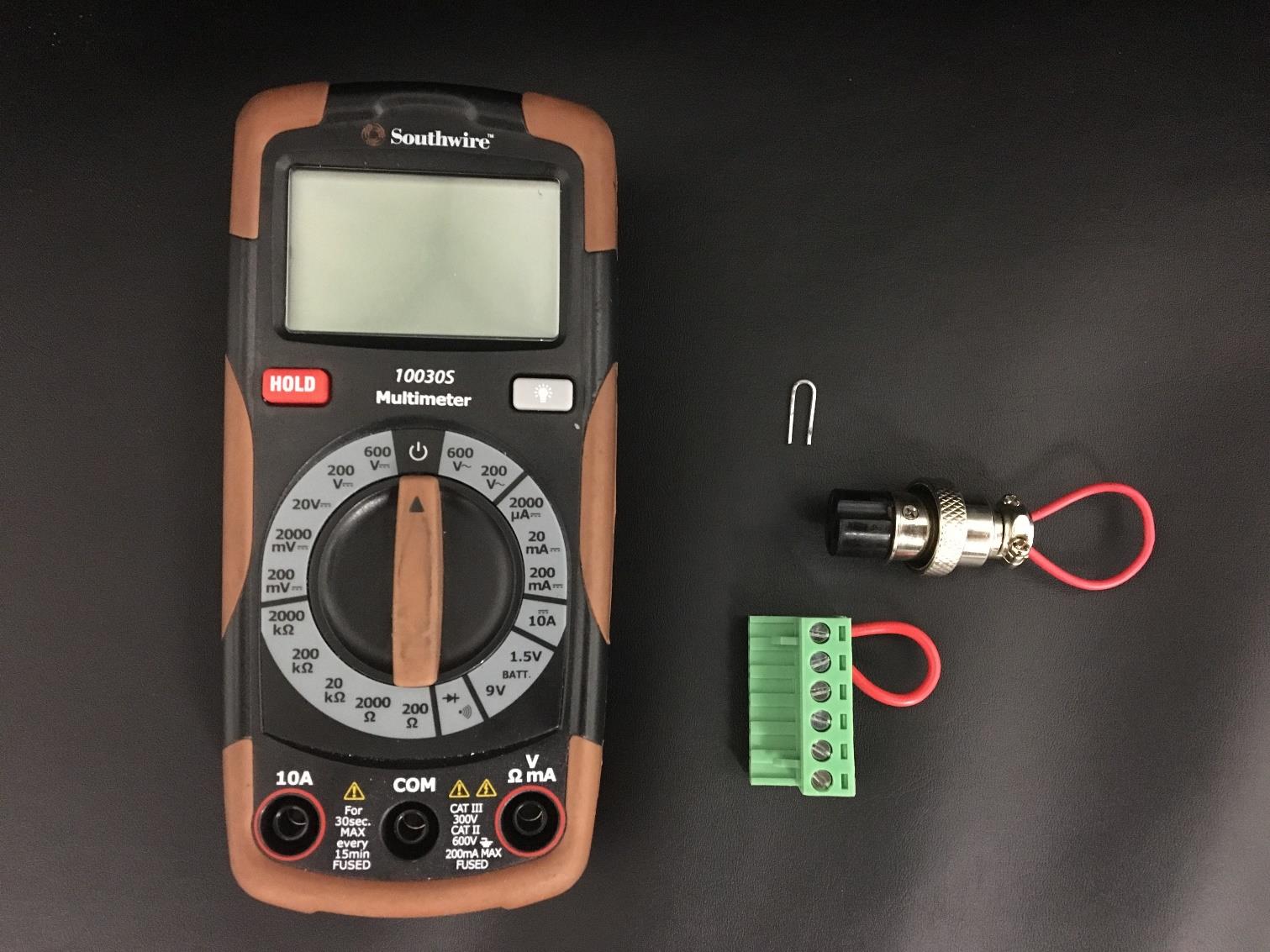
  • Run the interlock testing guide.
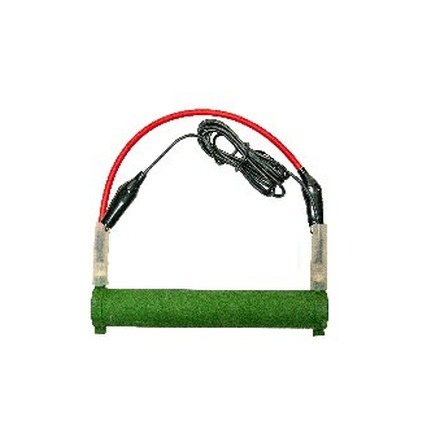
  • Run the simplified resistor test if directed.
Alignment Issues

Symptom

Alignment Issues

If power varies across the bed, cuts taper, or the beam does not exit the nozzle cleanly, start here.

  • Inspect mirror one, two, three, and nozzle position.
  • Use the mirror alignment guide and alignment-tool instructions.
  • Recheck focus only after alignment is corrected.
Poor Engrave / Cut Quality

Symptom

Poor Engrave / Cut Quality

If engraving is dirty, cutting is inconsistent, or edges are wider than expected, isolate focus and settings first.

  • Clean lens and mirrors before changing settings.
  • Confirm focal depth and bed level.
  • Run a controlled material test for speed, power, and air assist.

Guides & videos

Support references.

Direct support resources — not a generic blog feed. Duplicate a row for each guide or video.

Interlock Testing

Interlock Testing

Use this first when the machine does not fire and safety interlocks may be interrupting the laser.

Simplified Resistor Test

Simplified Resistor Test

Helps isolate power-supply and tube behavior after basic safety checks.

Mirror Alignment

Mirror Alignment

Step through the beam path and confirm alignment before troubleshooting focus or material settings.

Common questions

LS-1416/1420 FAQs.

Frequent questions for this specific model.

What size material fits the LS-1416/1420?

The LS-1420 offers a 14″ × 20″ work area; the LS-1416 is the earlier, more compact version of the same platform. Check your build sheet for pass-through and rotary options on your configuration.

My engraving is darker on one side — what changed?

This is almost always focus height or bed level. Re-run autofocus, confirm focus height with the gauge, and level the bed front-to-back and side-to-side before adjusting power.

Which manual do I download for this model?

Use the LS Series owner’s manual and quick-start guide linked at the top of this page — one manual and guide cover the LS-1416/1420 along with the rest of the LS line.

Need a technician?

Contact Boss Laser support.

Include your serial number, photos or video, the material being used, settings, and which quick checks you completed.