
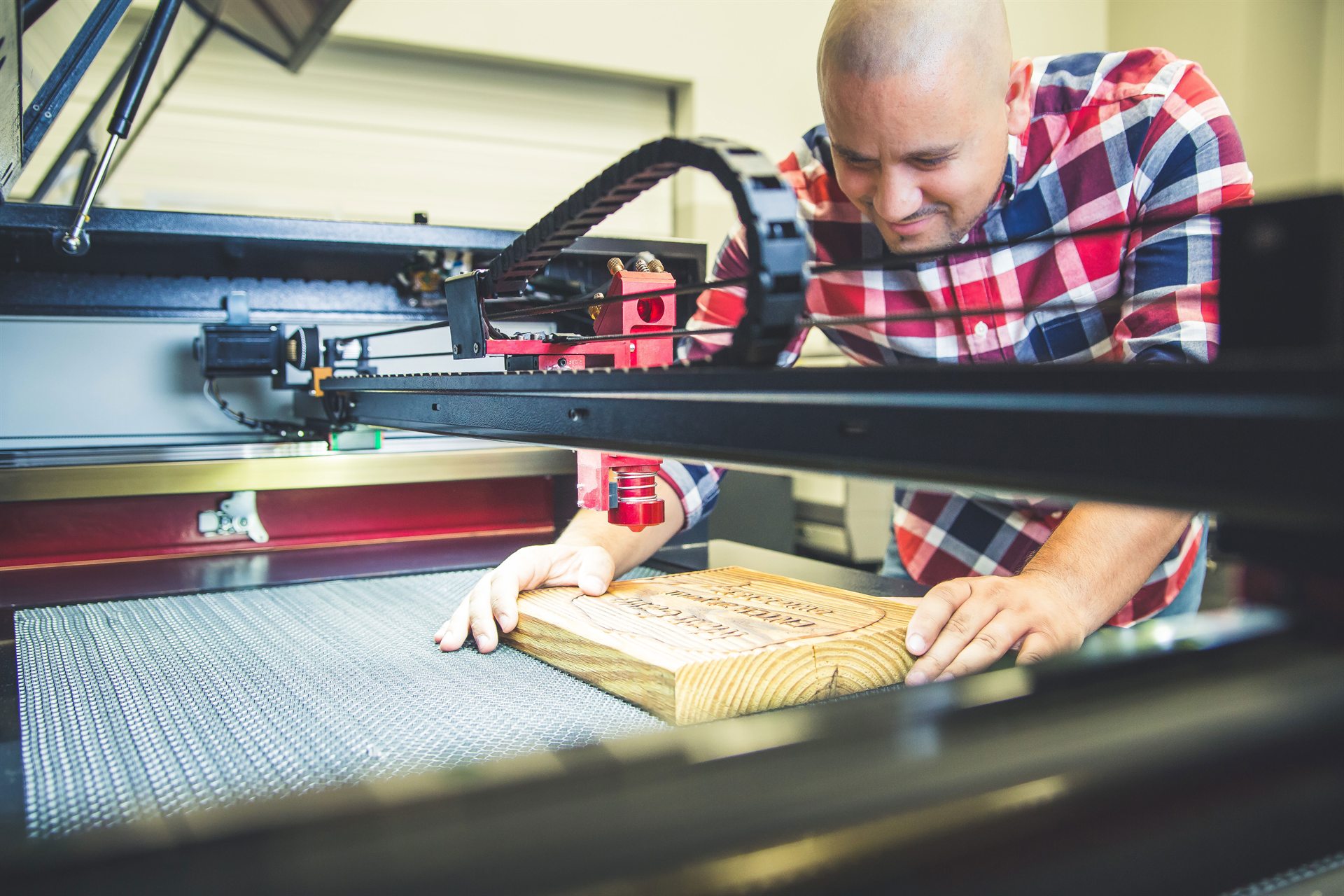
Wood is the material where the stock argues back.
Acrylic behaves the same sheet to sheet. Wood does not. Grain, density and colour change the result before you touch a setting — which is why Boss publishes different numbers for balsa, basswood, birch and birch plywood rather than one number for “wood.”
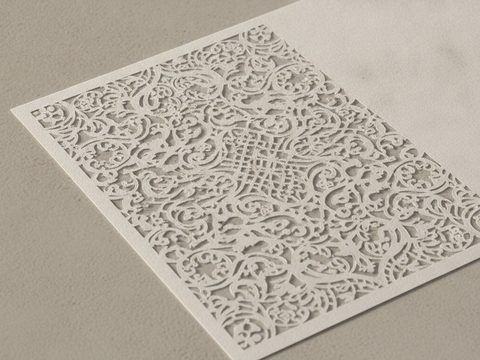
Plywood, hardwood, MDF, veneer, bamboo, cardstock and paper.
Species and density, grain direction, artwork prep, air assist, and masking.
The one thing worth knowing before anything else
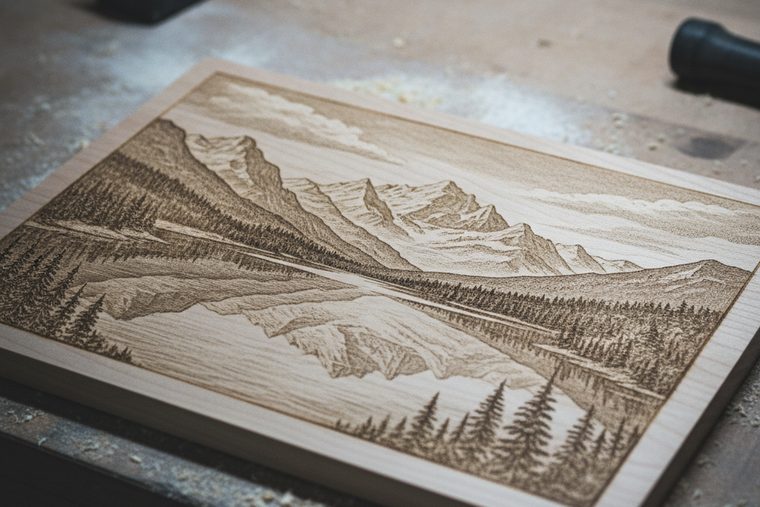
Material governs the result before any setting does. Hardwoods like oak and walnut need more power than softwoods; lighter woods give higher contrast and darker woods less; and prominent grain engraves unevenly, biting deeper into the softer, less dense growth. None of that is a settings problem you can solve — it is a stock choice. Pick even-grained, low-resin material when consistency matters, and test on a scrap of the same board before you commit the real one.

A CO₂ laser sized to your sheet stock. Wood is the material Boss publishes the most first-party settings for.
Size a CO₂ System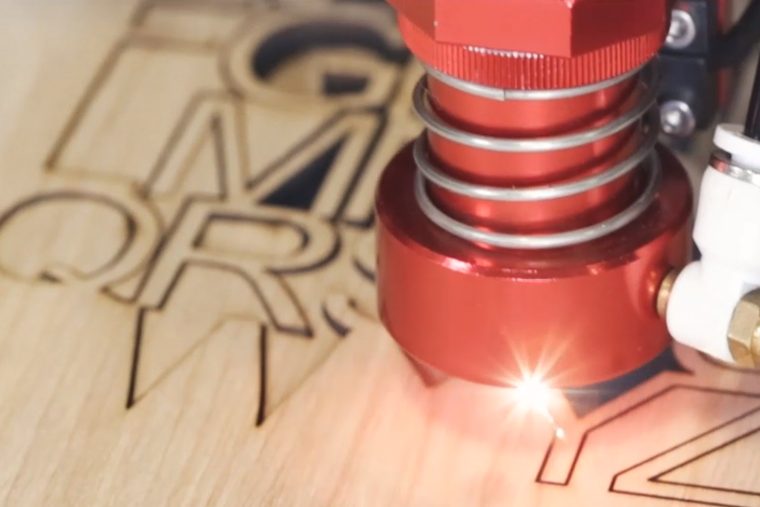
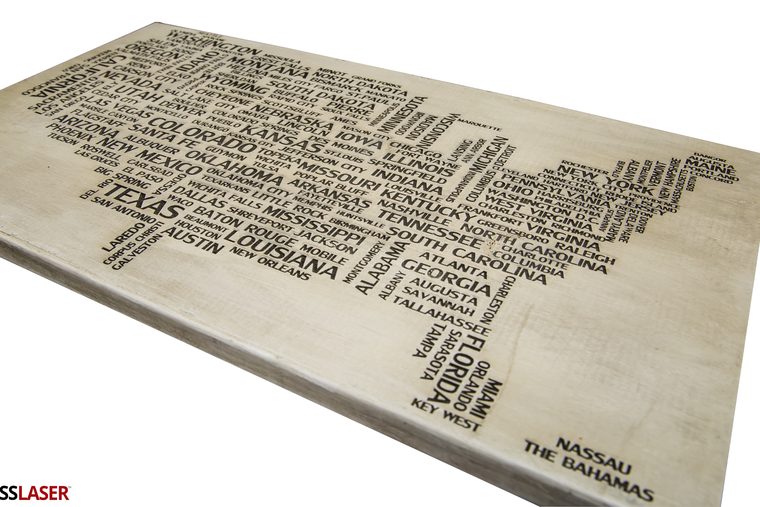

EVO Desktop
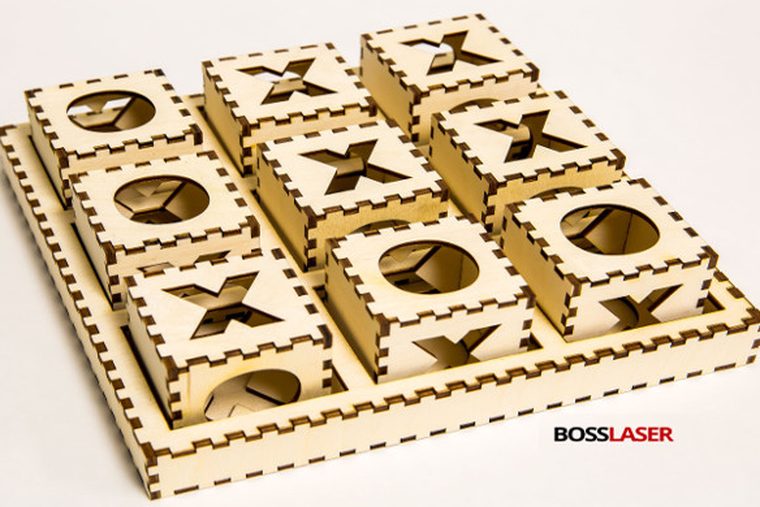
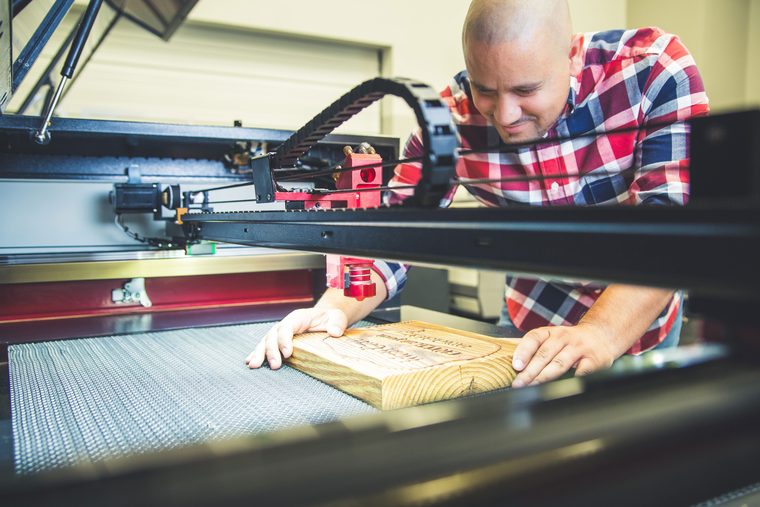
Right-sized for plaques, gifts, small signage and cardstock. Thin stock cuts happily; thick hardwood is where you feel the ceiling.
- Engraving and lighter cutting
- Fits a room that is not a shop
- Where most wood businesses start
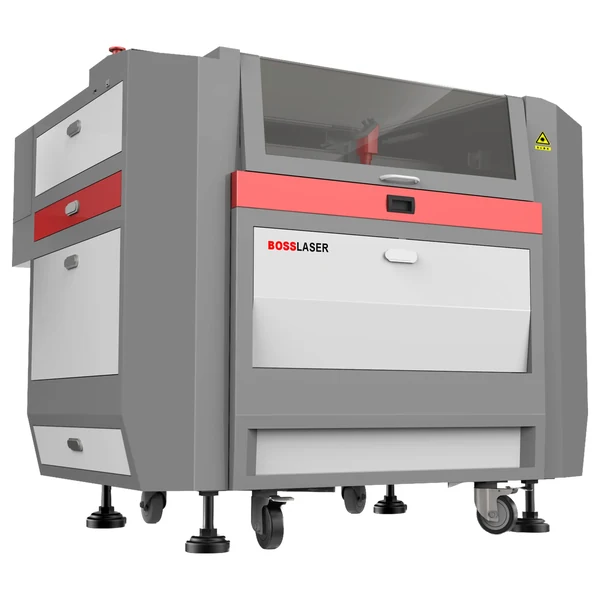
LS Series
The default answer. Four bed sizes, so the question is simply which one swallows the plywood sheet you buy without cutting it down first.
- Runs full sheets without pre-trimming
- Built for an all-day duty cycle
- More power means faster, not thicker, on wood

HP Series
Worth saying plainly: HP does not cut wood better than an LS. What it adds is a thin-sheet-metal head, which a wood shop will never switch on.
- Right call only for a mixed-material shop
- No advantage on organics over an LS
- Thicker metal than ~18 ga is a fiber job
Engraving (scan gap 0.065 mm)
| Material | Power % at 70 W / 105 W / 155 W | Speed |
|---|---|---|
| Balsa wood | 25 / 20 / 15 | 350 mm/s |
| Bass wood | 35 / 25 / 20 | 350 mm/s |
| Birch wood | 35 / 25 / 20 | 350 mm/s |
| Birch plywood | 30 / 25 / 20 | 350 mm/s |
| Cardboard | 25 / 20 / 15 | 350 mm/s |
Cutting (single pass)
| Material | Power % at 70 W / 105 W / 155 W | Speed | Thickness |
|---|---|---|---|
| Balsa wood | 60 / 55 / 50 | 25 mm/s | 1/8″ |
| Bass wood | 60 / 55 / 40 | 25 mm/s | 1/8″ |
| Birch wood | 80 / 70 / 65 | 10–20 mm/s | 1/4″ |
| Birch plywood | 85 / 75 / 70 | 10–20 mm/s | 1/4″ |
| Cardboard | 70 / 60 / 50 | 15 mm/s | 1/4″ |
| Paper | 15 / 15 / 15 | 20 mm/s | 1/100″ |
Higher wattage needs a lower power percentage for the same result. On multi-speed rows the faster end pairs with the higher wattage. A note on the two birch rows: Boss’s birch-wood and birch-plywood cutting charts are both internally titled “Birch Wood Cutting” but carry different values. We have listed them by source file rather than guess which is which — if the difference matters for your job, confirm with Boss.
Those are the wood, paper and cardboard rows. Boss publishes the same charts for acrylic, leather, rubber, glass, stone and coated metals — the complete set is in CO₂ laser settings by material.
The rules that sit underneath every number above
- Refocus for every new material. The focal point is a fixed distance below the lens, so a board thicker or thinner than your last job sits off-focus and the beam that lands is wider and weaker. It is the most common cause of engraving that looks faint, and it costs nothing to fix.
- Stay between 5% and 95% power. Below about 5% the tube will not fire. Above 95% you shorten tube life for very little gain — if a cut needs more than that, it needs a slower speed or a second pass.
- Char is an air problem, not a power problem. Scorched, sooty edges come from heat lingering on the cut line. Raise air assist, raise speed, drop power to the minimum that still cuts through, and mask the surface. Resinous species and glue-heavy plywood char more — expect to tune per board.
- Air assist clears the plume; the exhaust clears the room. They are two different jobs and you need both. Air blows smoke out of the cut so it cannot shield the beam or film the lens; extraction pulls it out of the machine.
- Orient the design with the grain, and start on a scrap. Boss ships engraving, cutting and scoring test files on the machine’s USB drive for exactly this.
Where the published chart stops
Boss’s cutting figures cover 1/8″ and 1/4″ single pass. Thicker hardwood is cut all the time — slower, more power, often multiple passes — but Boss publishes no chart beyond that, so we will not print a number for it. Tell a specialist the thickness you cut most often, not the thickest you have ever managed, and let them size the machine to that.
What not to put on the bed
Wood is forgiving; the things sold alongside it are not. MDF and plywood are glue-heavy — they cut fine but produce more smoke and heavier char than solid stock, and cheap plywood with voids will burn unevenly wherever the void is. Treated and painted lumber is an unknown coating until someone produces the SDS. And the hard rule that applies everywhere on this site: PVC and vinyl never go in a laser, which matters here because some “wood-look” laminates and edge bandings are PVC. If nobody can name the material, do not run it.
Wood FAQs
Common buyer questions.
What people ask before they buy a machine to run wood on.
QWhy are my wood edges charred or sooty?
Char is heat that stayed on the cut line too long, and it is nearly always fixable without buying anything. Work in this order: raise air assist so the plume is blown clear of the kerf, raise speed, then drop power to the lowest setting that still cuts through — more power almost never helps a char problem. Masking the surface protects it from smoke residue. Expect to re-tune per species: resinous woods and glue-heavy plywood char more than clean solid stock, and a cheap ply with internal voids will scorch wherever the void is, no matter what you set.
QWhat’s the best wood for clean laser cutting?
Even-grained, low-resin species and good-quality plywood. Boss publishes settings for balsa, basswood, birch and birch plywood, which is a fair map of what behaves predictably. What causes trouble is the opposite: knots, heavy or dramatic grain, high resin content, and glue-rich engineered boards. Prominent grain matters more than people expect — the beam bites deeper into the softer, less dense growth, so an engrave that should be flat comes out uneven. If consistency matters more than character, buy laser-grade plywood and keep the bed level.
QHow do I control engraving depth and contrast?
Depth comes from power and the number of passes; contrast comes from speed and resolution, and from the wood itself. Slower passes burn darker and deeper. But the ceiling on contrast is set by the stock before you start: lighter woods give higher contrast, darker woods less, because the engrave works by scorching and a dark board has less distance to travel. Hardwoods such as oak and walnut also need more power than softwoods for the same depth. The reliable method is a small test grid of power-and-speed combinations, run on a scrap of the same board, for each species you use regularly.
QHow do I prepare artwork for photo engraving?
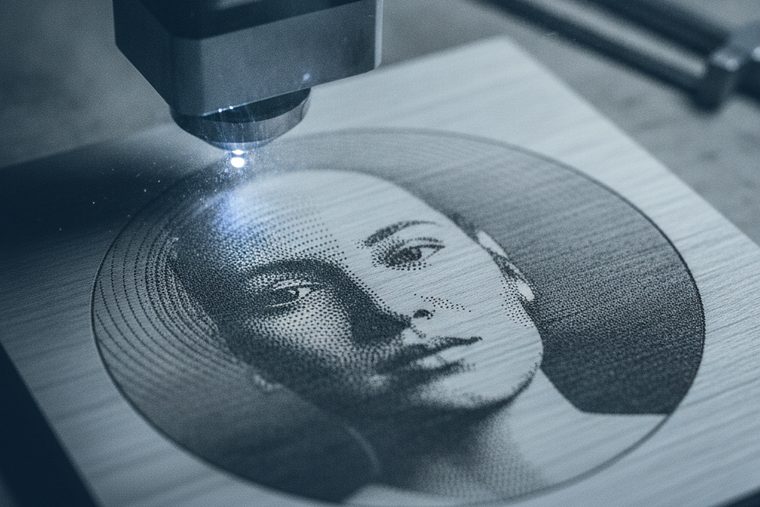
Convert to greyscale, then push contrast harder than looks right on screen — the engrave compresses the tonal range, so a photo that looks nicely balanced on a monitor comes out muddy in wood. Apply a dithering pattern suited to the material rather than relying on a straight greyscale. Then test: depth and resolution both need setting on a scrap of the same stock before you commit the real piece. Light, even-grained wood photographs best, for the same contrast reason above — a heavily grained board will fight the image with a pattern of its own.
QHow thick a piece of wood can a CO₂ laser cut?
Boss publishes single-pass figures at 1/8″ for balsa and basswood and 1/4″ for birch and birch plywood, and those are the numbers we will stand behind. Thicker stock is cut routinely with more power, slower speeds and multiple passes, but Boss does not publish a chart past that, so a specific figure for 1/2″ oak would be a guess dressed up as data. Worth knowing: on wood, more wattage mostly buys speed rather than dramatically more thickness, and edge quality degrades as thickness climbs. Tell a specialist your usual thickness and species.
QCan I engrave round objects like tumblers or bats?
Yes, with a rotary attachment that turns the workpiece under the beam as the job runs. The two things that go wrong are both setup: enter the diameter correctly or the artwork wraps distorted, and keep focus consistent across the curve, since the surface falls away from the lens at the edges of the pass. Bamboo and turned wood take engraving well. The same rotary handles glassware and drinkware — see Glass, Stone & Ceramic.
QIs MDF or plywood safe to laser cut?
Both cut, and both are glue-heavy, which is the thing to plan around rather than fear. They produce noticeably more smoke and heavier char than solid wood, so air assist and extraction matter more, and the machine will need cleaning more often. Quality varies enormously: laser-grade plywood cuts predictably, while cheap ply with internal voids burns unevenly wherever a void sits under the beam. What genuinely is unsafe is anything with an unidentified coating or laminate — some “wood-look” edge bandings and laminates are PVC, which releases hydrogen chloride and must never go in a laser at any setting.
Sources
All power, speed and scan-gap figures are transcribed from Boss’s own BL2-T83 CO₂ material settings charts (70 / 105 / 155 W tiers) — first-party Boss data. The focus, power-limit, air-assist, grain and test-file guidance comes from the Boss HP Series User Manual and Boss’s own Laser Wood Engraving application document. The birch-chart discrepancy noted above is a quirk in Boss’s source PDFs, recorded rather than resolved. Every setting is a starting point: wood varies board to board, so test on a scrap of the same stock before committing a finished piece.
Still deciding?
Talk to a Boss Laser specialist about wood.
Tell us your sheet size, the species and thickness you run most, and whether you engrave photos — we’ll point you at the right bed and wattage, and say so if you need less machine than you think.