
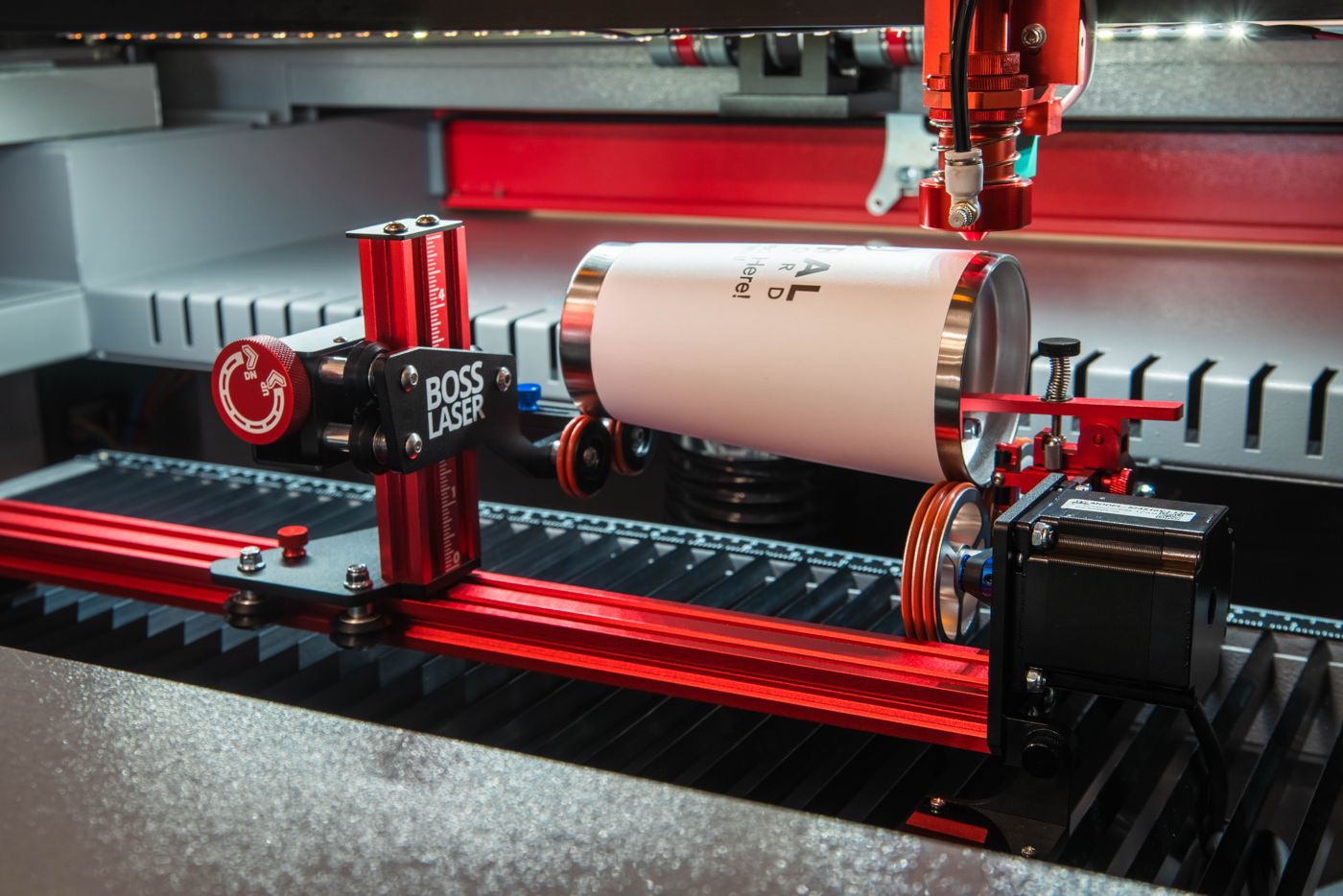
CO₂ laser cutter + PiBurn rotary
Laser Cutter With Rotary
Cut flat sheet on the bed, then set a rotary in place and engrave tumblers, glassware and bats on the same machine. Start with how a rotary works, then pick the machine and the rotary together.
What is a rotary, and why does a laser need one?
Your laser cutter works on flat sheet. A rotary is the accessory that lets the same machine engrave round things. Here’s what it is and which one you need, before you pick a machine.
Set the part on the rotary
The rotary sits in the machine bed and plugs into the machine. Rest a tumbler on its rollers, or clamp it in a chuck.
Tell the software
Turn the rotary on in the laser software and enter the part’s diameter, so the artwork wraps around it without stretching.
Run the job
Instead of moving the head front to back, the machine turns the part under it, and the design wraps all the way around.
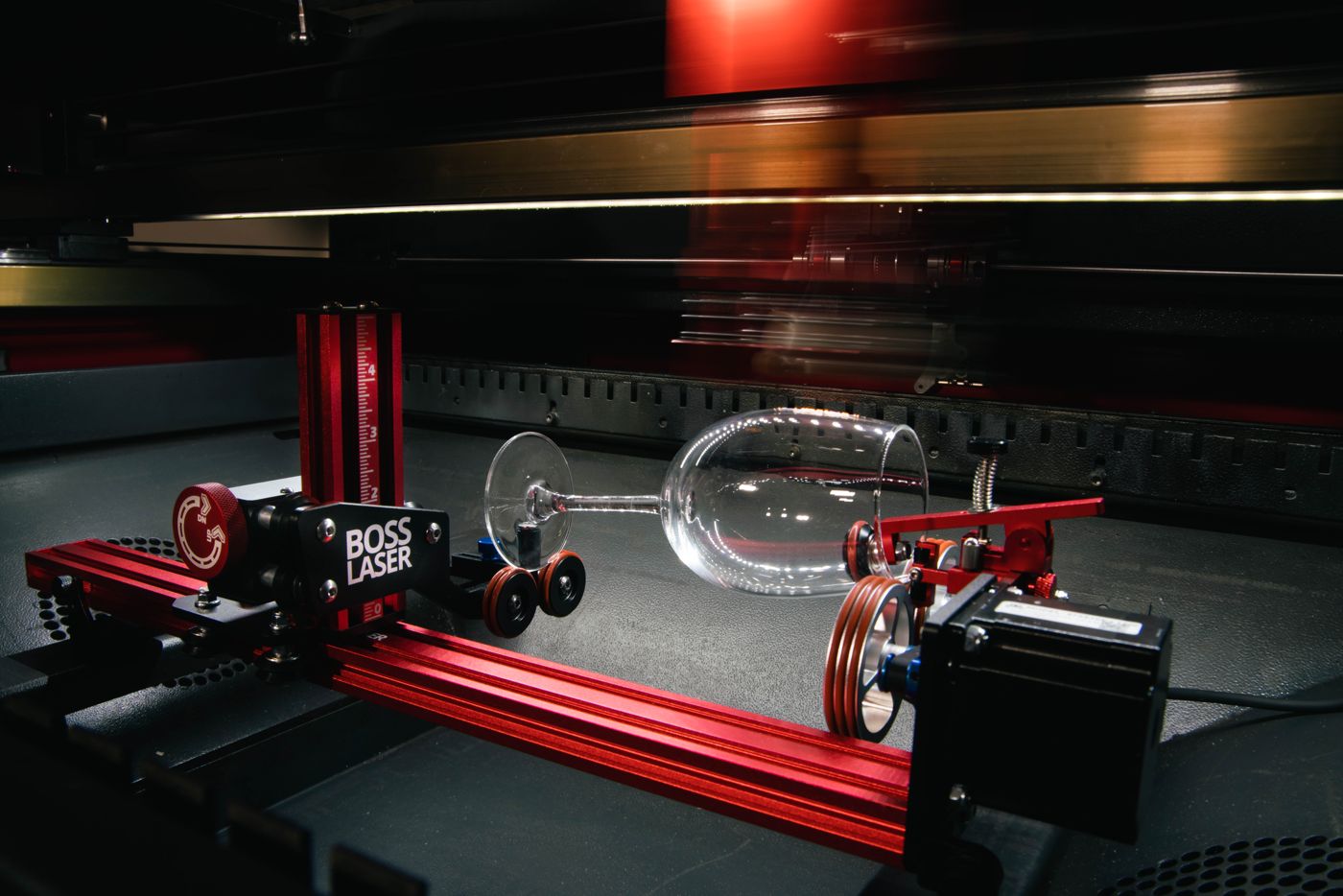
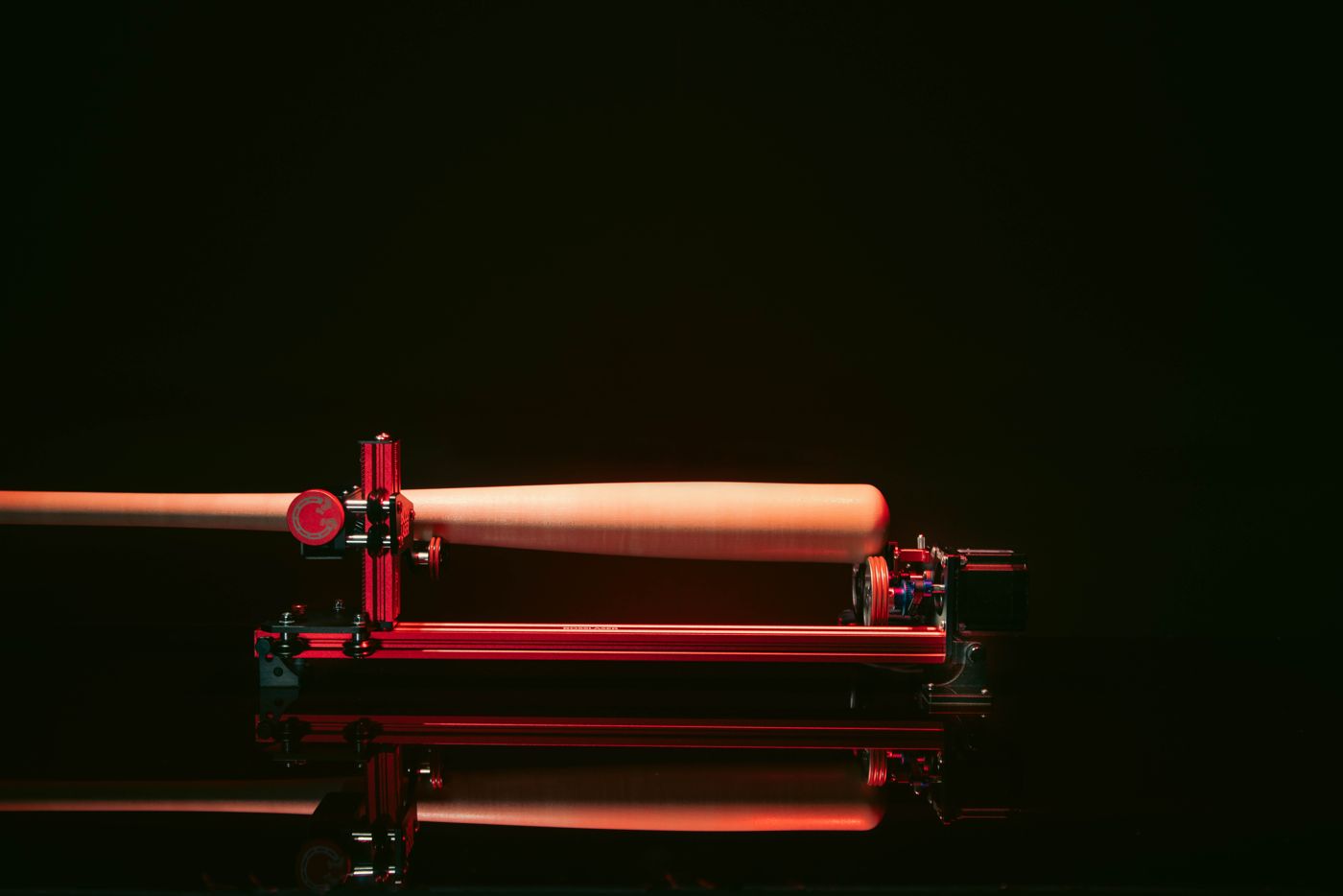
The PiBurn V: the part rides on rollers.
Boss sells two kinds of rotary from PiBurn. Most round work starts on this one.
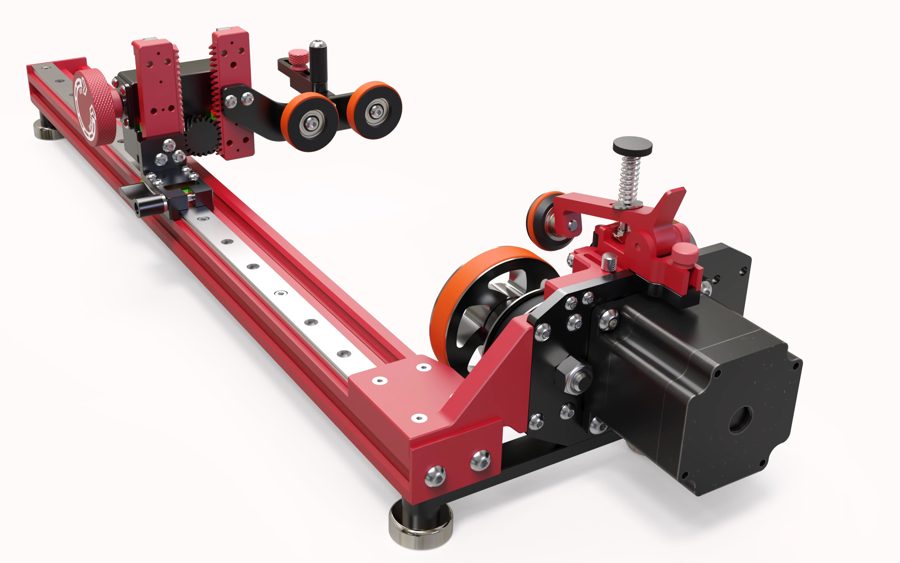
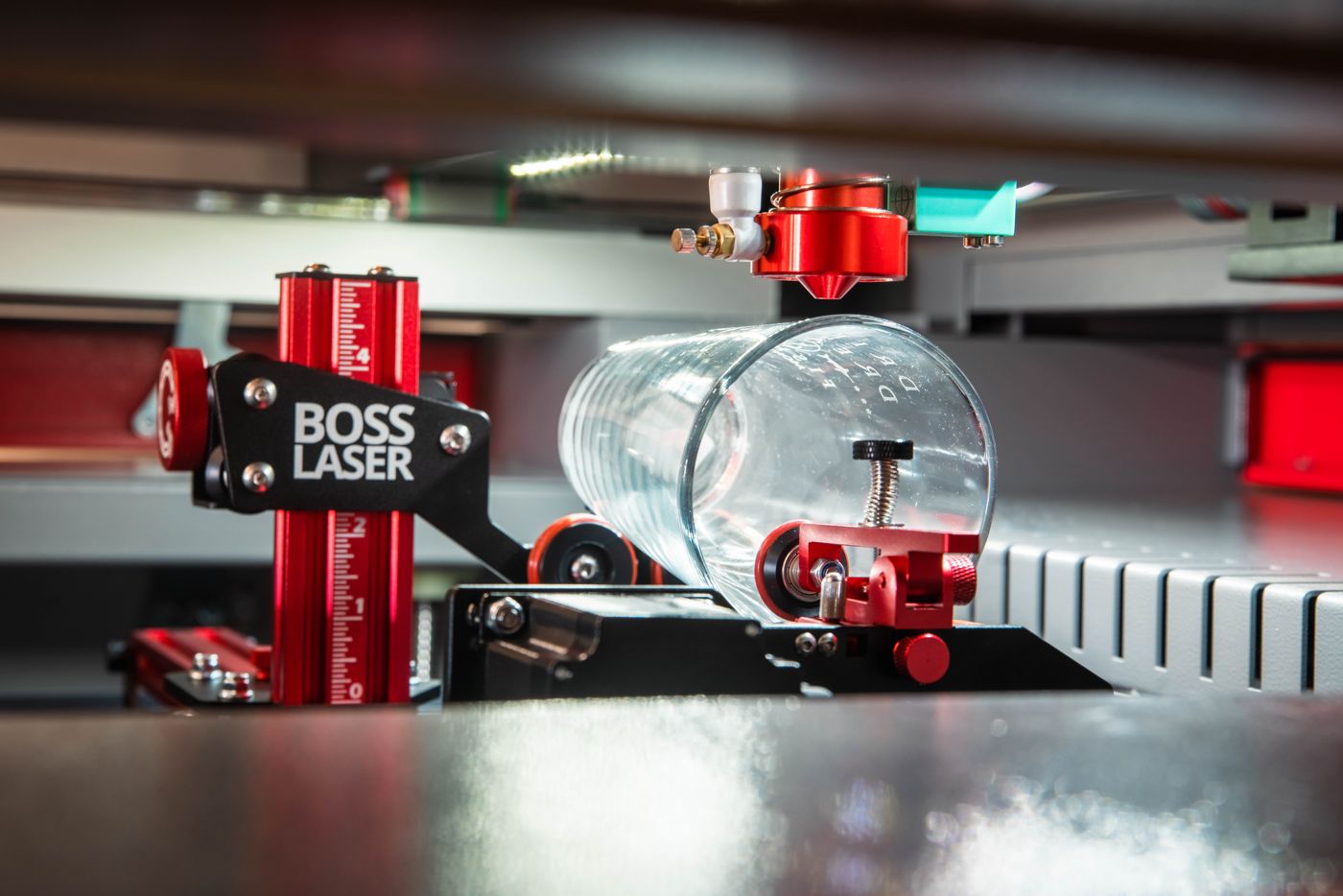
PiBurn V
The part rests on two sets of rubber-tired wheels. One set is driven by a motor and turns the part; the other supports the far end. You slide the support along a rail to fit the length of the piece, then set the part in place. There’s nothing to clamp.
Good for
- Tumblers and straight-walled glassware
- Mugs with handles and shot glasses
- Baseball bats and other long round parts
From Boss’s listing
- Linear rail, so there’s no aligning the back wheels
- One-hand lever to adjust length, no thumbscrews
- Grippier tires to cut down on slipping; magnetic feet included
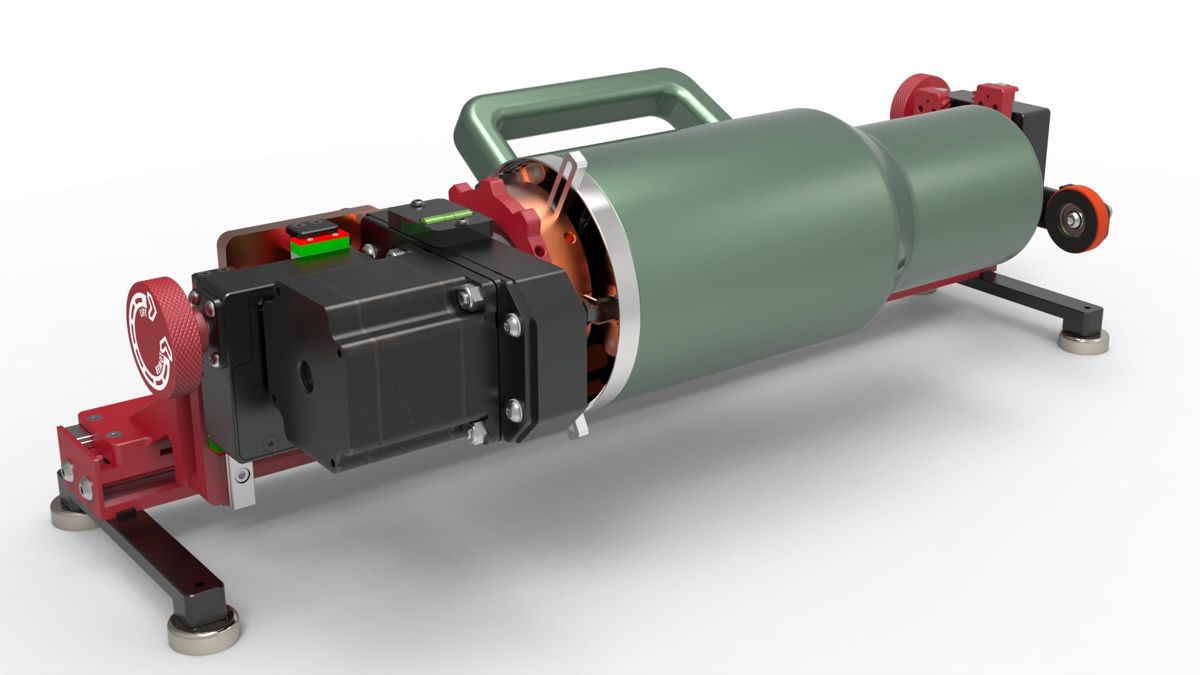
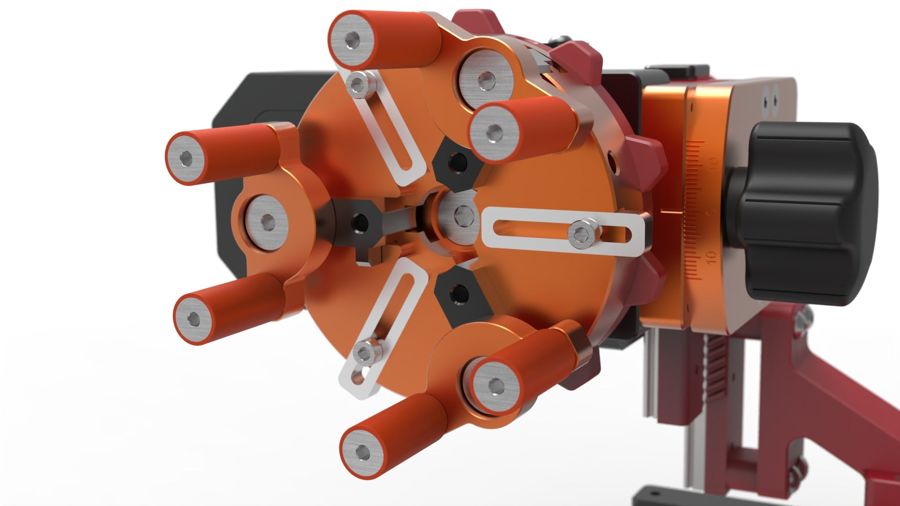
The PiBurn Grip 2: jaws hold the part.
For pieces that won’t sit evenly on rollers, a chuck grips the part itself and turns it.
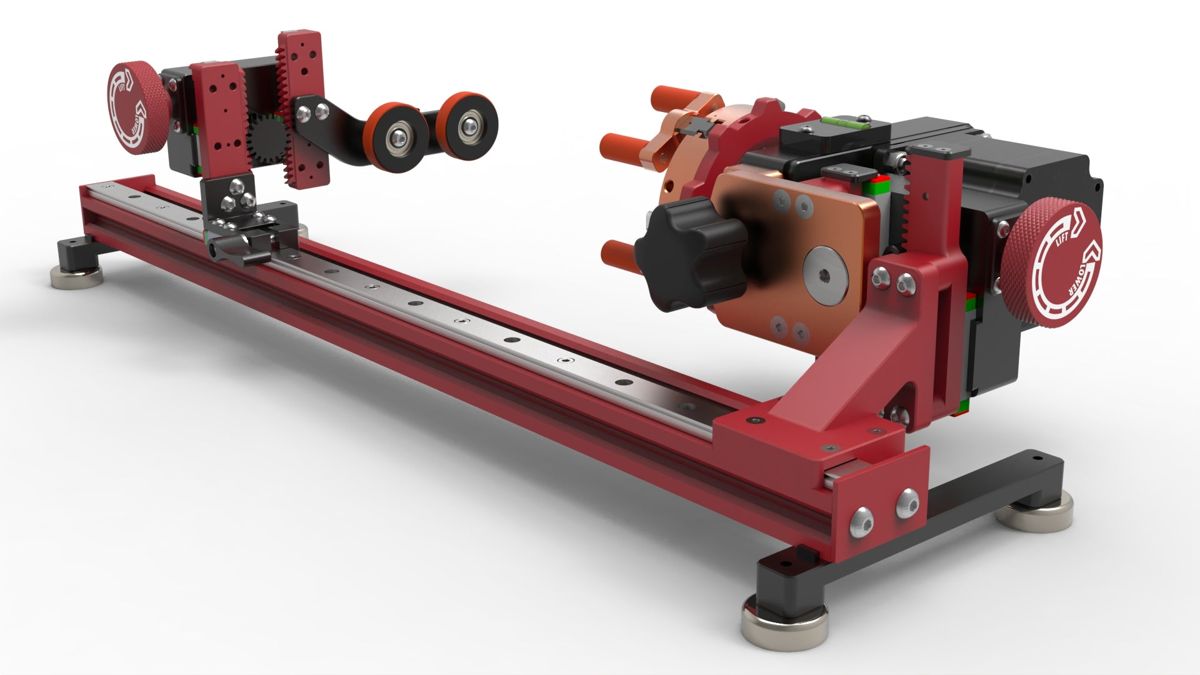
PiBurn Grip 2
A motor-driven chuck grips one end of the part in its jaws. Support wheels at the other end carry the rest. Both the chuck and the wheels adjust up and down, so a piece that’s wider at one end can still sit level under the beam.
Good for
- Heavier objects
- Tapered tumblers and pieces that are wider at one end
- Parts that slip or wobble on rollers
From Boss’s listing
- Hexa-Jaw chuck spreads the load for a firmer grip
- Self-locking telescoping lift for quick height changes
- Built-in level and center-line marks; magnetic feet included
Get both, and a part’s shape never stops you taking a job.
The roller is the quick everyday setup. The Grip takes the pieces the roller can’t hold. If you take custom orders, you’ll see both kinds of piece.
+
PiBurn V + Grip 2
You use one rotary at a time and swap them depending on the job. Straight-walled pieces go on the roller; tapered, handled or heavy pieces go in the Grip. Both come in the version that fits your machine.
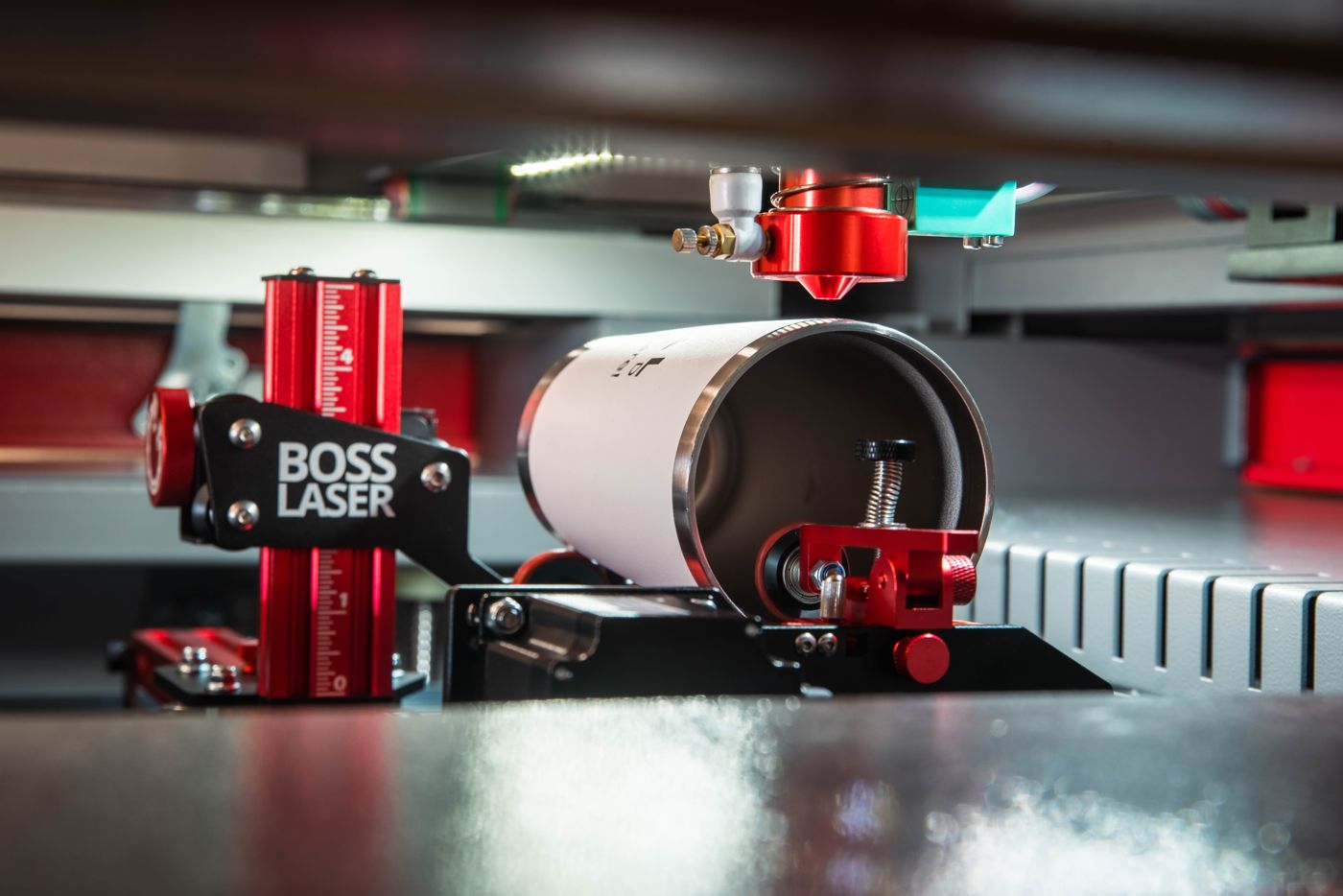
What comes off the rotary.
Boss’s own photos of the PiBurn at work, plus PiBurn’s product render of the Grip 2 holding a handled tumbler.


Pick the laser cutter, then pick the rotary.
Every machine here takes both PiBurn rotaries. Open a package to see the machine in full, choose its options and your rotary, and add the whole package to the cart.
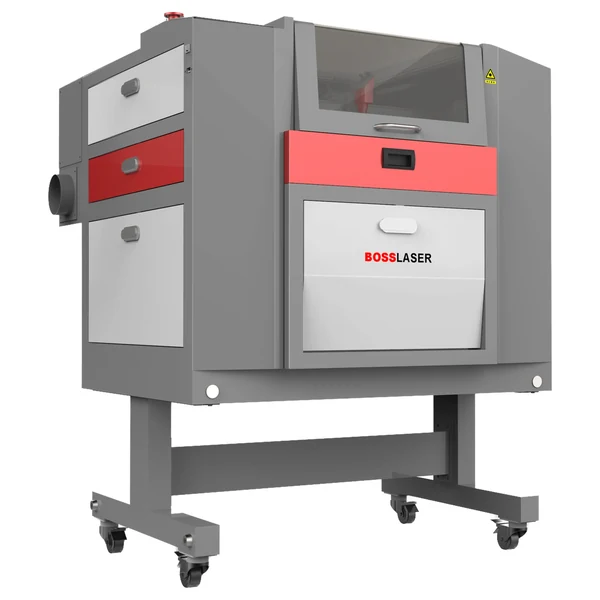
LS-1420 rotary package
The smallest full-size Boss cutter. Room for signs, parts and batches of small goods, and tumblers fit on the rotary.
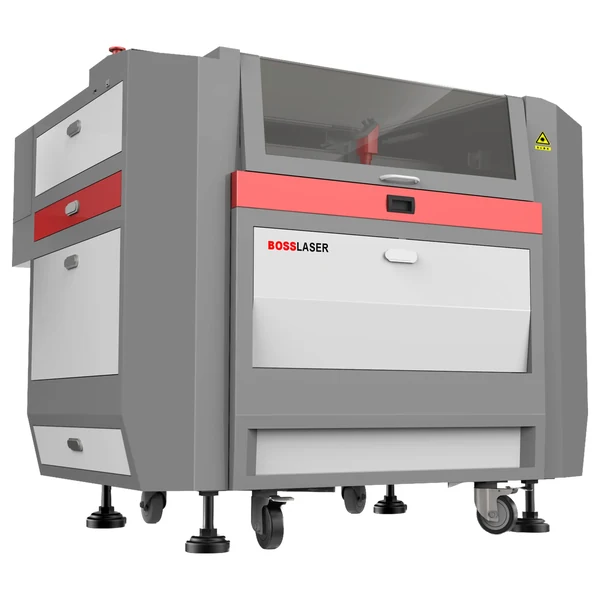
LS-1630 rotary package
More bed than the LS-1420 for longer sheets and bigger batches, with an optional 105 W tube for thicker cuts.
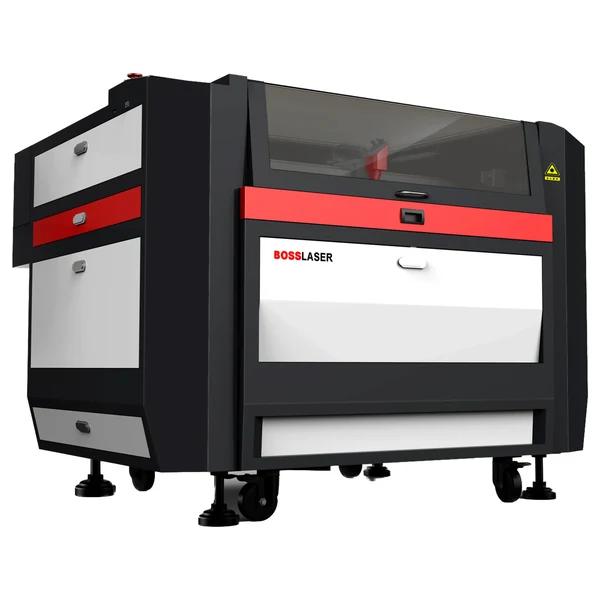
LS-2440 rotary package
Large-format CO₂ for signage, furniture parts, fixtures and full-size sheet, with room for longer round parts.
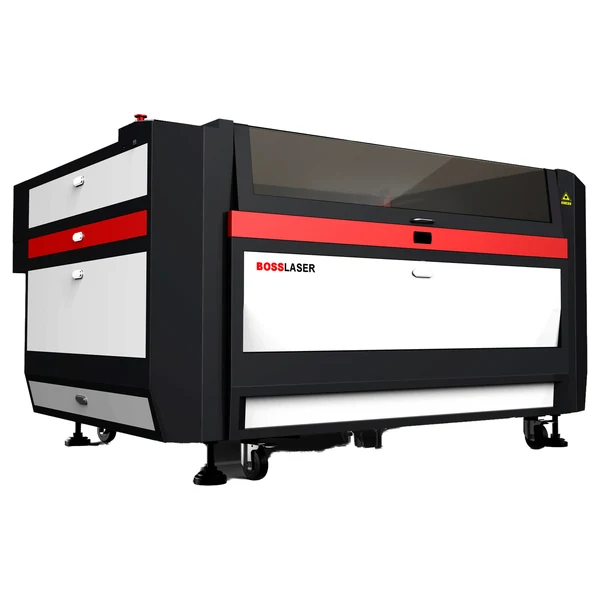
LS-3655 rotary package
The largest LS bed, for production cutting of big sheet and long pieces. Mach4 servo available.
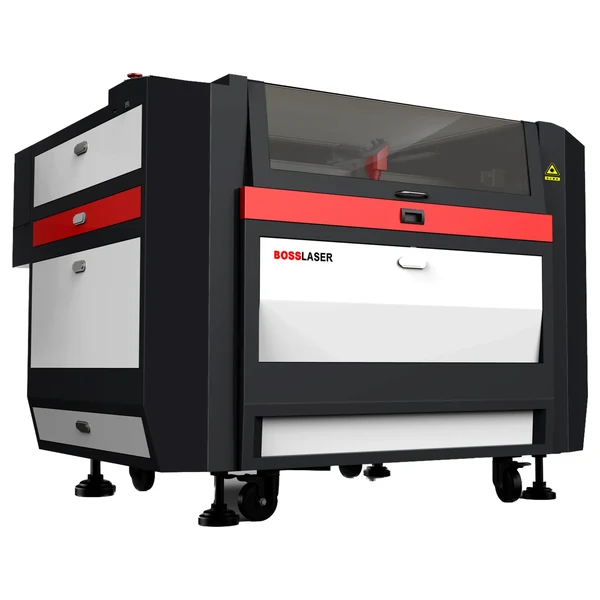
HP-2440 rotary package
High-power CO₂ for thicker non-metals, for CO₂-first shops that also need thin metal capability. Chiller included.
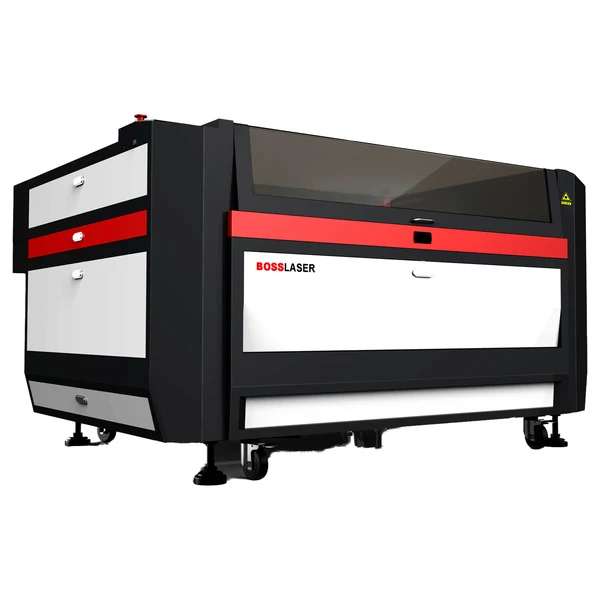
HP-3655 rotary package
The HP on the larger frame, for bigger work and thicker non-metals. Not a replacement for fiber if metal is the main job.
Choose the size for your flat work. Every one of these runs a rotary.
The rotary fits every machine here, so it doesn’t narrow the choice. What you cut, and how big, does.
Work areas and power match the Laser Cutters hub. Rotary fitment is from Boss’s rotary product listings. Prices from shop.bosslaser.com.
Questions buyers ask before they add a rotary.
Mostly engraving round work? See Laser Engraver With Rotary. For technique, see Personalization.
QCan a laser cutter with a rotary cut tube or pipe?
Not these machines. On a CO₂ laser cutter, a rotary turns a round part under the beam so the laser can engrave all the way around it: tumblers, glassware, bats. It isn’t built to cut tube to length, notch it or profile it.
That work belongs to a fiber tube cutter, a different class of machine. See the bottom of this page.
QDoes adding a rotary take anything away from flat-bed cutting?
No. The rotary sits on the bed and plugs into the machine when you have round work. Take it out and the whole bed is back for flat sheet. It’s the same laser, the same bed and the same software either way.
QWhich Boss laser cutters take a PiBurn rotary?
Boss sells the PiBurn V and Grip 2 in two versions. The 2-phase versions fit the LS-1420 only. The 3-phase versions fit the LS-1630, LS-2440, LS-3655, HP-2440 and HP-3655. The add-to-cart buttons on this page already use the right one.
If you’re adding a rotary to a machine you already own, buy by that group rather than by model name. The HP-5598 isn’t on either list, so ask before ordering a rotary for one.
QHow big a laser cutter do I need for rotary work?
Size the machine for your flat work. The rotary rarely decides it. A tumbler or a pint glass runs on the LS-1420, the smallest machine here.
What pushes you bigger is sheet size, batch size, laser power for thicker material, and long round parts. A bat or a rolling pin has to fit the bed with the rotary in place.
QDo I need both the roller and the Grip?
Not to start. If your round work is mostly straight-walled tumblers and glassware, the PiBurn V roller covers it.
Add the Grip 2 when you take on tapered, handled or heavy pieces, or anything that slips on rollers. Both fit the same machines, so you can add the second one later.
QWhat does a Boss laser cutter with a rotary cost?
The smallest package, an LS-1420 with the PiBurn V roller, starts at $5,546. Large-format LS packages start at $10,773, and HP packages at $16,346.
Prices come straight from Boss’s store. On each package page the total updates as you pick the Grip or both, or change machine options such as a chiller, an air compressor or a bigger laser tube.
QWhat’s in a Boss rotary package?
One of the machines above plus a PiBurn rotary. Each package has its own page where you choose the machine’s options and the rotary (the PiBurn V roller, the Grip 2 chuck, or both), see the full specs, and add everything to Boss’s cart in one step.
The “from” price on each card is the machine in its base configuration with the PiBurn V roller.
Cutting tube or pipe is a different machine.
A rotary on a CO₂ cutter engraves around a part. If you need to cut through metal tube, you’re shopping for a fiber tube cutter.
FC PipeCUT fiber
Fiber systems that clamp round, square and rectangular tube and cut it to length, notch it and cut profiles into it.
EVO desktop + EVO Rotary
The EVO takes its own EVO Rotary ($247 on Boss’s store). It’s a smaller desktop machine with a smaller bed.
Not sure which size or rotary fits?
Tell the Spec Desk what you cut, how big it is, and what round work you want to add. A person at Boss narrows it down with you.